

Tuning
Every look's own settings, on the effect's Tuning band: an iris's shape and spin, a blur's direction, how many tears a glitch makes, how worn old film is. Built in at the numbers each look was designed with.
Each look has settings no other look has. The Tuning band shows the chosen look's, each starting at the number the look was designed with, so an effect is as designed until you change one. A dropdown offers a choice, a box takes a number inside its range, and the arrow beside a setting puts it back.
The settings are kept on the asset by look, so trying another look and coming back finds them as you left them. Every look's are listed, with their ranges, on The looks.
Some at work#
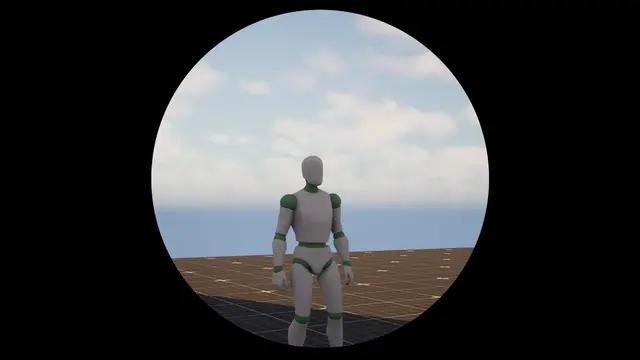 Tuned
Round
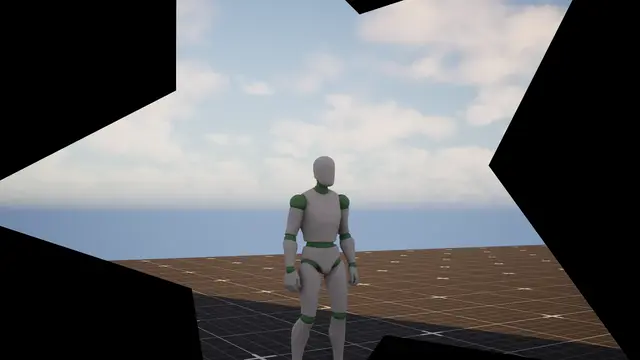 Tuned
Star
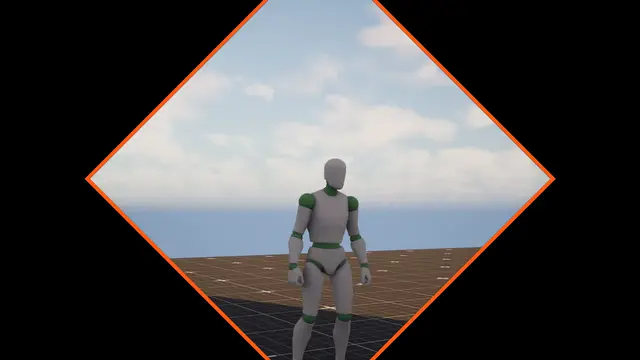 Tuned
Diamond
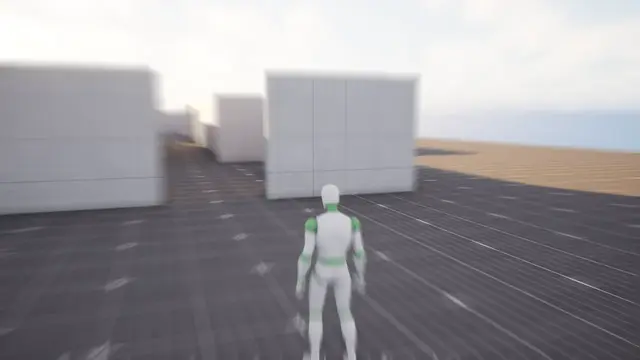 Tuned
Zoom
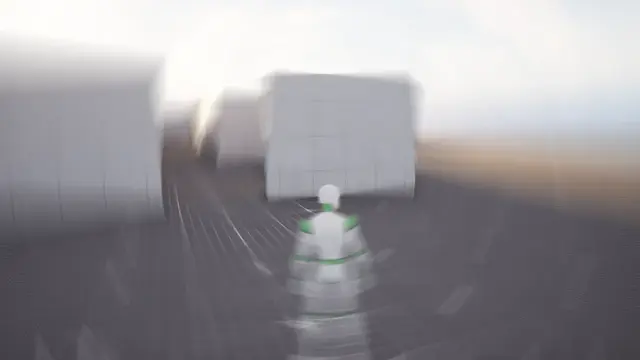 Tuned
Twist
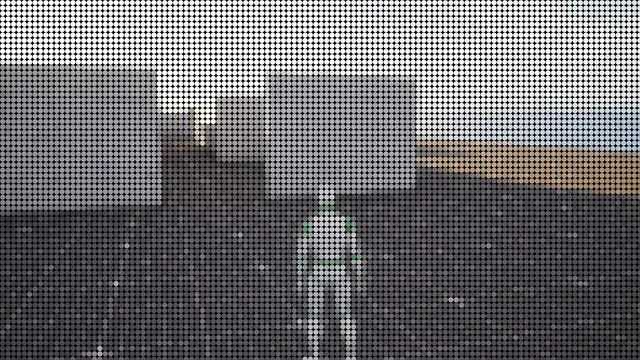 Tuned
Round Dots
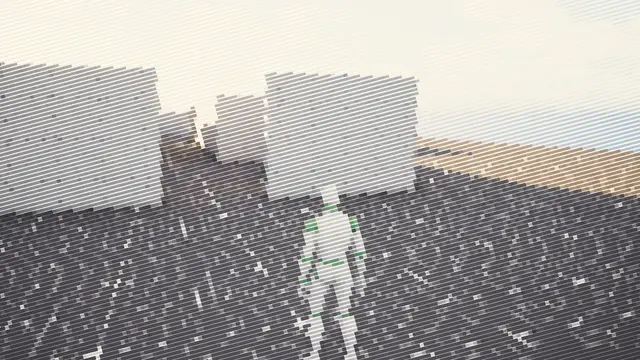 Tuned
Lines
 Tuned
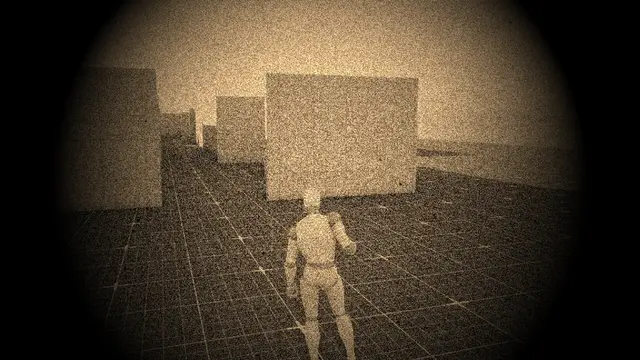
Heavy Wear
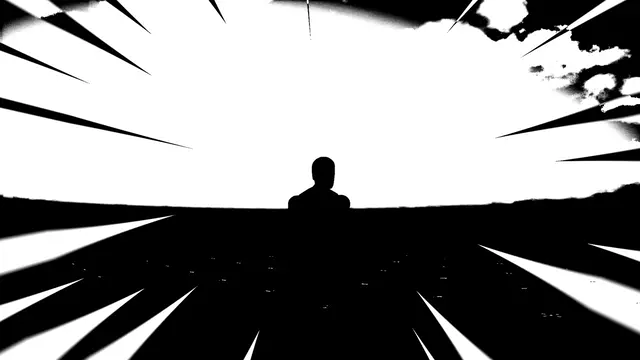 Tuned
Inkier
From Blueprint#
Set Tuning sets one of the look's own settings by its name on the band, kept inside its range, and says whether the look has that setting. Get Tuning reads one, its default if it's never been set, Get Tuning Names lists the look's, and Reset Tuning puts them all back. Change them on a copy of the effect, not the asset itself, if the change shouldn't outlast play.
Go deeperWhy the defaults change nothing
Every setting on the band is a number the look's drawing already used before it could be tuned. Its default is that number exactly, so adding the band changed no effect anywhere, and tuning one never reaches past the look it belongs to. Ranges stop short of anything that would leave a transition unable to finish: a pair of doors can't be told to swing less than open, and a tear can't be told to leave its pieces on screen.