

The looks
Every look Blendable FX draws, in families, each with the starters made from it playing in the engine and the settings of its own on the Tuning band.
A look is what an effect draws. Pick one on an effect's Look and its own settings appear on the Tuning band below it; the layers go over any of them. Every look plays all three ways: as a transition, an impact or an overlay. Hover a clip to play it: each is the starter effect of that name, recorded in the engine.
Covers#
They close over the old shot, a shape or a colour at a time, and the cut happens underneath: the player never sees it. Then they open again on the new shot.
Fade#
The picture fades to the colour and the next fades up from it.
 Transition
Fade To Black
0.35 s in, 0.1 s held, 0.35 s out
 Transition
Fade To White
0.25 s in, 0.05 s held, 0.5 s out
Its own settings:
| Setting | What it does | Starts at | Takes |
|---|---|---|---|
| Curve | How it goes to the colour: 1 evenly, more to hold the picture longer, less to reach the colour sooner | 1 | 0.2 to 5 |
| Dither | How much it goes a pixel at a time through an ordered dither rather than smoothly; 1 all dither | 0 | 0 to 1 |
Bars#
Cinematic bars close from the edges to meet, then open on the next shot.
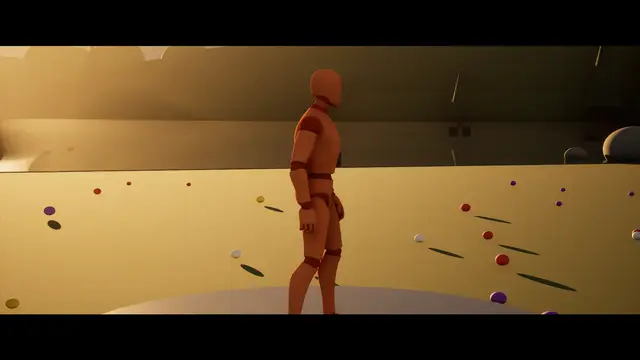 Overlay
Letterbox
Bars, in over 0.6 s, held at 26%
 Transition
Bars
0.4 s in, 0.15 s held, 0.4 s out
Its own settings:
| Setting | What it does | Starts at | Takes |
|---|---|---|---|
| Meet At (%) | Where the bars meet, in percent of the way down the screen (or across it) | 50 | 5 to 95 |
| Edge Line | A line of the second colour along each bar's inner edge, as thick as this share of the screen; 0 none | 0 | 0 to 0.05 |
Iris#
A circle closes on a point (the player, by default) and opens again on the next shot.
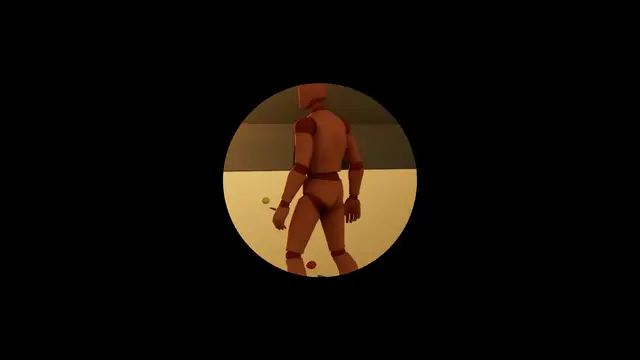 Transition
Iris
0.5 s in, 0.15 s held, 0.5 s out
Its own settings:
| Setting | What it does | Starts at | Takes |
|---|---|---|---|
| Shape | The shape the iris closes in | Round | Round, Oval, Rounded Square, Diamond, Star |
| Ring | A ring of the second colour round the iris's edge, as wide as this share of the screen's height; 0 none | 0 | 0 to 0.05 |
| Spin (turns) | How far the shape turns as it closes, in whole turns; below 0 the other way | 0 | -2 to 2 |
Wipe#
A soft edge sweeps across: through the colour, or the next shot pushing the old one off.
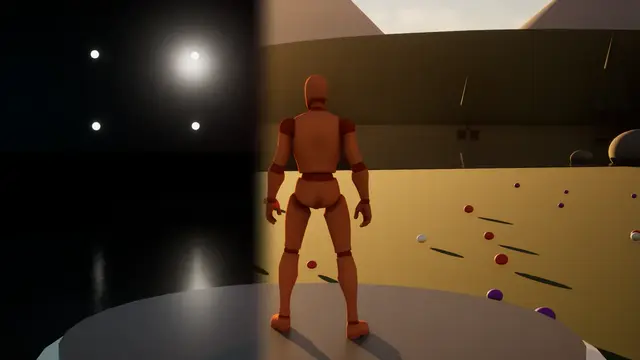 Transition
Wipe
blends over 0.6 s
 Transition
Wipe Through Black
0.35 s in, 0.05 s held, 0.35 s out
Its own settings:
| Setting | What it does | Starts at | Takes |
|---|---|---|---|
| Burn Edge | Blending from the old shot: how wide and bright the edge burns, 1 as designed | 1 | 0 to 4 |
| Roughness | Noise in the order the picture turns over, roughening the edge | 0 | 0 to 1 |
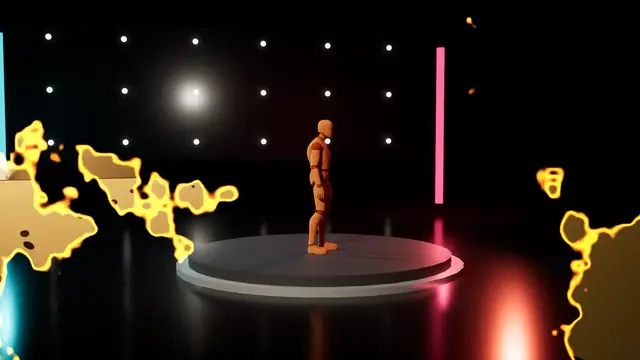
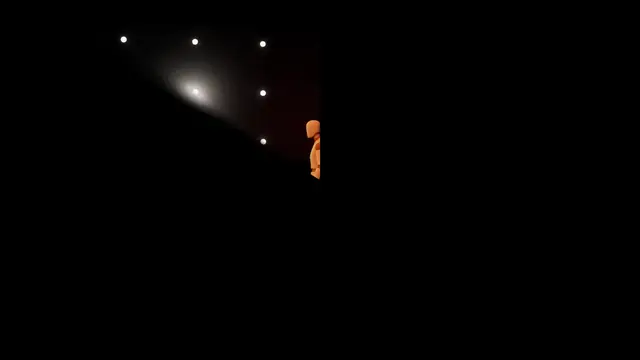
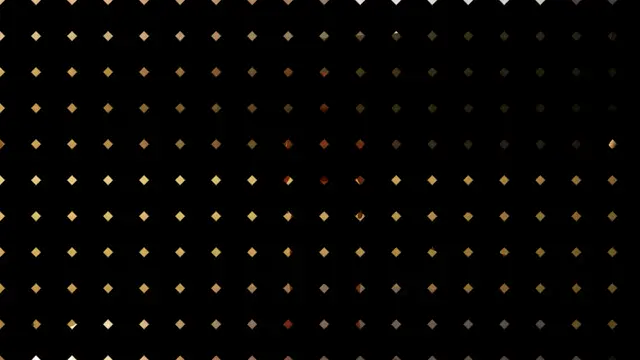
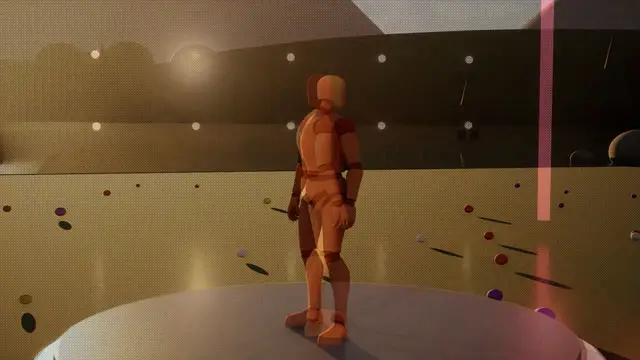
Pattern Dissolve#
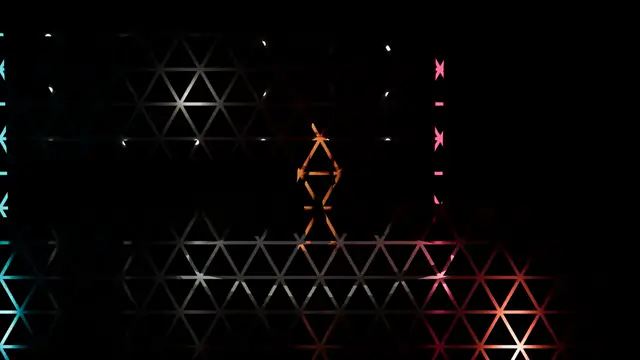
The picture turns over in the order of a pattern: ink, diamonds, circles, blinds, a clock, dither, or a texture of your own.
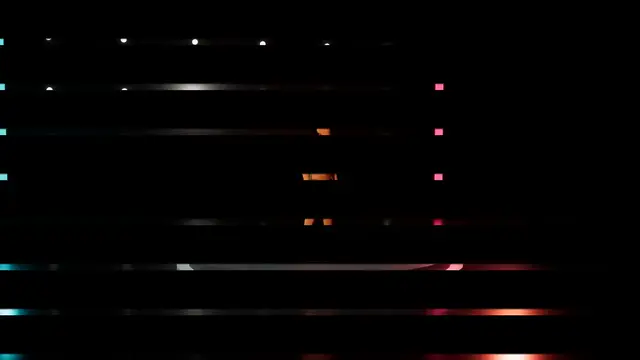 Transition
Blinds
Pattern Dissolve, 0.4 s in, 0.05 s held, 0.4 s out
 Transition
Burn Dissolve
Pattern Dissolve, blends over 1.2 s
 Transition
Clock
Pattern Dissolve, 0.45 s in, 0.05 s held, 0.45 s out
 Transition
Diamonds
Pattern Dissolve, 0.4 s in, 0.05 s held, 0.4 s out
 Transition
Dither
Pattern Dissolve, blends over 0.5 s
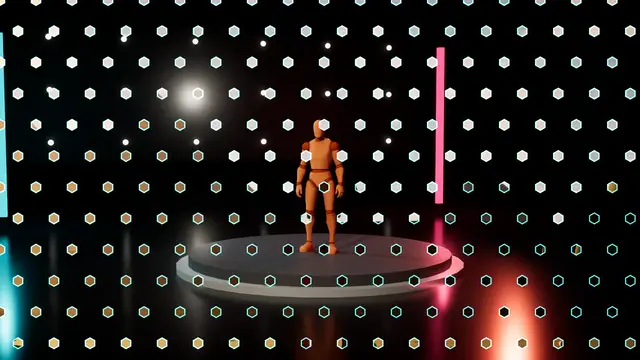 Transition
Hex Reveal
Pattern Dissolve, blends over 0.9 s
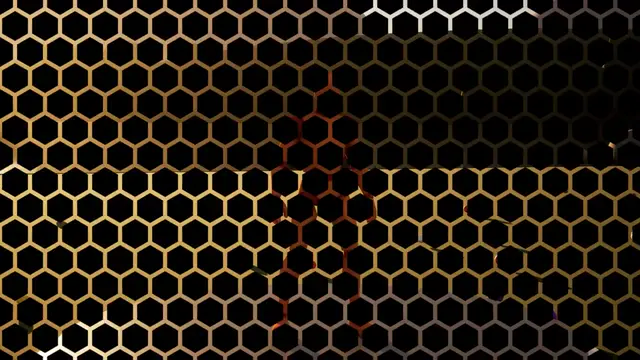 Transition
Hexagons
Pattern Dissolve, 0.45 s in, 0.05 s held, 0.45 s out
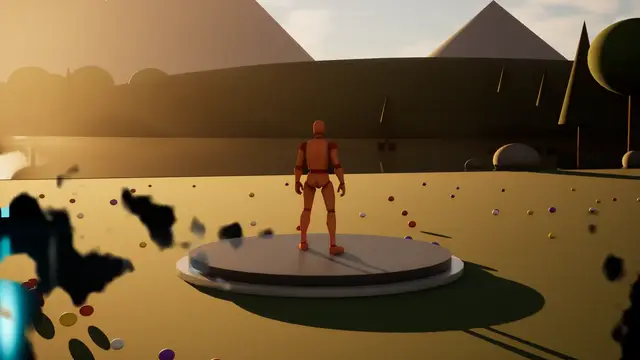 Transition
Ink Dissolve
Pattern Dissolve, blends over 0.9 s
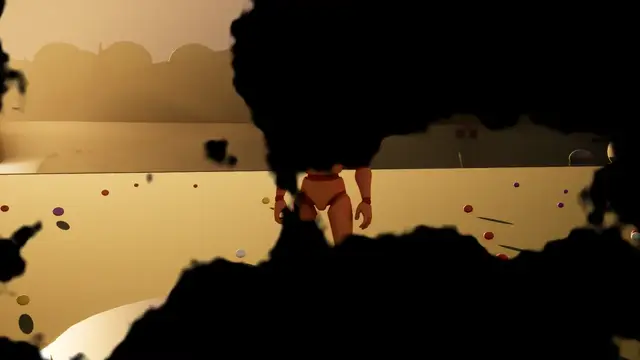 Transition
Ink To Black
Pattern Dissolve, 0.5 s in, 0.1 s held, 0.5 s out
 Transition
Triangles
Pattern Dissolve, 0.45 s in, 0.05 s held, 0.45 s out
Its own settings:
| Setting | What it does | Starts at | Takes |
|---|---|---|---|
| Ink Scale | For the ink pattern: how small its blots are, 1 as designed | 1 | 0.2 to 5 |
| Spiral Turns | For the spiral pattern: how many times it winds | 2 | 0.5 to 8 |
| Burn Edge | Blending from the old shot: how wide and bright the edge burns, 1 as designed | 1 | 0 to 4 |
| Roughness | Noise in the order the picture turns over, roughening every pattern's edges | 0 | 0 to 1 |
Luma Fade#
The picture turns over by brightness: the brightest parts first, or the darkest.
 Transition
Luma Fade
0.6 s in, 0 s held, 0.6 s out
It has no settings of its own beyond the ones every look shares.
Pixelate#
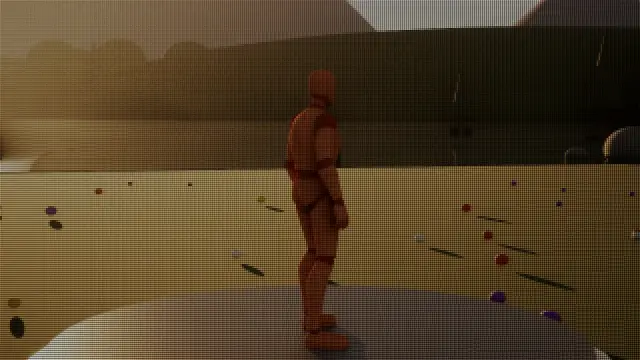
The picture breaks into ever bigger blocks, and the next resolves from them.
 Overlay
LED Screen
Pixelate, in over 0.35 s, held at 100%
 Overlay
Pixelate
in over 0.35 s, held at 70%
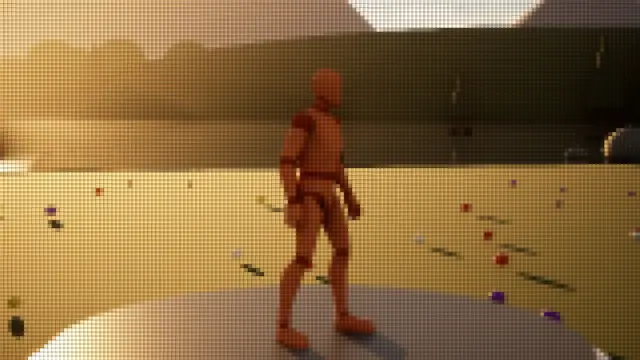 Overlay
Raised Pixels
Pixelate, in over 0.35 s, held at 100%
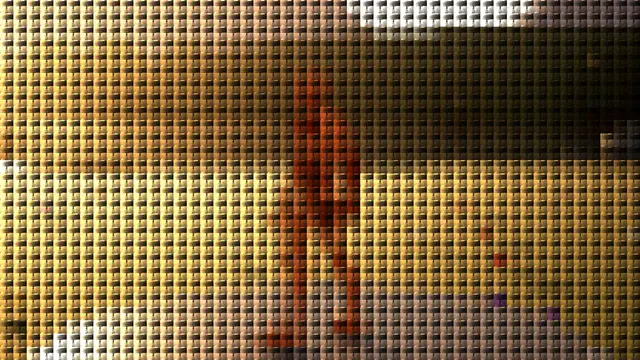 Overlay
Screen Wall
Pixelate, in over 0.35 s, held at 100%
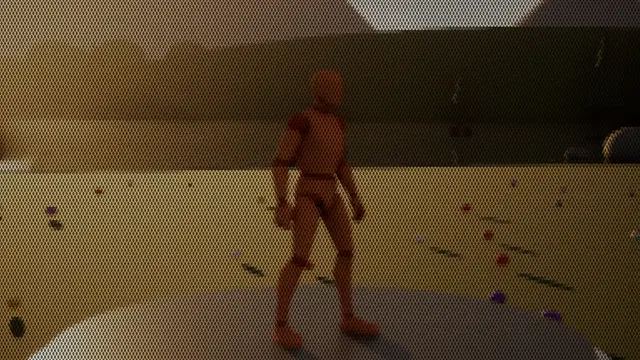 Overlay
Stitched
Pixelate, in over 0.35 s, held at 100%
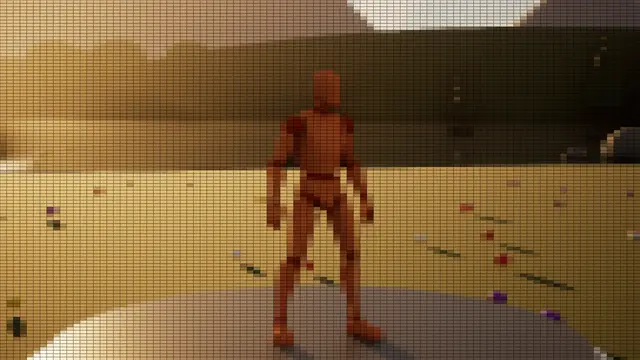 Overlay
Wide Pixels
Pixelate, in over 0.35 s, held at 100%
 Transition
Pixelate
0.35 s in, 0 s held, 0.35 s out
 Transition
Slanted Pixels
Pixelate, 0.4 s in, 0 s held, 0.4 s out
Its own settings:
| Setting | What it does | Starts at | Takes |
|---|---|---|---|
| Growth | How the blocks grow: 1 evenly, more to stay fine for longer | 2 | 0.5 to 5 |
| Pixel Shape | Square blocks; round or diamond dots with the colour between; raised tiles lit from above; slanted blocks; stitches in offset rows; a tiny copy of the whole picture in each block; or a greyscale texture of your own stamped in each | Square | Square, Round, Diamond, Raised, Slanted, Stitched, Little Screens, Your Own Texture |
| Width Over Height | How much wider than tall each block is, 1 square | 1 | 0.25 to 4 |
| Grid Lines | How dark lines of the colour between the blocks are | 0 | 0 to 1 |
| Keep Detail | How much of the picture's own detail stays inside each block | 0 | 0 to 1 |
| Slant | For slanted blocks: how far they lean | 0.5 | -1 to 1 |
Shutter#
A camera's aperture blades close to black and open on the next shot.
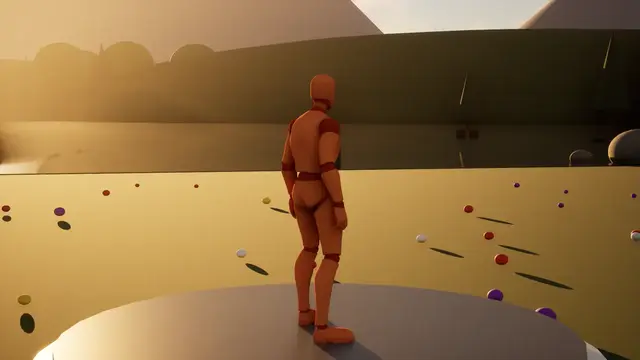 Impact
Shutter Blink
0.07 s in, 0.04 s held, 0.12 s out
 Transition
Shutter
0.16 s in, 0.06 s held, 0.2 s out
Its own settings:
| Setting | What it does | Starts at | Takes |
|---|---|---|---|
| Blade Turn | How far the blades turn as they close | 0.9 | 0 to 3 |
| Blade Curve | How much the seams between blades curve | 1.4 | 0 to 5 |
Brush#
Broad paint strokes sweep across, back and forth, painting over the old shot and painting the new one in.
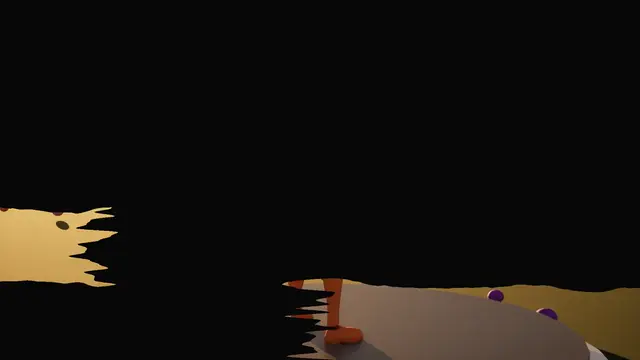 Transition
Brush
0.6 s in, 0.05 s held, 0.6 s out
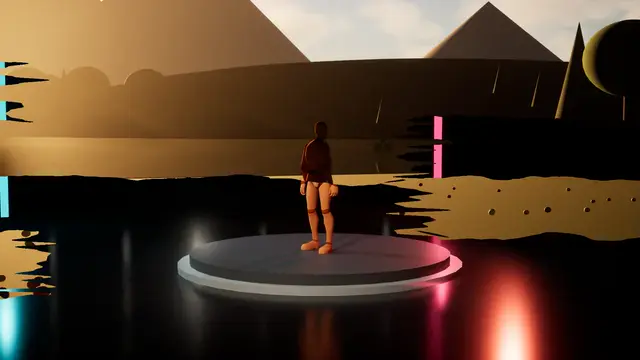 Transition
Brush Reveal
blends over 0.9 s
Its own settings:
| Setting | What it does | Starts at | Takes |
|---|---|---|---|
| Wobble | How much the strokes wander | 0.5 | 0 to 2 |
| Bristles | How ragged the bristle streaks at the strokes' ends are | 0.12 | 0 to 0.5 |
| Stagger | How far apart in time the strokes set off | 0.6 | 0 to 0.9 |
Slabs#
Two bold slabs of colour sweep across on a slant and the new shot follows them in.
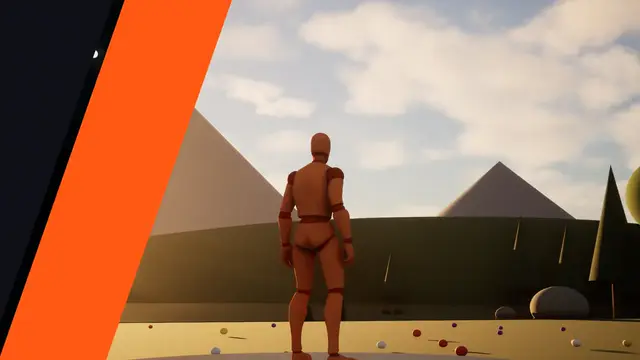 Transition
Slabs
blends over 0.7 s
Its own settings:
| Setting | What it does | Starts at | Takes |
|---|---|---|---|
| First Slab | How wide the first slab is | 0.14 | 0.02 to 0.4 |
| Second Slab | How wide the second slab is | 0.22 | 0.02 to 0.5 |
| Gap | How wide the sliver of the new shot between them is | 0.015 | 0 to 0.1 |
| Slant | How far the slabs lean | 0.35 | -1 to 1 |
Rings#
Rings of colour spread from a point and the new shot opens inside the last.
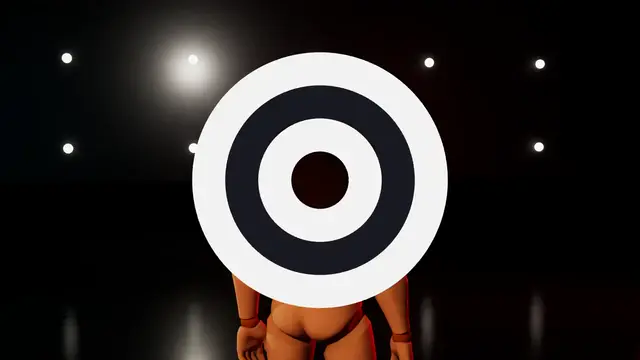 Transition
Rings
blends over 0.9 s
Its own settings:
| Setting | What it does | Starts at | Takes |
|---|---|---|---|
| Ring Width | How wide each ring is | 0.09 | 0.02 to 0.3 |
| Rings | How many rings spread out before the new shot | 3 | 1 to 8, whole numbers |
CRT Switch-Off#
An old screen switching off: squashed to a line, then a dot, and switching on again.
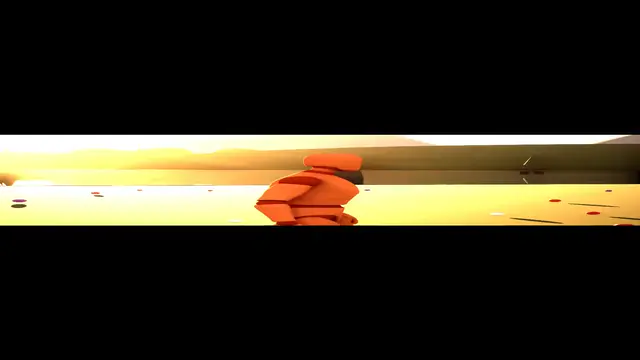 Transition
CRT Switch Off
0.45 s in, 0.25 s held, 0.35 s out
Its own settings:
| Setting | What it does | Starts at | Takes |
|---|---|---|---|
| Line Glow | How brightly the line glows as the screen squashes | 0.6 | 0 to 2 |
| Brighten | How much brighter the picture gets as it squashes | 3 | 0 to 6 |
| Squash Until | How far along the picture is squashed to a line, before it shrinks to a dot | 0.7 | 0.3 to 0.95 |
Blends#
They freeze the old shot at the change and carry it into the new one, so both are on screen at once for a moment.
Crossfade#
The old shot, frozen at the change, dissolves into the live new one.
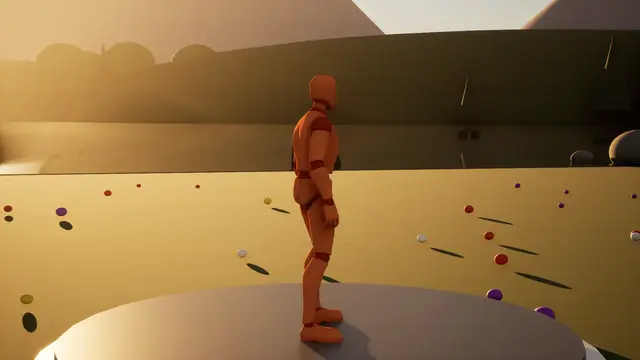 Overlay
Freeze Frame
Crossfade, in over 0.2 s, held at 100%
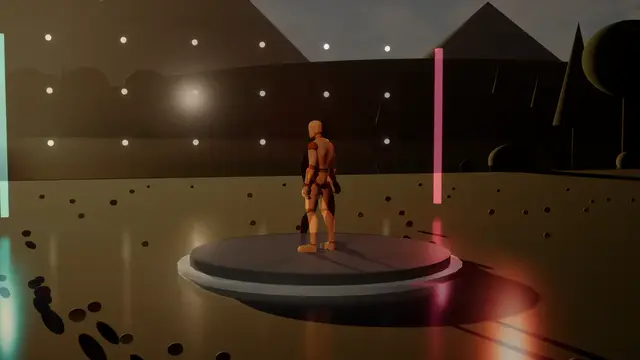 Transition
Crossfade
blends over 0.6 s
Its own settings:
| Setting | What it does | Starts at | Takes |
|---|---|---|---|
| Curve | How the new shot comes in: 1 evenly, more to hold the old shot longer, less to bring the new one sooner | 1 | 0.2 to 5 |
| Dip | How far it dips to the colour half way: a crossfade through black, or white; 0 straight across | 0 | 0 to 1 |
Blur#
The picture blurs away, and the next comes back into focus.
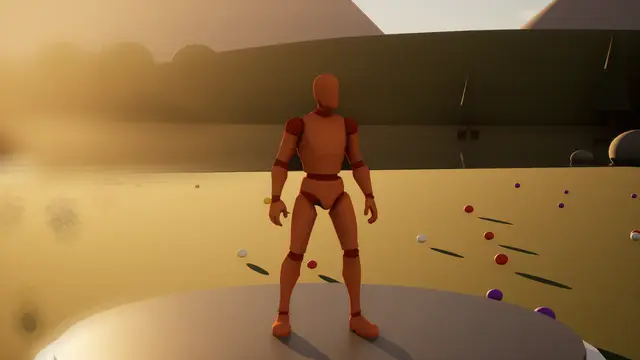 Impact
Hit Blur
0.06 s in, 0.2 s held, 0.8 s out
 Overlay
Blur
in over 0.35 s, held at 30%
 Transition
Blur
0.3 s in, 0 s held, 0.3 s out
Its own settings:
| Setting | What it does | Starts at | Takes |
|---|---|---|---|
| Shape | Which way the picture blurs: round, along a line across or down, out from the centre as a zoom, or round it as a twist | Round | Round, Across, Down, Zoom, Twist |
Defocus#
The lens defocuses the picture, using the engine's own depth of field, and focuses on the next.
 Transition
Defocus
0.4 s in, 0 s held, 0.5 s out
It has no settings of its own beyond the ones every look shares.
Whip Pan#
The picture streaks and slides out, and the next streaks in, as a fast pan between two shots.
 Transition
Whip Pan
0.15 s in, 0 s held, 0.2 s out
Its own settings:
| Setting | What it does | Starts at | Takes |
|---|---|---|---|
| Streak Length | How long the streaks run, as a share of the screen at full strength | 0.25 | 0 to 1 |
| Slide | How far the picture slides as it streaks | 0.15 | 0 to 0.5 |
Zoom Punch#
A punch into the middle with a radial blur.
 Impact
Zoom Punch
0.05 s in, 0.03 s held, 0.3 s out
 Transition
Zoom Punch
0.2 s in, 0 s held, 0.3 s out
Its own settings:
| Setting | What it does | Starts at | Takes |
|---|---|---|---|
| Zoom | How far it punches in, at full strength | 0.35 | 0 to 1 |
| Blur Spread | How far the zoom's blur spreads out | 0.5 | 0 to 1 |
| Sharp Middle | How much the blur holds back near the centre | 0.3 | 0 to 1 |
Zoom Through#
The old shot rushes towards you in a blur and the new one arrives from close up and settles.
 Transition
Zoom Through
blends over 0.6 s
Its own settings:
| Setting | What it does | Starts at | Takes |
|---|---|---|---|
| Blur | How much the zoom blurs | 0.4 | 0 to 1 |
| Push | How far it zooms, at full strength | 3 | 0.5 to 8 |
Spin#
The old shot spins a quarter turn away in a blur and the new one spins in.
 Transition
Spin
blends over 0.7 s
Its own settings:
| Setting | What it does | Starts at | Takes |
|---|---|---|---|
| Turn (deg) | How far each picture spins | 90 | 15 to 360 |
| Blur | How much the spin blurs, as a share of the turn | 0.25 | 0 to 1 |
Push#
The new shot pushes the old one off the screen.
 Transition
Push Left
blends over 0.45 s
 Transition
Push Up
blends over 0.45 s
Its own settings:
| Setting | What it does | Starts at | Takes |
|---|---|---|---|
| Blur | How much the pictures blur as they're pushed | 0.06 | 0 to 0.3 |
Dream#
The flashback's ripple: the picture wavers while the old shot dissolves into the new.
 Transition
Dream
blends over 1.5 s
Its own settings:
| Setting | What it does | Starts at | Takes |
|---|---|---|---|
| Waves | How many waves run down the screen | 30 | 5 to 80 |
| Wave Speed | How fast the waves move | 6 | 0 to 20 |
| Haze | How much haze of the second colour there is at its height | 0.18 | 0 to 1 |
Ripple#
A drop in still water: the new shot spreads out from a point behind a ring of ripples.
 Transition
Ripple
blends over 1.1 s
Its own settings:
| Setting | What it does | Starts at | Takes |
|---|---|---|---|
| Ring Spacing | How close together the ripples are: more for closer | 90 | 20 to 200 |
| Ring Speed | How fast the ripples move | 8 | 0 to 30 |
| Ring Tightness | How tightly the ripples keep to the spreading edge: more for fewer | 14 | 3 to 40 |
Vortex#
The picture twists down a whirlpool and is gone, and the next twists back out.
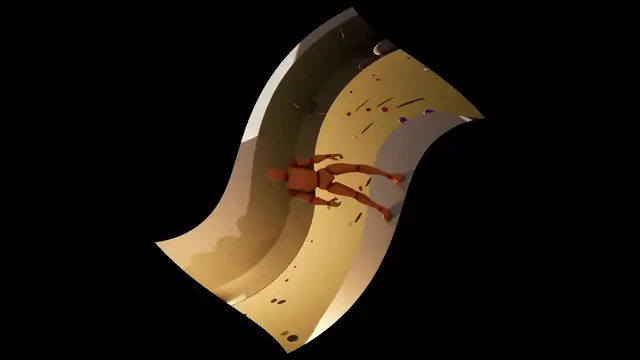 Transition
Vortex
0.55 s in, 0.05 s held, 0.55 s out
Its own settings:
| Setting | What it does | Starts at | Takes |
|---|---|---|---|
| Twist | How far the picture twists, at full strength | 9 | 0 to 30 |
| Pull | How far it's pulled down into the middle | 2.5 | 0 to 6 |
Kaleidoscope#
The picture folds into mirrored wedges, turns, and unfolds.
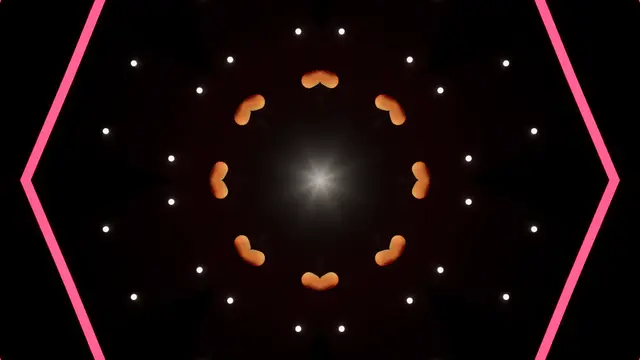 Overlay
Kaleidoscope
in over 0.35 s, held at 50%
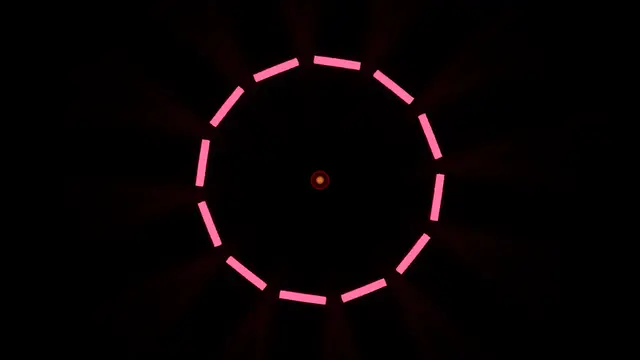 Transition
Kaleidoscope
0.6 s in, 0 s held, 0.6 s out
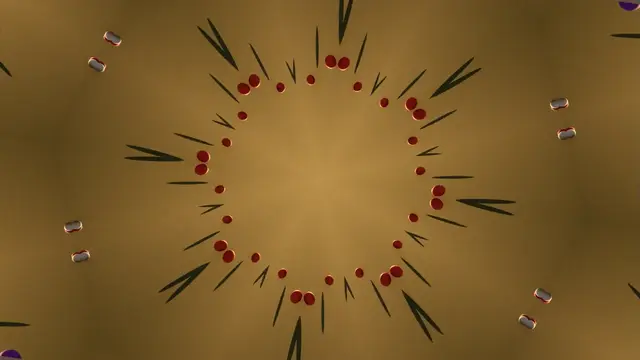 Transition
Kaleidoscope Flow
0.6 s in, 0 s held, 0.6 s out
Its own settings:
| Setting | What it does | Starts at | Takes |
|---|---|---|---|
| Zoom | How far the picture is magnified under the mirrors | 1 | 0.2 to 4 |
| Fold In | How soon the mirrors have folded in, as a share of the way | 0.35 | 0.05 to 1 |
Echo Split#
The picture splits into fading copies that spread and gather.
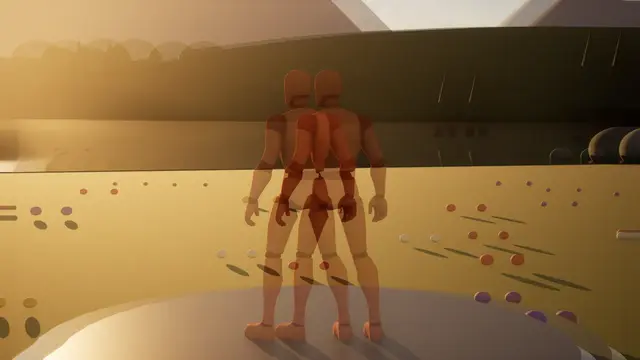 Overlay
Double Vision
Echo Split, in over 0.35 s, held at 80%
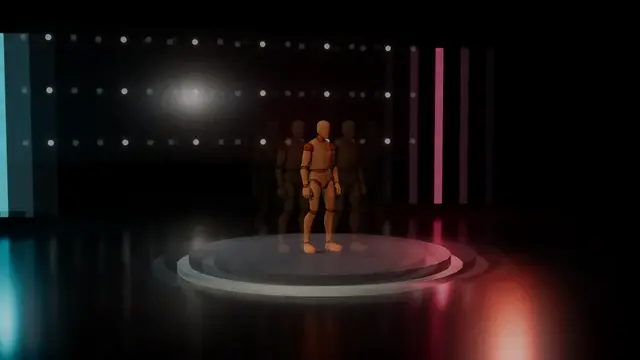 Transition
Echo Split
0.3 s in, 0 s held, 0.4 s out
Its own settings:
| Setting | What it does | Starts at | Takes |
|---|---|---|---|
| Spread Out | Spreading out from the centre: how far the copies spread | 0.12 | 0 to 0.4 |
| Spread Along | Spreading along the direction: how far the copies spread | 0.06 | 0 to 0.2 |
| Fade | How quickly the outer copies fade | 2 | 0.2 to 6 |
Colour Split#
Red, green and blue slide apart and snap back together.
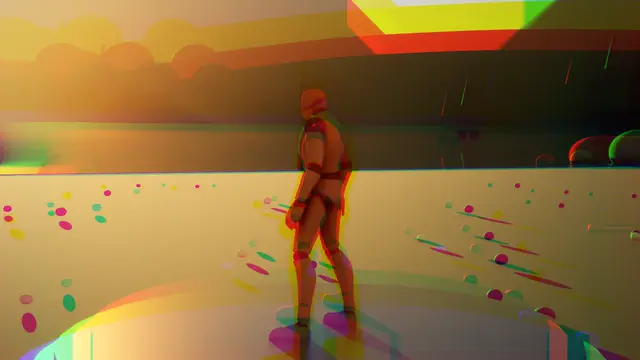 Impact
Colour Split
0.04 s in, 0.04 s held, 0.3 s out
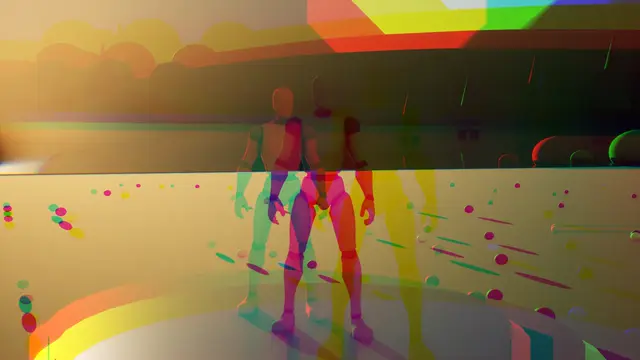 Impact
Hit Colour Split
0.04 s in, 0.08 s held, 0.5 s out
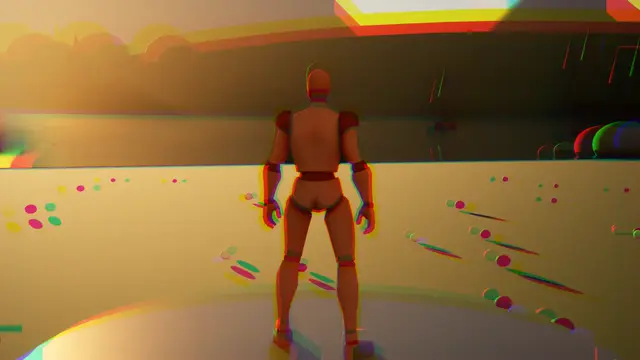 Overlay
Chromatic Flicker
Colour Split, in over 0.35 s, held at 100%
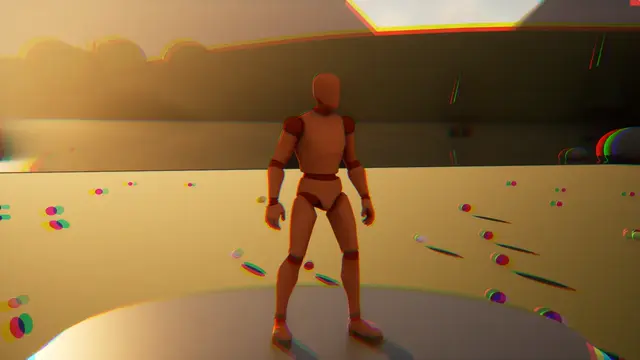 Overlay
Colour Split
in over 0.35 s, held at 35%
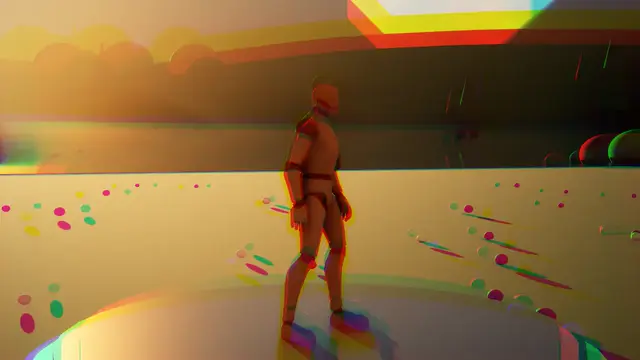 Transition
Colour Split
0.2 s in, 0 s held, 0.3 s out
Its own settings:
| Setting | What it does | Starts at | Takes |
|---|---|---|---|
| Spread Out | Spreading out from the centre: how far the colours part at the screen's edge | 0.08 | 0 to 0.3 |
| Spread Along | Spreading along the direction: how far the colours part | 0.03 | 0 to 0.15 |
| Flicker | How much the split jumps about at random, now wide, now closed | 0 | 0 to 1 |
| Jumps A Second | How often it jumps | 12 | 1 to 60, whole numbers |
Datamosh#
The old picture is dragged around by the new shot's motion, like a broken video file, until it clears.
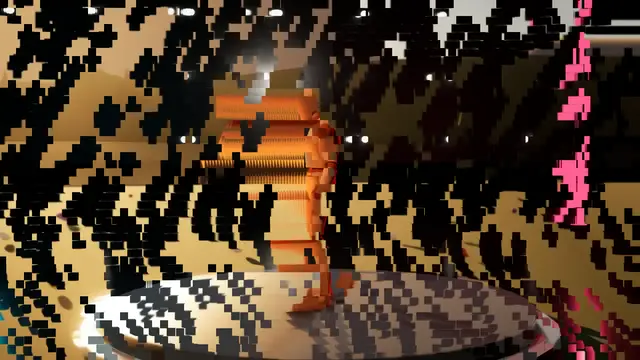 Transition
Datamosh
blends over 1.5 s
Its own settings:
| Setting | What it does | Starts at | Takes |
|---|---|---|---|
| Refreshes A Second | How often the blocks are given the chance to clear | 12 | 1 to 60, whole numbers |
| Drag | How far the old picture is dragged by the motion, besides Strength | 1 | 0 to 4 |
Afterimage Trails#
The last few frames trail and tremble behind the picture.
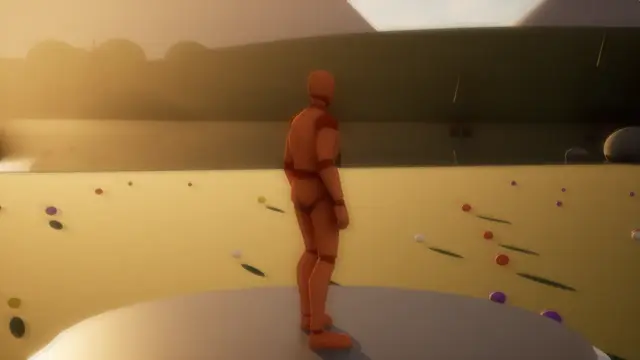 Overlay
Afterimage
in over 0.35 s, held at 100%
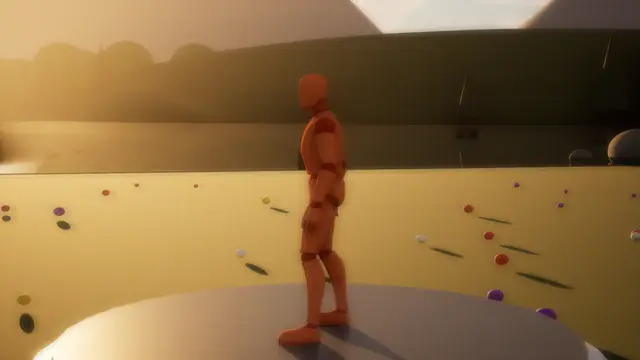 Transition
Afterimage
0.3 s in, 0.1 s held, 0.5 s out
Its own settings:
| Setting | What it does | Starts at | Takes |
|---|---|---|---|
| Tremble | How far each trail trembles, as a share of the screen | 0.004 | 0 to 0.03 |
| Trail Fade | How much of each trail is left in the next: more for longer trails | 0.6 | 0.1 to 0.95 |
Cuts and folds#
The old shot is broken apart: sliced, cut into strips, turned like a card or a box, torn or flung away, with the new one behind it.
Slash#
A cut of light slices the old shot in two and the halves slide apart along it, showing the new shot behind.
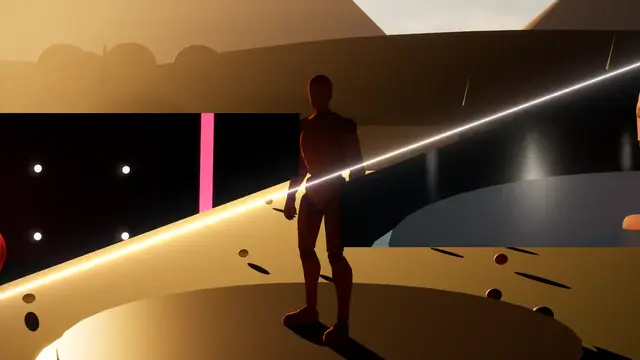 Transition
Slash
blends over 0.8 s
Its own settings:
| Setting | What it does | Starts at | Takes |
|---|---|---|---|
| Draw Time | How much of the way the cut takes to draw across | 0.15 | 0.02 to 0.5 |
| Part | How far the halves part sideways as they slide | 0.06 | 0 to 0.3 |
Strips#
The old shot is cut into slanted strips that slide away in turn, every other one the other way.
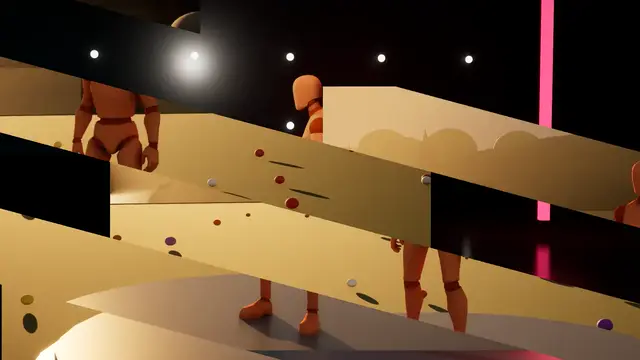 Transition
Strips
blends over 0.8 s
Its own settings:
| Setting | What it does | Starts at | Takes |
|---|---|---|---|
| Stagger | How far apart in time the strips set off | 0.4 | 0 to 0.8 |
| Ways | Every other strip the other way, or all one way | Every Other Way | All One Way, Every Other Way |
Tile Flip#
Tiles turn over in a sweep, the old shot on their fronts and the new on their backs. One tile across turns the whole picture like a card.
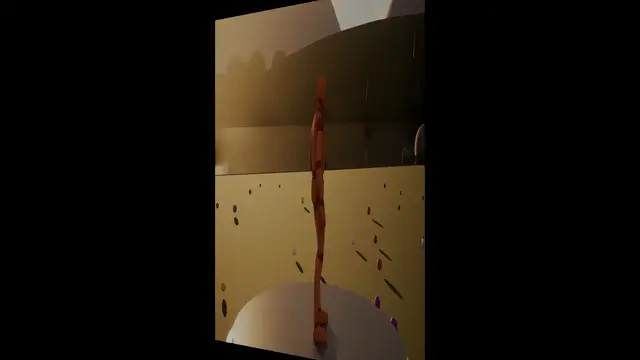 Transition
Card Flip
Tile Flip, blends over 0.7 s
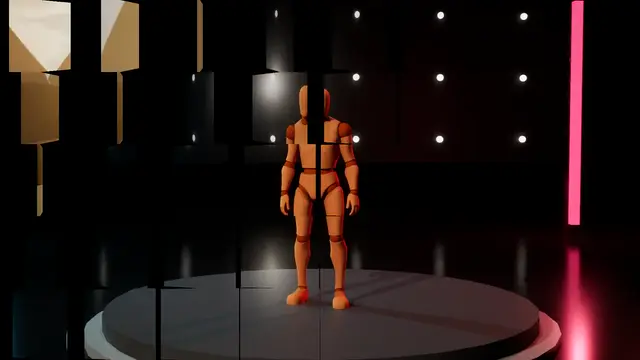 Transition
Tile Flip
blends over 1.1 s
Its own settings:
| Setting | What it does | Starts at | Takes |
|---|---|---|---|
| Sweep | How much of the time the sweep across the tiles takes | 0.5 | 0 to 0.9 |
| Lean | How far the tiles lean into the turn | 0.12 | 0 to 0.5 |
| Shade | How dark a tile goes as it turns edge on | 0.45 | 0 to 1 |
Cube#
The picture turns a quarter turn like the side of a box, the new shot on the next face.
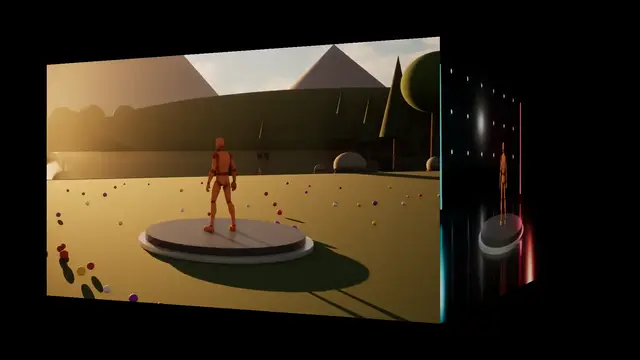 Transition
Cube
blends over 0.9 s
Its own settings:
| Setting | What it does | Starts at | Takes |
|---|---|---|---|
| Pull Back | How far the box draws back mid-turn | 1.2 | 0 to 3 |
| Lens | How long the lens is: less for more perspective | 2.5 | 1 to 6 |
| Shade | How dark a face goes as it turns away | 0.45 | 0 to 1 |
Doors#
The old shot splits down the middle and swings open towards you like a pair of doors.
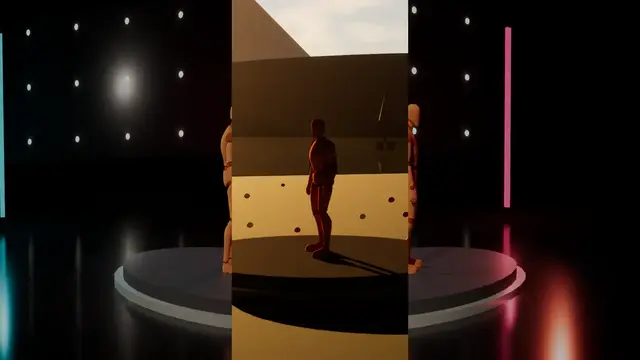 Transition
Doors
blends over 0.9 s
Its own settings:
| Setting | What it does | Starts at | Takes |
|---|---|---|---|
| Lens | How long the lens is: less for more perspective | 2.5 | 1 to 6 |
| Swing | How far the doors swing open, 1 a quarter turn; never less, so they clear the screen | 1.02 | 1 to 1.3 |
| Shade | How dark the doors go as they swing | 0.45 | 0 to 1 |
| Settle | How far the new shot eases back as the doors open | 0.08 | 0 to 0.3 |
Tear#
The old shot tears across on a ragged line and the pieces pull apart, paper showing at the torn edges.
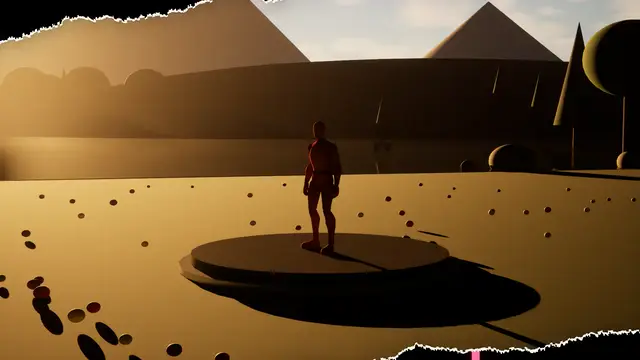 Transition
Tear
blends over 0.9 s
Its own settings:
| Setting | What it does | Starts at | Takes |
|---|---|---|---|
| Ragged | How ragged the tear is | 0.12 | 0 to 0.5 |
| Paper Edge | How wide the white paper shows at the torn edges | 0.004 | 0 to 0.03 |
| Shadow | How dark the shadow under the pieces is | 0.35 | 0 to 1 |
| Pull Apart | How far the pieces pull apart; never less than off the screen | 1.25 | 1 to 3 |
Shockwave#
A ring of force spreads from a point, bending the picture and splitting its colours, the new shot inside it.
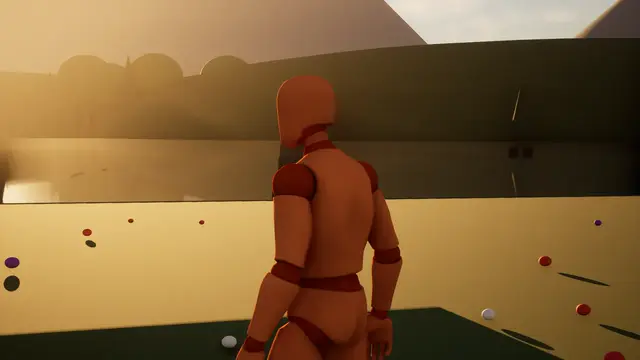 Impact
Hit Shockwave
blends over 0.7 s
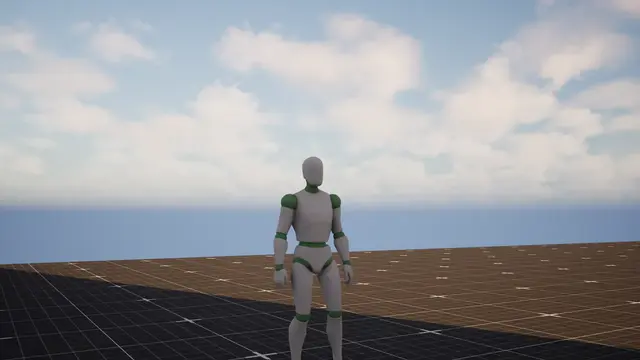 Impact
Shockwave
blends over 0.6 s
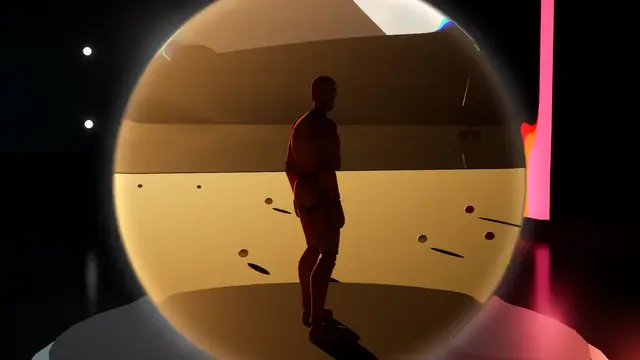 Transition
Shockwave
blends over 0.75 s
Its own settings:
| Setting | What it does | Starts at | Takes |
|---|---|---|---|
| Ring Width | How wide the ring of force is | 0.035 | 0.005 to 0.15 |
| Kick | How hard the ring bends the picture, at full strength | 0.06 | 0 to 0.3 |
| Colour Split | How far the ring splits the colours | 0.3 | 0 to 1 |
| Glow | How brightly the ring glows in the second colour | 0.35 | 0 to 2 |
Warp#
The picture streaks out from the middle at speed and flashes to the colour, and the next streaks back in.
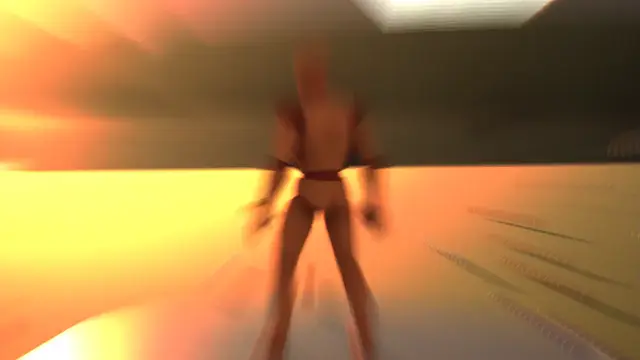 Transition
Warp
0.5 s in, 0.05 s held, 0.55 s out
Its own settings:
| Setting | What it does | Starts at | Takes |
|---|---|---|---|
| Streak Length | How long the streaks run, at full strength | 0.6 | 0 to 1.5 |
| Glow | How brightly the streaks glow | 6 | 0 to 15 |
| Threshold | How bright a part must be to glow | 0.6 | 0 to 1 |
Scan#
A bright line scans across, drawing the new shot in behind it with a hologram's glow and flicker.
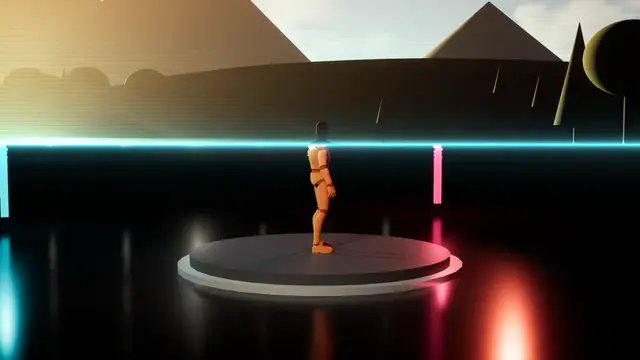 Transition
Hologram Scan
blends over 1.1 s
Its own settings:
| Setting | What it does | Starts at | Takes |
|---|---|---|---|
| Line Sharpness | How thin the scanning line is: more for thinner | 140 | 20 to 400 |
| Scanlines | How dark the hologram's scanlines run | 0.25 | 0 to 1 |
| Jitter | How far the picture jitters at the line | 0.004 | 0 to 0.03 |
| Glow Fade | How quickly the fresh glow behind the line fades: more for sooner | 6 | 1 to 20 |
Speed Lines#
Lines stream in from the edges as the picture rushes to the middle, and it flashes.
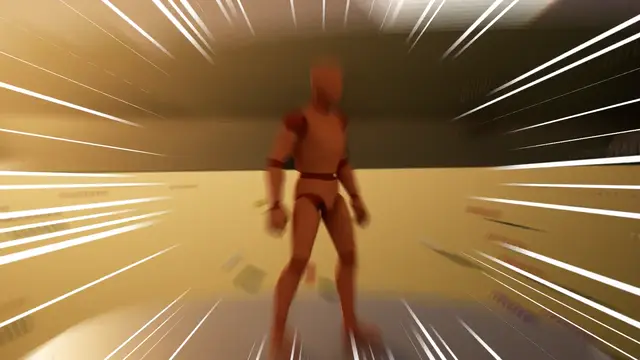 Impact
Speed Lines
0.08 s in, 0.1 s held, 0.35 s out
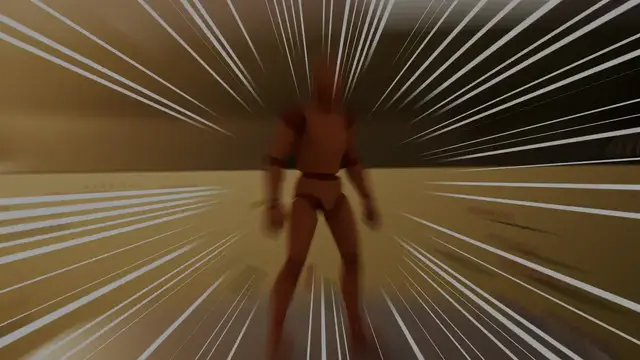 Transition
Speed Lines
0.35 s in, 0.06 s held, 0.35 s out
Its own settings:
| Setting | What it does | Starts at | Takes |
|---|---|---|---|
| Lines | How many lines run round the centre | 140 | 20 to 400, whole numbers |
| Pull | How far the picture rushes to the middle | 0.25 | 0 to 1 |
| Thickness | How thick the lines can be | 0.35 | 0.05 to 1 |
| Lines A Second | How often the lines are redrawn | 24 | 1 to 60, whole numbers |
Film, tape and print#
Old media failing on purpose: film wearing, slipping and burning, tape losing its tracking, a signal breaking up, a picture printed in dots.
Old Film#
The picture wears into old film, tinted, grainy, scratched and flickering, and flickers out at the end of the reel.
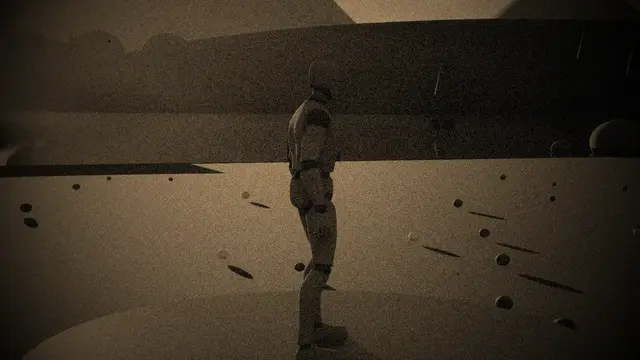 Overlay
Old Film
in over 0.6 s, held at 55%
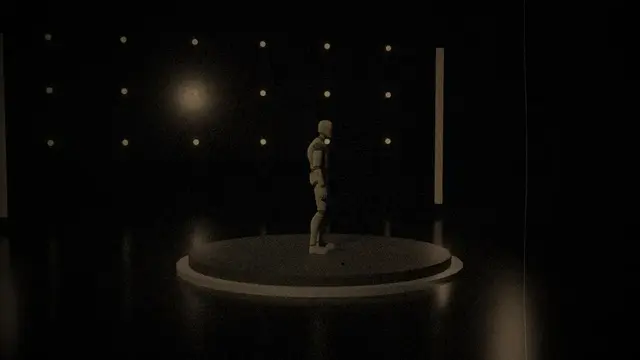 Transition
Old Film
0.7 s in, 0.2 s held, 0.7 s out
Its own settings:
| Setting | What it does | Starts at | Takes |
|---|---|---|---|
| Grain | How grainy the print is | 0.22 | 0 to 1 |
| Dust | How much dust there is on each frame | 0.03 | 0 to 0.2 |
| Scratches | How bright the scratch down the film is; 0 none | 0.4 | 0 to 1 |
| Flicker | How much the light flickers | 0.3 | 0 to 1 |
| Vignette | How dark the corners go | 0.9 | 0 to 2 |
| Weave | How far the print weaves in the gate, 1 as designed | 1 | 0 to 4 |
| Frames A Second | How often the grain, dust and flicker change | 18 | 6 to 30, whole numbers |
| Wear Speed | How quickly it wears to its full age: more for sooner | 1.6 | 1 to 4 |
Film Slip#
The old frame rolls up out of the gate and the next comes up behind it with a frame line between, as film that has lost its loop.
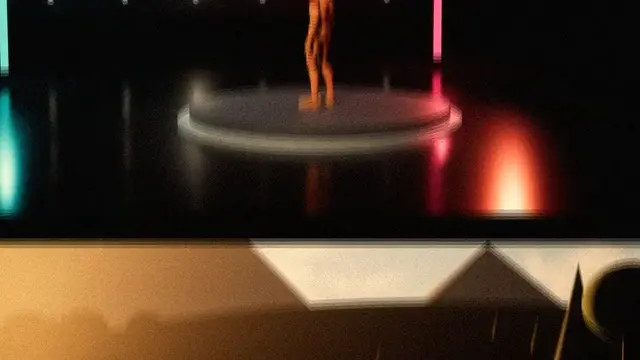 Transition
Film Slip
blends over 0.55 s
Its own settings:
| Setting | What it does | Starts at | Takes |
|---|---|---|---|
| Frame Line | How tall the line between frames is, as a share of the screen | 0.08 | 0 to 0.3 |
| Weave | How far the film weaves in the gate, 1 as designed | 1 | 0 to 4 |
| Grain | How grainy the film is | 0.2 | 0 to 1 |
| Flicker | How much the light flickers | 0.3 | 0 to 1 |
| Roll Blur | How far the rolling frames blur | 0.03 | 0 to 0.15 |
| Frames A Second | How often the grain and flicker change | 24 | 6 to 60, whole numbers |
Film Burn#
A hole burns out through the film, white hot at its edge with the film scorched around it.
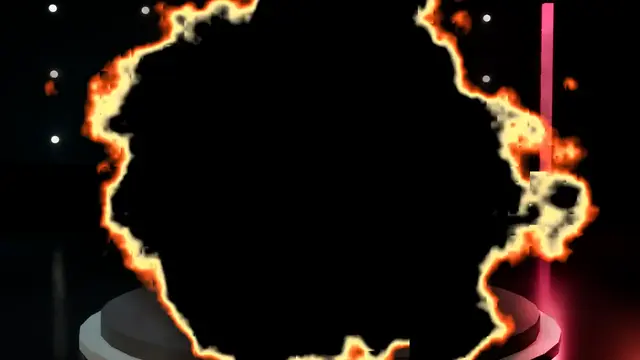 Transition
Film Burn
0.9 s in, 0.1 s held, 0.6 s out
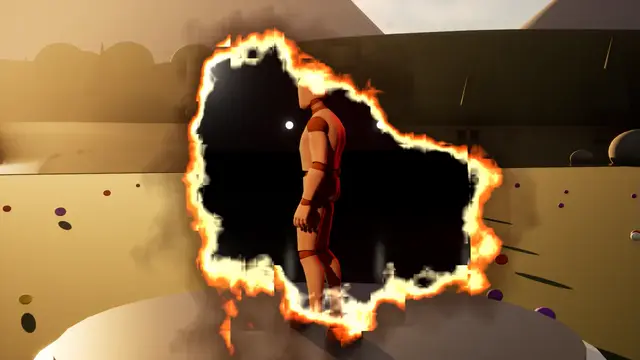 Transition
Film Burn Through
blends over 1.3 s
Its own settings:
| Setting | What it does | Starts at | Takes |
|---|---|---|---|
| Ragged | How ragged the burning edge is | 0.5 | 0 to 1.5 |
| Hot Edge | How wide the white-hot edge is | 0.04 | 0.005 to 0.15 |
| Scorch | How far the film is scorched round the hole | 0.15 | 0 to 0.5 |
| Bubbling | How fast the burning edge bubbles | 0.5 | 0 to 3 |
Slide Projector#
The slide is pulled out with the lamp's light behind it, and the next drops in and comes into focus.
 Transition
Slide Projector
0.35 s in, 0.2 s held, 0.55 s out
Its own settings:
| Setting | What it does | Starts at | Takes |
|---|---|---|---|
| Lamp Falloff | How much the lamp's light falls off towards the corners | 0.8 | 0 to 2 |
| Drop | How far the next slide drops into the gate | 0.08 | 0 to 0.3 |
| Mount (px) | How wide the slide's dark mount is, in pixels | 8 | 0 to 30 |
Videotape#
A videotape losing its tracking: rolling bands, rows sliding, colour bleeding, and the deck's blue screen.
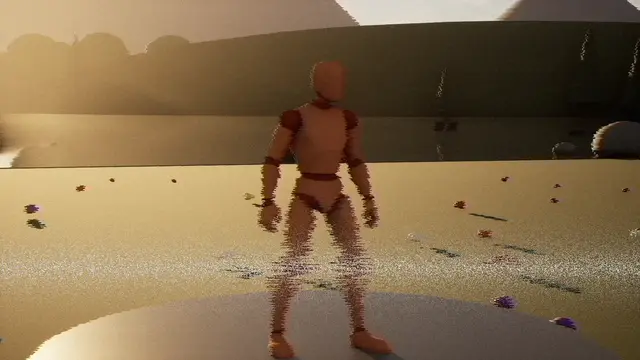 Overlay
Videotape
in over 0.35 s, held at 65%
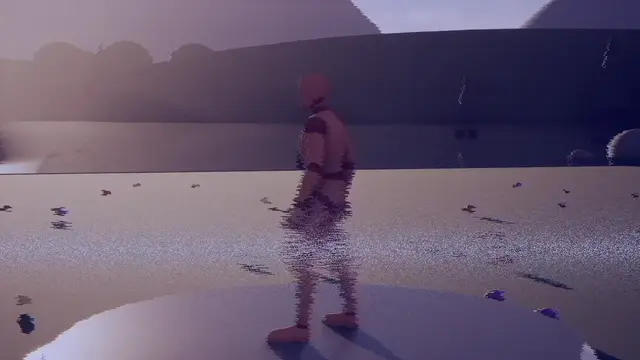 Transition
Videotape
0.45 s in, 0.3 s held, 0.45 s out
Its own settings:
| Setting | What it does | Starts at | Takes |
|---|---|---|---|
| Band Speed | How fast the bad band rolls up the screen | 0.35 | 0 to 2 |
| Jitter | How far the rows jitter | 0.02 | 0 to 0.1 |
| Head Switch | How far the bottom tears where the heads switch | 0.04 | 0 to 0.2 |
| Colour Bleed | How far the colour bleeds to the right | 0.003 | 0 to 0.02 |
| Noise | How much noise there is | 0.08 | 0 to 0.5 |
| Fade To Grey | How far its colour drains | 0.25 | 0 to 1 |
Signal Loss#
A feed losing its signal: static, a rolling bar and the picture draining of colour.
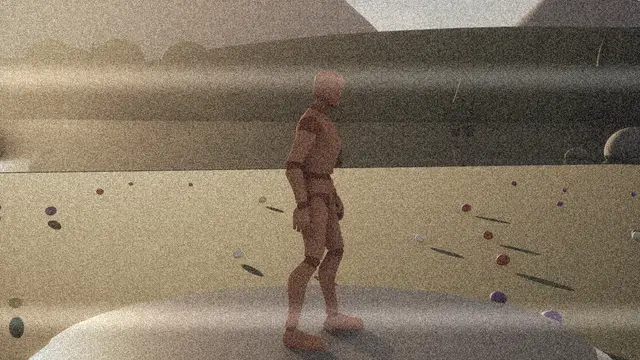 Overlay
Signal Loss
in over 0.35 s, held at 50%
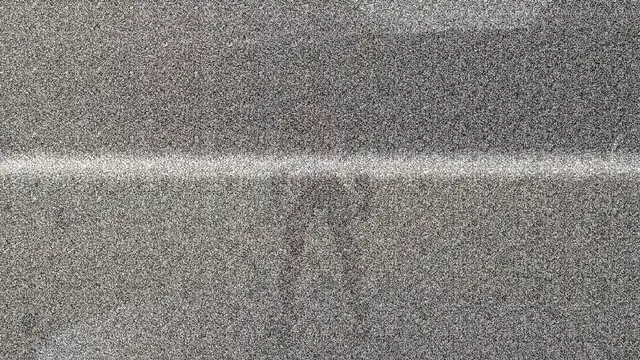 Transition
Signal Loss
0.35 s in, 0.15 s held, 0.35 s out
Its own settings:
| Setting | What it does | Starts at | Takes |
|---|---|---|---|
| Wobble | How far the picture wobbles side to side, 1 as designed | 1 | 0 to 4 |
| Fade To Grey | How far its colour drains away | 0.8 | 0 to 1 |
| Static | How soon the static takes over: 1 only at the end, more for sooner | 1.1 | 1 to 3 |
| Rolling Bar | How bright the bar rolling down the screen is | 0.35 | 0 to 1 |
| Bar Speed | How fast the bar rolls, in screen heights a second | 0.6 | 0 to 3 |
Glitch#
Torn rows, displaced blocks, split colour and scanlines.
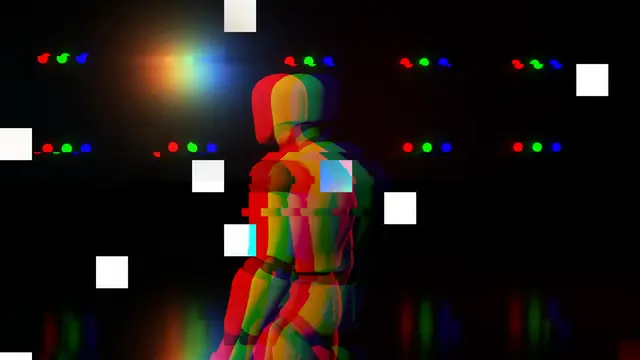 Impact
Chromatic Glitch
0.03 s in, 0.12 s held, 0.15 s out
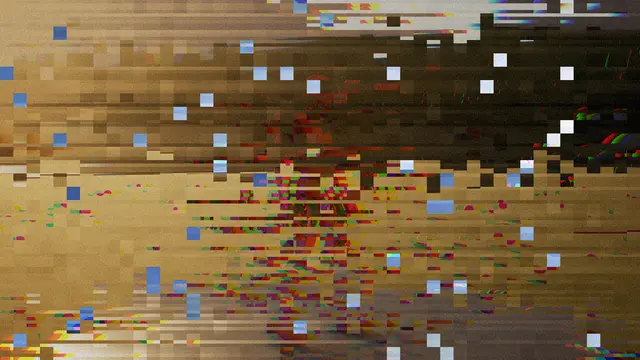 Impact
Glitch
0.03 s in, 0.12 s held, 0.15 s out
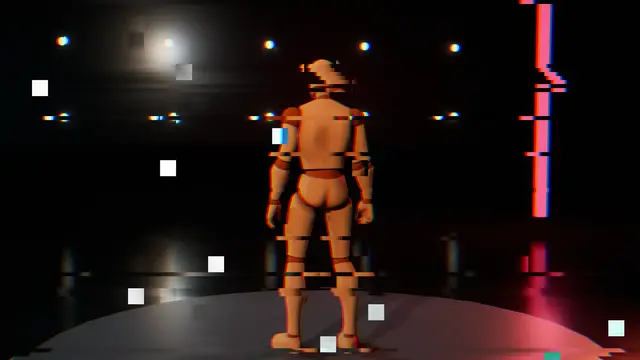 Overlay
Glitch
in over 0.35 s, held at 25%
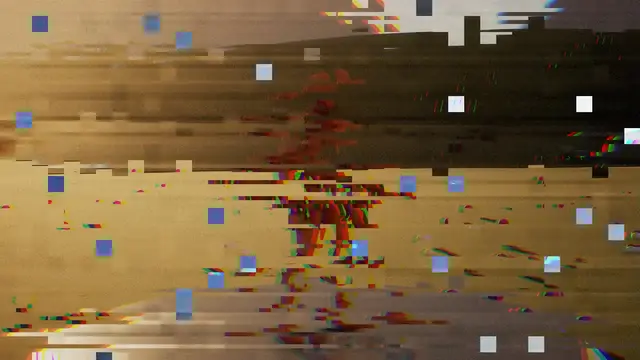 Transition
Glitch
0.25 s in, 0 s held, 0.35 s out
Its own settings:
| Setting | What it does | Starts at | Takes |
|---|---|---|---|
| Tears | How many rows tear sideways, at the peak | 0.6 | 0 to 1 |
| Tear Distance | How far a torn row slides, as a share of the screen's width | 0.25 | 0 to 1 |
| Block Shifts | How many blocks jump out of place, at the peak | 0.35 | 0 to 1 |
| Shift Distance | How far a block jumps, as a share of the screen | 0.12 | 0 to 0.5 |
| Colour Split | How far red and blue part, as a share of the screen's width | 0.012 | 0 to 0.06 |
| Scanlines | How dark the scanlines run | 0.15 | 0 to 1 |
| Noise | How much static is laid over it | 0.15 | 0 to 1 |
| Glitches A Second | How often it jumps to a new glitch | 24 | 1 to 60, whole numbers |
Invert#
The picture flips to its negative, or into two colours: deep red and black, ice and navy, or a hard stencil.
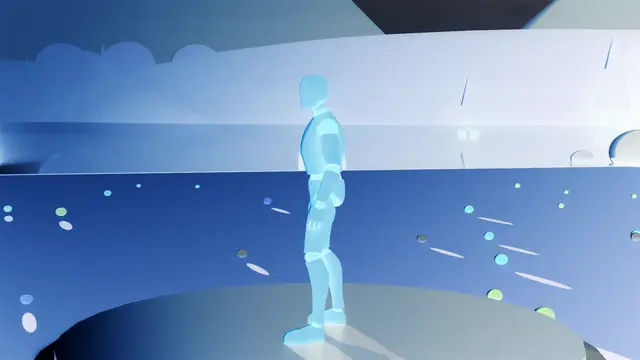 Impact
Negative
Invert, 0.02 s in, 0.08 s held, 0.18 s out
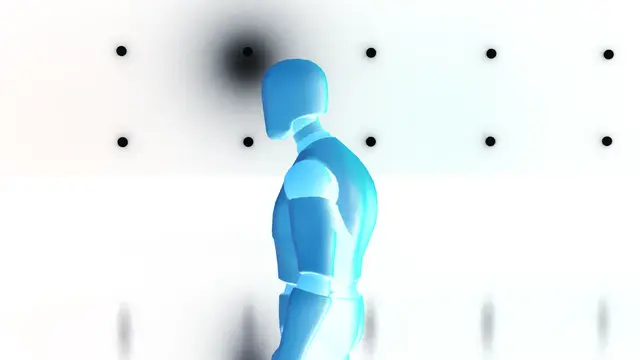 Overlay
Negative
Invert, in over 0.35 s, held at 100%
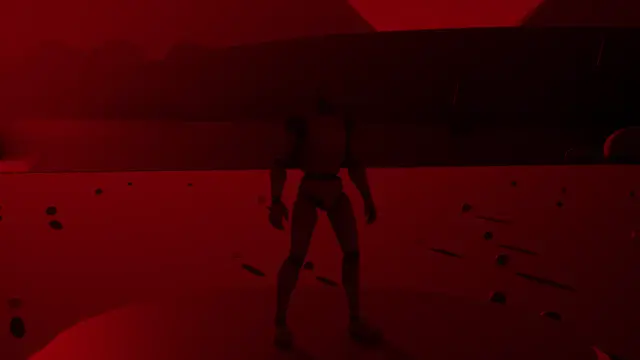 Overlay
Red Duotone
Invert, in over 0.35 s, held at 100%
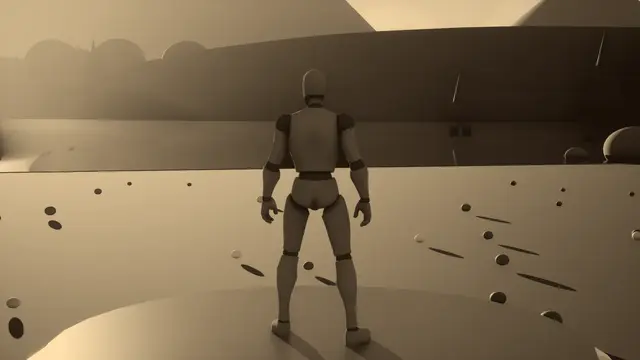 Overlay
Sepia
Invert, in over 0.5 s, held at 100%
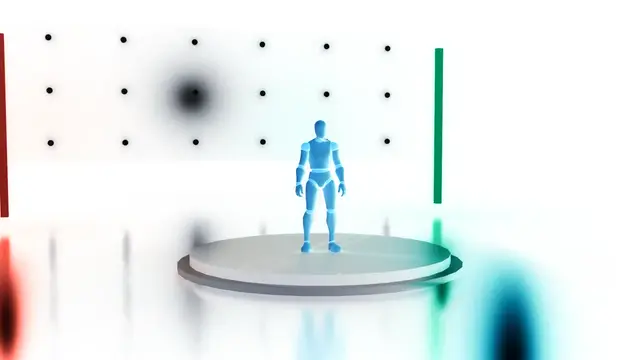 Transition
Invert
0.1 s in, 0.12 s held, 0.35 s out
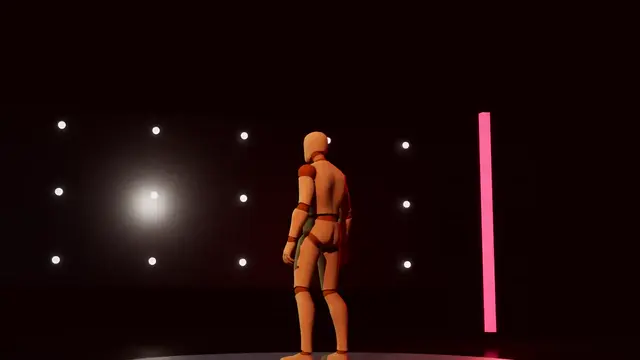 Transition
Invert Deep Red
0.12 s in, 0.15 s held, 0.45 s out
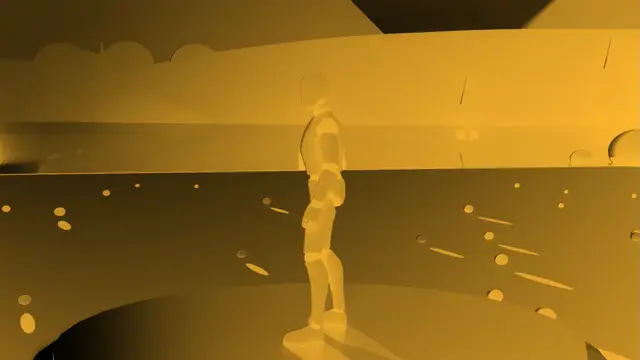 Transition
Invert Gold
0.12 s in, 0.15 s held, 0.45 s out
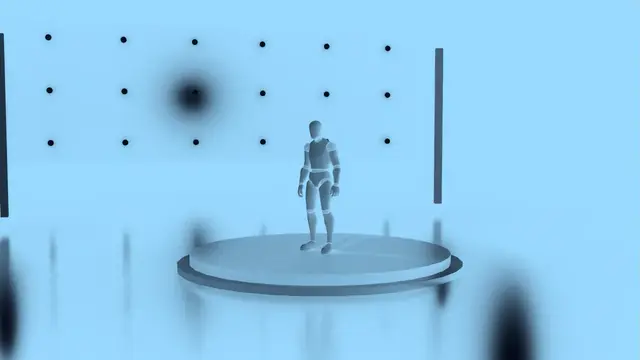 Transition
Invert Ice
0.12 s in, 0.15 s held, 0.45 s out
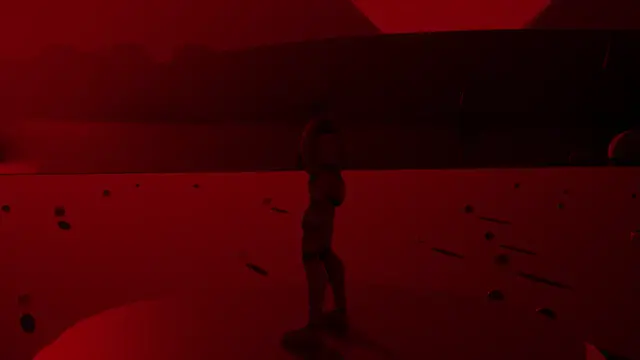 Transition
Red Duotone
Invert, 0.12 s in, 0.15 s held, 0.45 s out
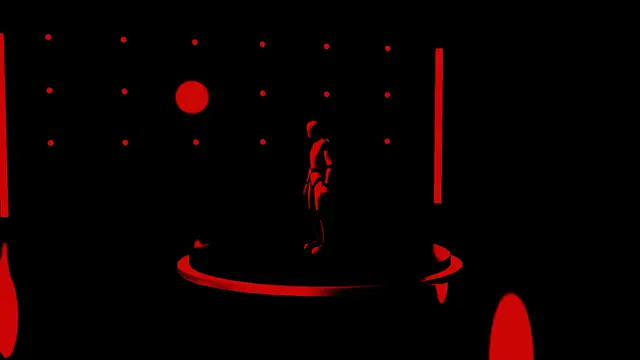 Transition
Stencil Red
Invert, 0.12 s in, 0.15 s held, 0.45 s out
Its own settings:
| Setting | What it does | Starts at | Takes |
|---|---|---|---|
| Midpoint | Where the two colours meet, or where a stencil cuts, from the darkest 0 to the lightest 1 | 0.5 | 0 to 1 |
Halftone#
The picture turns to printed dots that swell into solid ink, and the next is printed back.
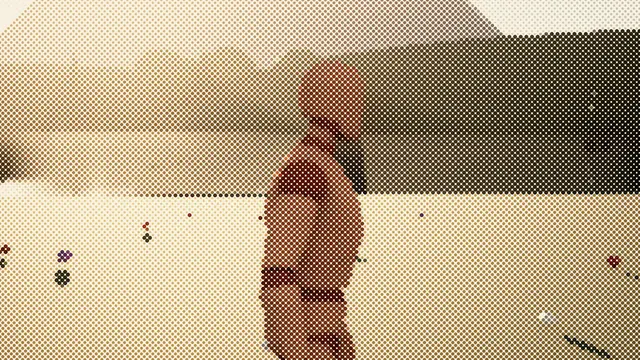 Overlay
Halftone
in over 0.35 s, held at 50%
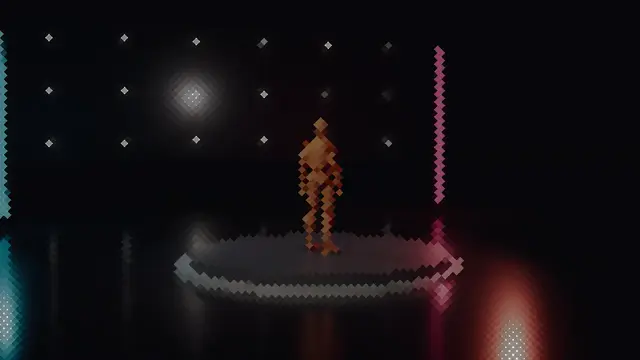 Transition
Halftone
0.6 s in, 0.05 s held, 0.6 s out
Its own settings:
| Setting | What it does | Starts at | Takes |
|---|---|---|---|
| Screen Angle (deg) | The angle the dots are printed on | 45 | 0 to 90 |
| Dot Size | How big the dots are before they swell | 0.55 | 0.2 to 1 |
| Dot Shape | The shape of the dots | Round | Round, Square, Diamond, Line |
Lens and light#
Glass and light between the player and the picture: lenses sliding and forming, a camera taking the shot, flares, bloom, leaks and neon.
Lens Swap#
A thick round lens as wide as the screen slides away along the direction over the still old shot, bending it hard and splitting its colours through the glass's edge, while the next rises into place behind it over the new shot.
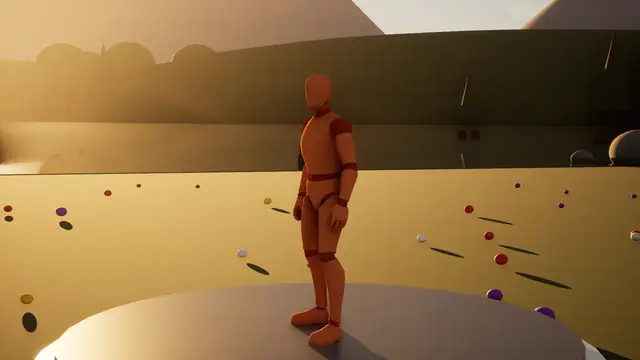 Impact
Lens Flick
blends over 0.55 s
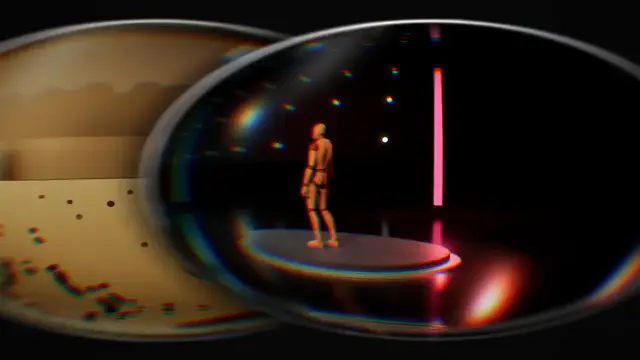 Transition
Lens Carousel
blends over 1.3 s
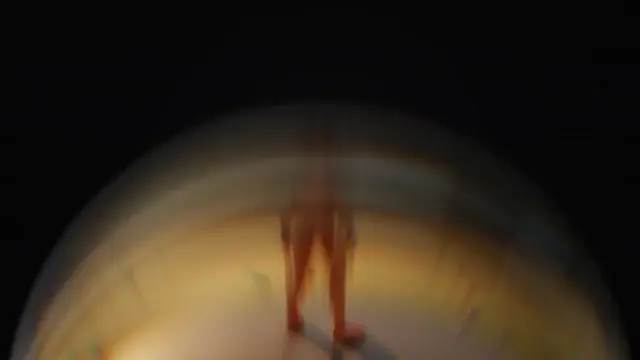 Transition
Lens Flick
blends over 0.75 s
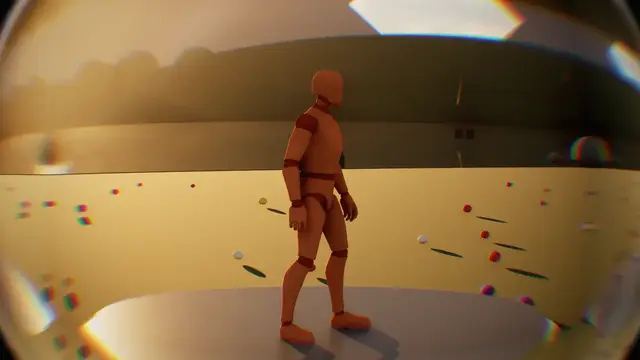 Transition
Lens Swap
blends over 0.4 s
It has no settings of its own beyond the ones every look shares.
Mirror Shutter#
A single-lens reflex taking the shot: the mirror flips up with the old shot on it, the shutter's curtains run across the sensor, and the mirror comes back down with the new shot, bouncing off its stop.
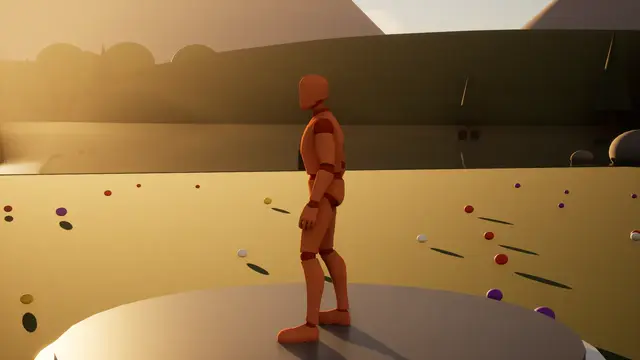 Impact
Camera Snap
Mirror Shutter, blends over 0.45 s
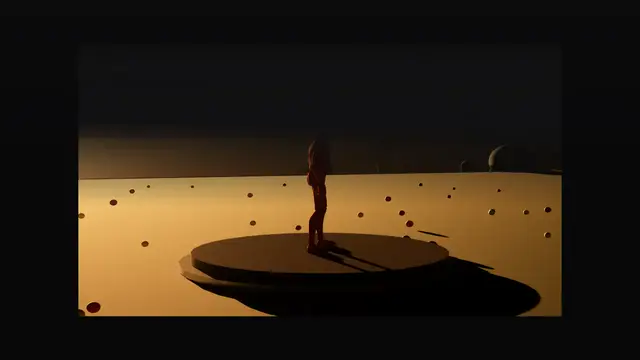 Transition
Mirror Shutter
blends over 0.9 s
It has no settings of its own beyond the ones every look shares.
Optical Shutter#
Aperture blades closing through the lens: the picture bends, its colours fringe, the highlights bloom and the blades' edges catch the light.
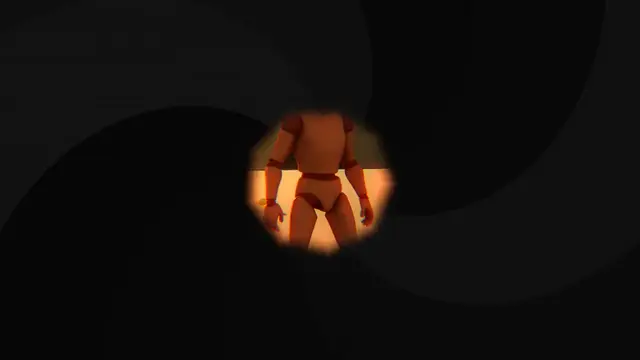 Transition
Optical Shutter
0.45 s in, 0.08 s held, 0.6 s out
Its own settings:
| Setting | What it does | Starts at | Takes |
|---|---|---|---|
| Blade Turn | How far the blades turn as they close | 0.9 | 0 to 3 |
| Blade Curve | How much the seams between blades curve | 1.4 | 0 to 5 |
| Bulge | How far the lens bulges the picture | 0.35 | 0 to 1.5 |
| Fringe | How far red and blue pull apart towards the edges | 0.03 | 0 to 0.1 |
| Bloom | How much the highlights bloom | 2.5 | 0 to 6 |
| Vignette | How dark the corners go | 0.6 | 0 to 2 |
Eye Test#
Looking through an optician's lenses: the view closes to round windows, each click swaps in a blurrier lens, and clearer ones bring the new shot back.
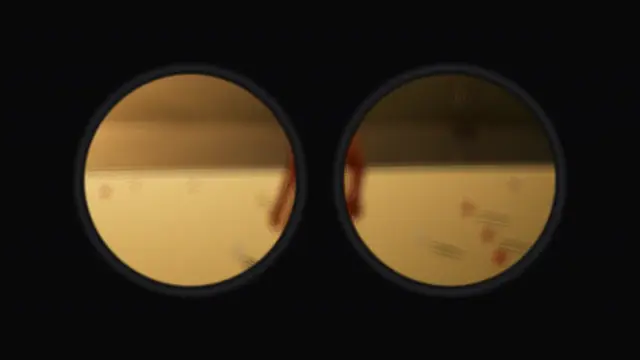 Transition
Eye Test
1 s in, 0.1 s held, 1.2 s out
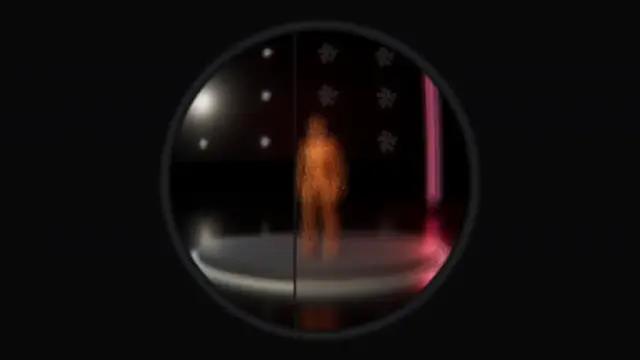 Transition
Eye Test One Lens
1.2 s in, 0.1 s held, 1.4 s out
Its own settings:
| Setting | What it does | Starts at | Takes |
|---|---|---|---|
| Window Size | How big the round windows are, 1 as designed | 1 | 0.4 to 1.4 |
| Eye Spacing | With both eyes, how far apart the windows are | 0.36 | 0.2 to 0.6 |
| Bulge | How far the lens bulges the view | 0.5 | 0 to 2 |
| Fringe | How far the colours fringe towards the rim | 0.006 | 0 to 0.03 |
Glass Lens#
A thick glass lens forming over the picture: magnified in the middle, crushed into its rim with the colours splitting, the light catching its edge, and the colour around it.
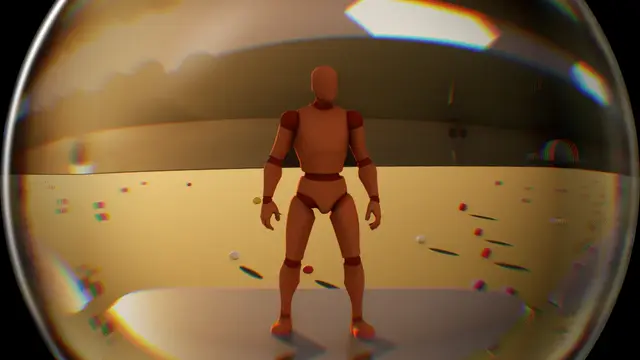 Overlay
Glass Lens
in over 0.5 s, held at 100%
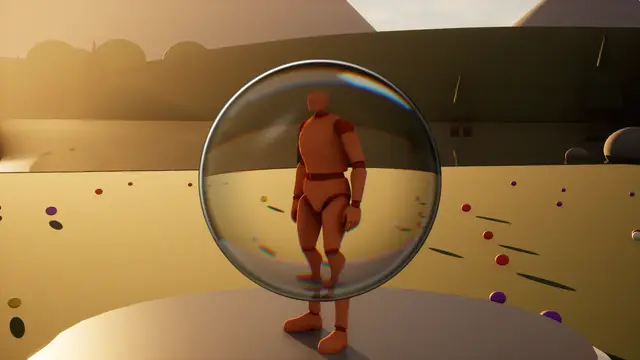 Overlay
Magnifier
Glass Lens, in over 0.35 s, held at 100%
It has no settings of its own beyond the ones every look shares.
Flare#
A lens flare builds with a long streak and ghosts, and burns out to the colour.
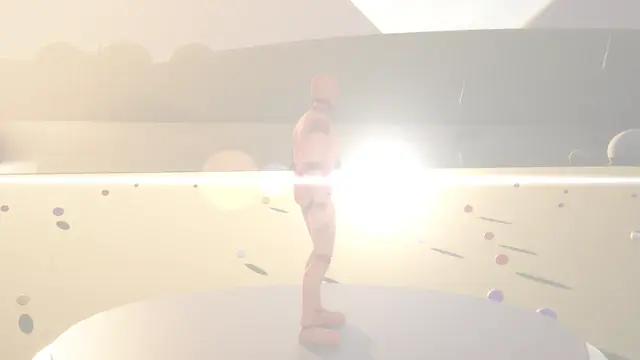 Transition
Flare
0.45 s in, 0.05 s held, 0.55 s out
Its own settings:
| Setting | What it does | Starts at | Takes |
|---|---|---|---|
| Streak | How bright the long streak is | 1.5 | 0 to 5 |
| Core | How bright the core and its glow are, 1 as designed | 1 | 0 to 3 |
| Ghosts | How bright the ghosts strung along the line are | 0.12 | 0 to 1 |
| Travel | How far the flare travels along the direction | 0.3 | 0 to 1 |
Bloom#
The light spills: the bright parts glow wider and brighter until everything is the colour.
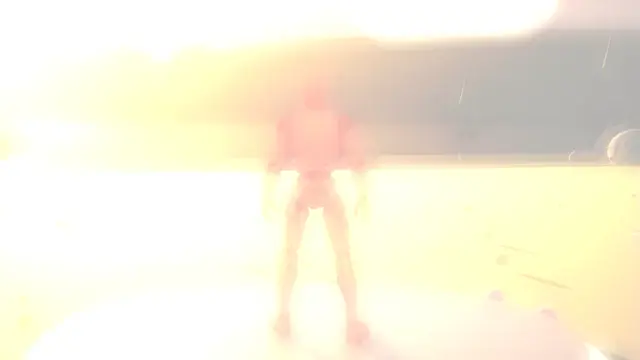 Transition
Bloom
0.45 s in, 0.05 s held, 0.6 s out
Its own settings:
| Setting | What it does | Starts at | Takes |
|---|---|---|---|
| Threshold | How bright a part must be to bloom at first | 0.85 | 0 to 1 |
| Spread | How far the glow spreads, at full strength | 0.06 | 0 to 0.2 |
| Glow | How bright the glow is | 4 | 0 to 10 |
Light Leak#
Warm light washes across and burns out to white.
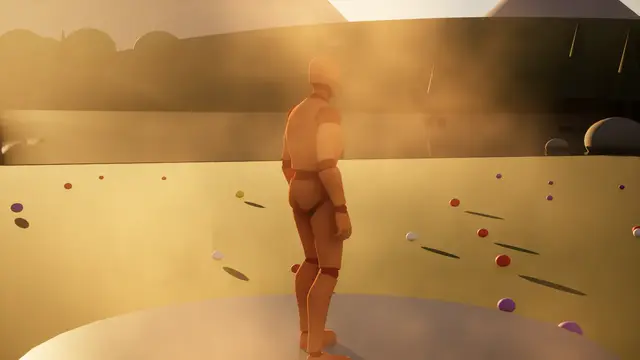 Overlay
Light Leak
in over 0.8 s, held at 50%
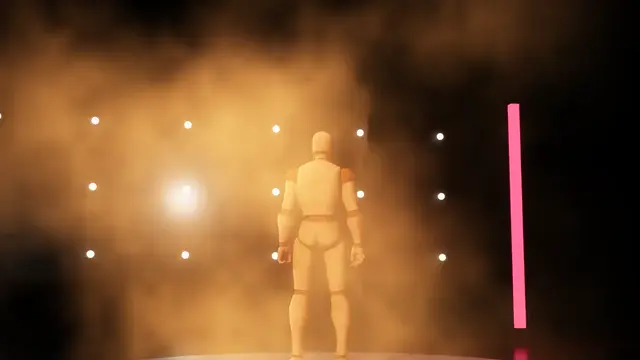 Transition
Light Leak
0.5 s in, 0.05 s held, 0.6 s out
Its own settings:
| Setting | What it does | Starts at | Takes |
|---|---|---|---|
| Leak Size | How fine the leak's light is: more for smaller patches | 1.5 | 0.3 to 5 |
| Drift | How fast the light drifts | 0.15 | 0 to 1 |
| Sweep Width | How narrow the sweep of light across the screen is | 1.5 | 0.5 to 5 |
| Burns Out From | How far along it starts to burn out to white | 0.7 | 0.5 to 0.99 |
Neon Outline#
The picture goes dark and its edges light up in neon, then the new shot comes back the same way.
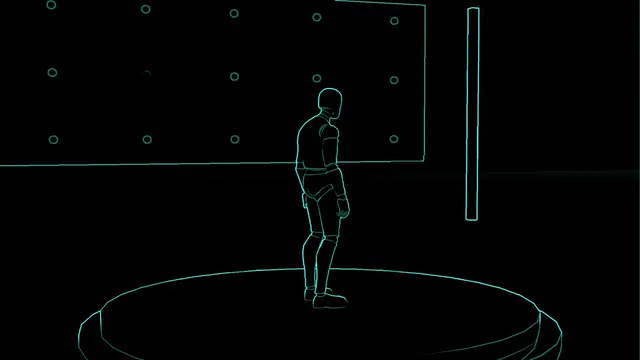 Overlay
Neon Outline
in over 0.35 s, held at 60%
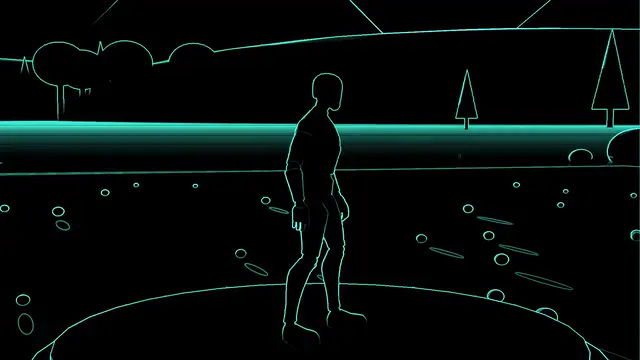 Transition
Neon Outline
0.55 s in, 0.1 s held, 0.6 s out
Its own settings:
| Setting | What it does | Starts at | Takes |
|---|---|---|---|
| Pulse | How much the neon pulses | 0.15 | 0 to 1 |
| Pulse Speed | How fast it pulses | 30 | 0 to 60 |
| Picture Lines | How much the picture's own strongest lines join the outlines | 0.6 | 0 to 2 |
| Dim | How far the picture goes dark behind the neon | 1 | 0 to 1 |
Impacts#
The hit itself: the picture struck down to ink and paper, smeared and blown apart, or burnt out by a flash.
Impact Frame#
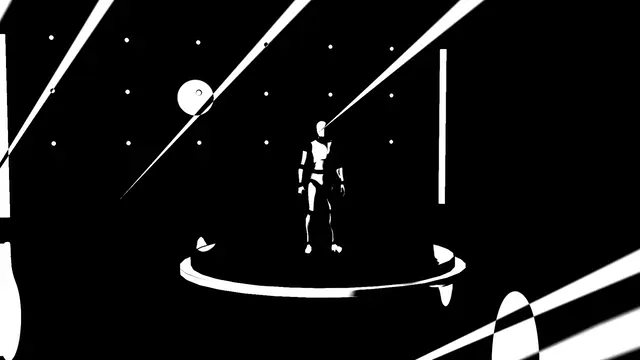
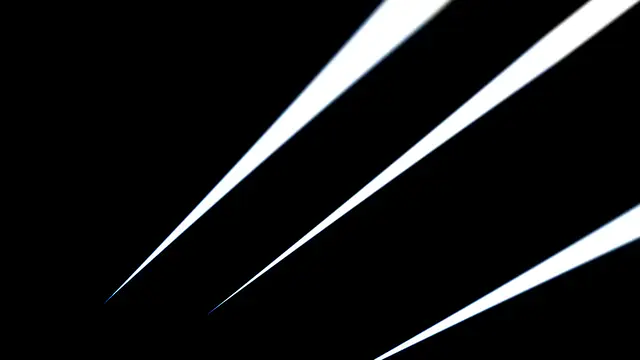
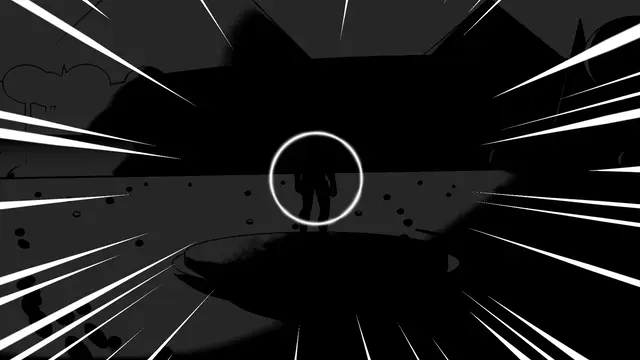
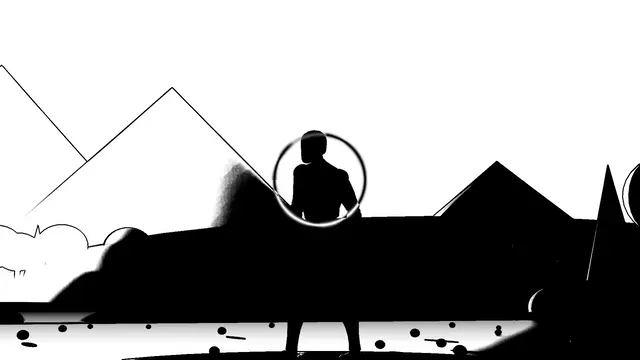
An anime impact frame: the picture struck down to ink and paper, with heavy outlines and lines converging on the hit, redrawn and jolted a few times a second.
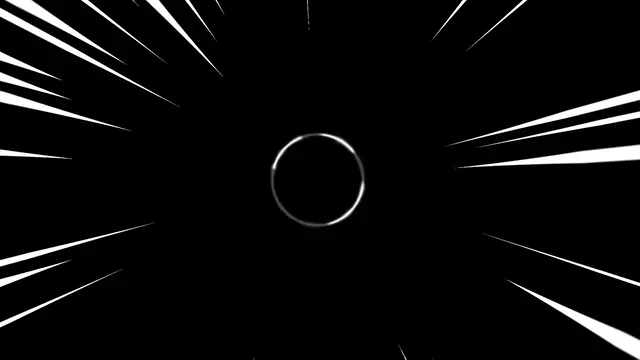 Impact
Explosion
Impact Frame, 0.02 s in, 0.5 s held, 0.12 s out
 Impact
Explosion Cloud
Impact Frame, 0.02 s in, 0.5 s held, 0.12 s out
 Impact
Explosion Red
Impact Frame, 0.02 s in, 0.5 s held, 0.12 s out
 Impact
Explosion Rings
Impact Frame, 0.02 s in, 0.5 s held, 0.12 s out
 Impact
Explosion Star
Impact Frame, 0.02 s in, 0.5 s held, 0.12 s out
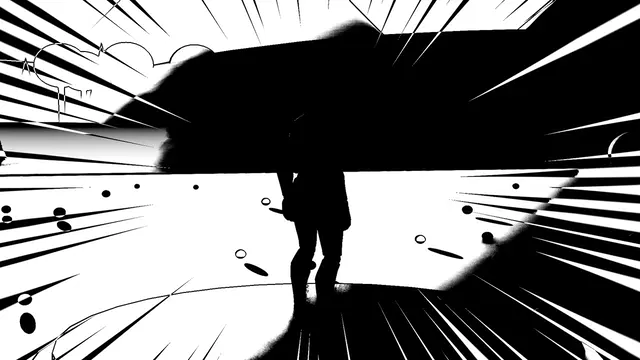 Impact
Frame
Impact Frame, 0.03 s in, 0.22 s held, 0.06 s out
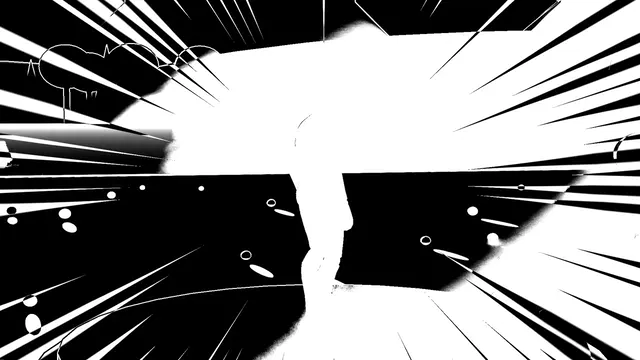 Impact
Frame Flicker
Impact Frame, 0.03 s in, 0.25 s held, 0.06 s out
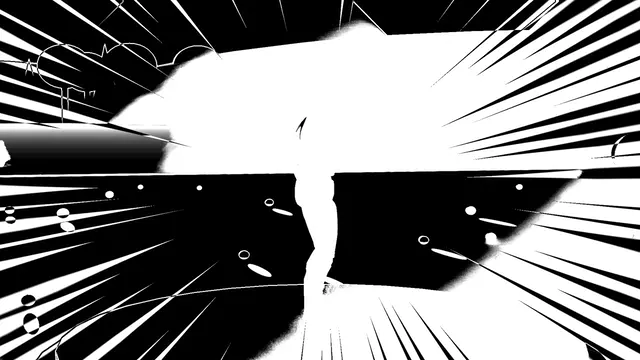 Impact
Frame Inverted
Impact Frame, 0.03 s in, 0.22 s held, 0.06 s out
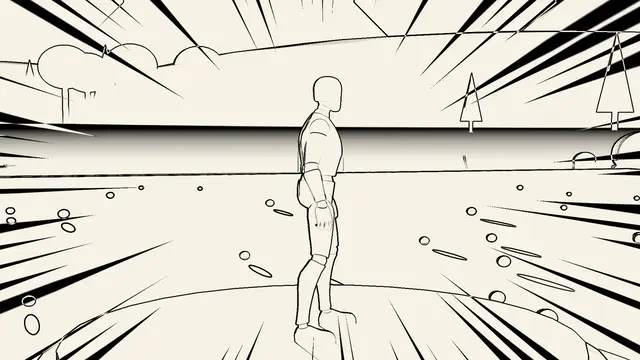 Impact
Frame Outlines
Impact Frame, 0.03 s in, 0.22 s held, 0.06 s out
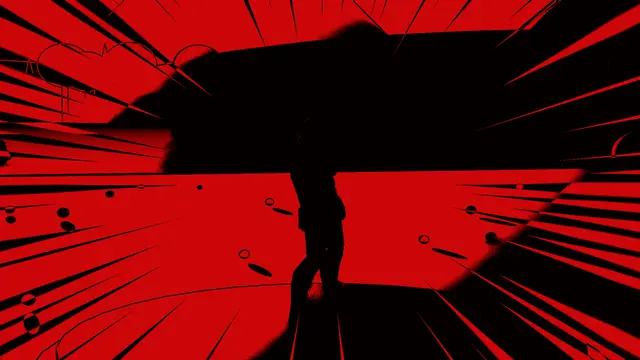 Impact
Frame Red
Impact Frame, 0.03 s in, 0.22 s held, 0.06 s out
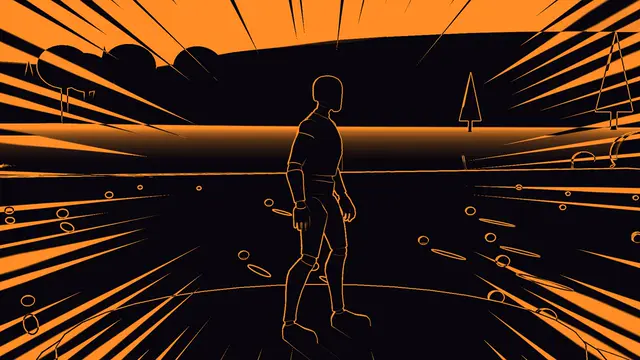 Impact
Frame Silhouette
Impact Frame, 0.03 s in, 0.22 s held, 0.06 s out
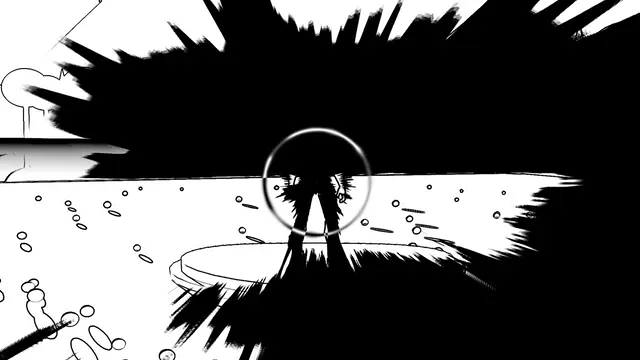 Impact
Shockburst
Impact Frame, 0.02 s in, 0.5 s held, 0.12 s out
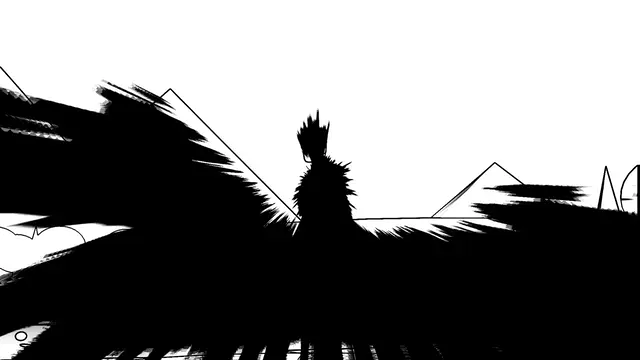 Impact
Smear
Impact Frame, 0.03 s in, 0.3 s held, 0.08 s out
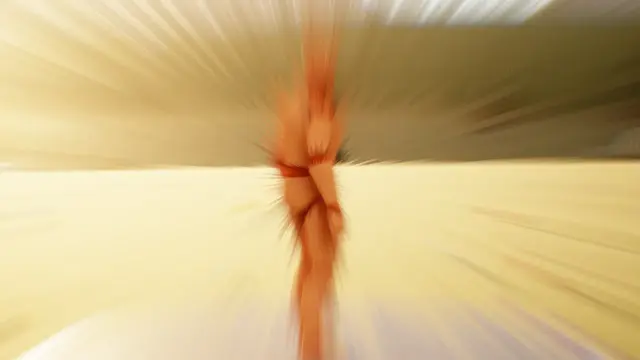 Impact
Smear Colour
Impact Frame, 0.03 s in, 0.3 s held, 0.15 s out
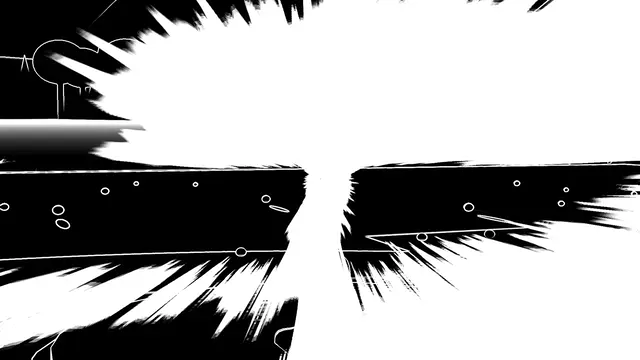 Impact
Smear Inverted
Impact Frame, 0.03 s in, 0.3 s held, 0.08 s out
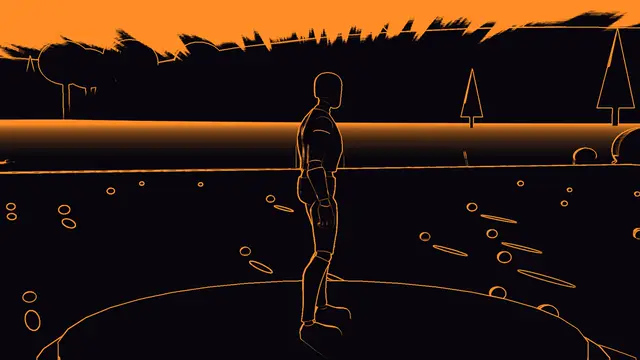 Impact
Smear Silhouette
Impact Frame, 0.03 s in, 0.3 s held, 0.08 s out
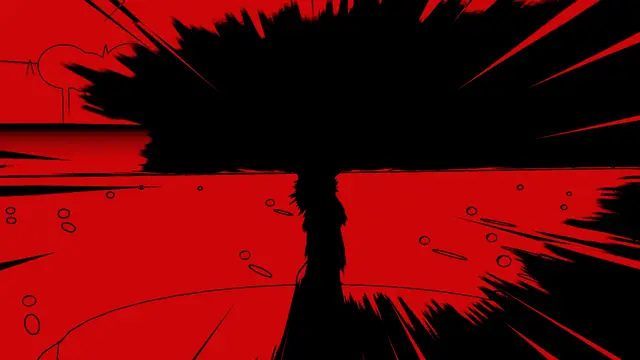 Impact
Smear Switch
Impact Frame, 0.03 s in, 0.3 s held, 0.08 s out
Its own settings:
| Setting | What it does | Starts at | Takes |
|---|---|---|---|
| Ink Threshold | How dark a part must be to go to ink | 0.45 | 0.1 to 0.9 |
| Outline Width | How thick the outlines are, in pixels | 1.5 | 0.5 to 4 |
| Jolt | How far each drawing jolts, at full strength | 0.012 | 0 to 0.05 |
| Line Count | How many speed lines run round the hit | 110 | 20 to 300, whole numbers |
Flash#
A flash of light burning the picture out to the colour: plain, a burst of rays, a star with a ring, or strobing.
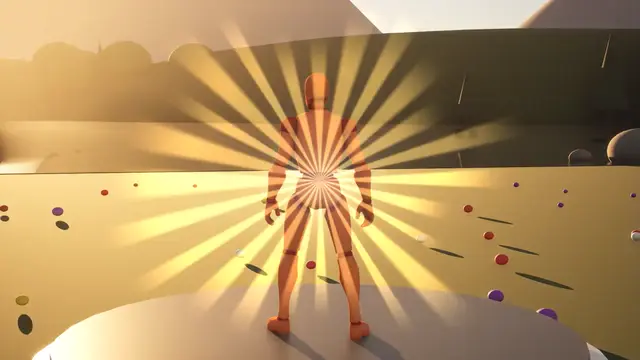 Impact
Flash Burst
0.25 s in, 0.05 s held, 0.45 s out
 Impact
Flash Red
0.05 s in, 0.02 s held, 0.3 s out
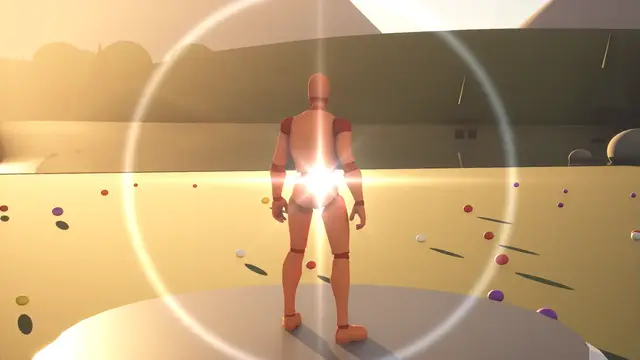 Impact
Flash Star
0.3 s in, 0.05 s held, 0.45 s out
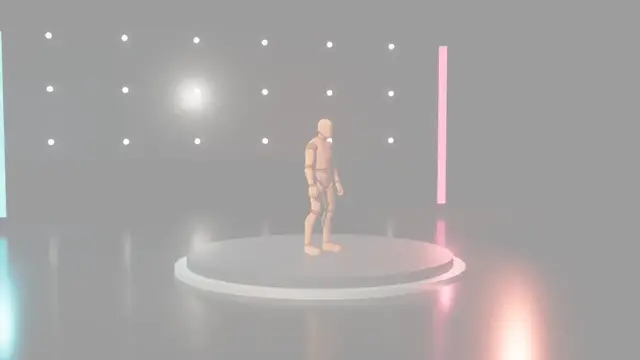 Impact
Flash Strobe
0.35 s in, 0.05 s held, 0.35 s out
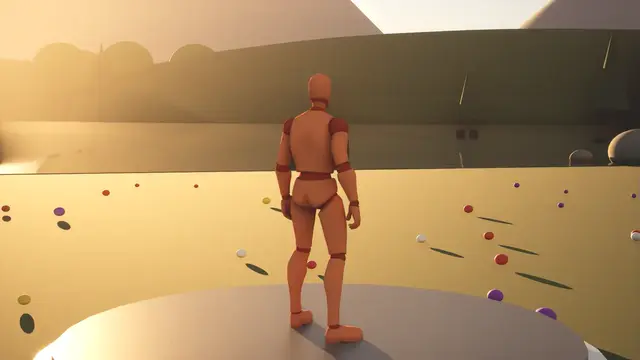 Impact
Flash White
0.06 s in, 0.04 s held, 0.4 s out
 Impact
Hit Flash
0.03 s in, 0.05 s held, 0.5 s out
Its own settings:
| Setting | What it does | Starts at | Takes |
|---|---|---|---|
| Rays | How many rays a burst has | 24 | 4 to 64, whole numbers |
| Ray Spin | How fast a burst's rays turn | 0.05 | 0 to 1 |
| Ring | How bright a star's ring is | 0.8 | 0 to 2 |
Worn and held to the eye#
Something between the eye and the world: night vision and thermal, scopes, binoculars, weapon sights and masks. Worn ones move against the eyes as the head does.
Night Vision#
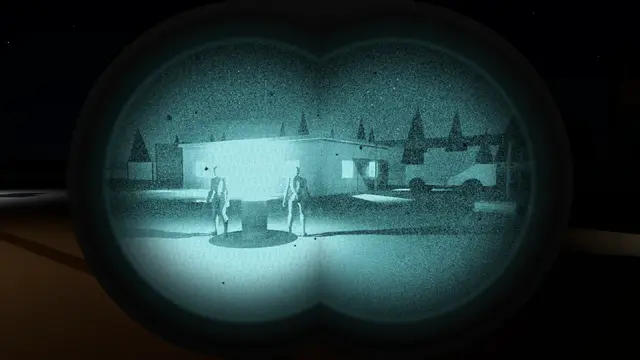
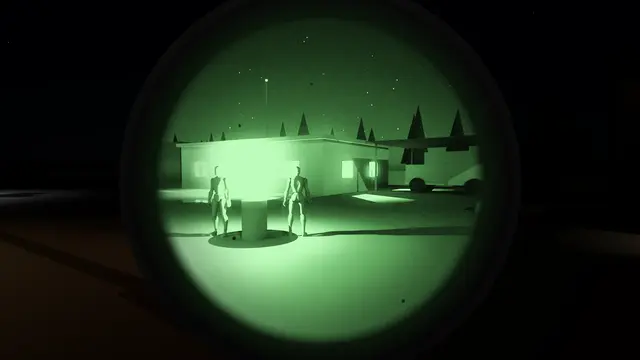
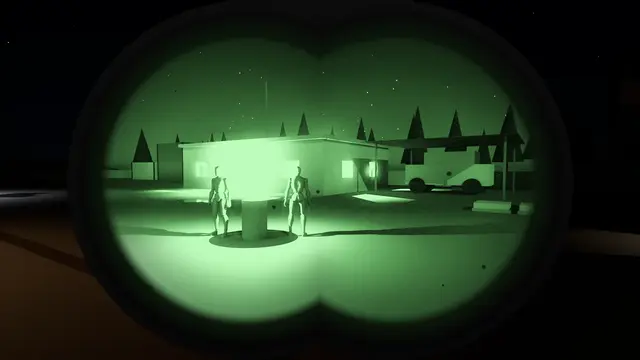
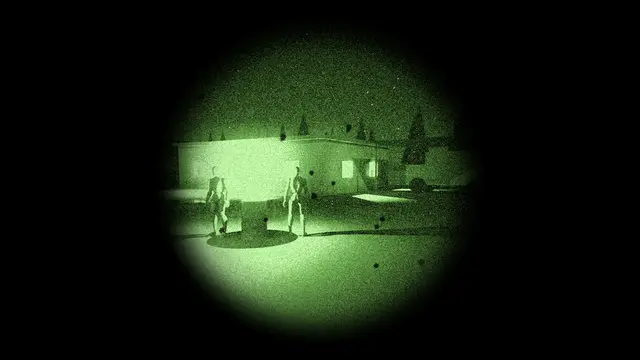
Night vision through one tube, two or four: the picture amplified to glowing green or white, grainy and haloed round the lights, inside each tube's circle, with eye relief, so looking off a tube's middle darkens its edge.
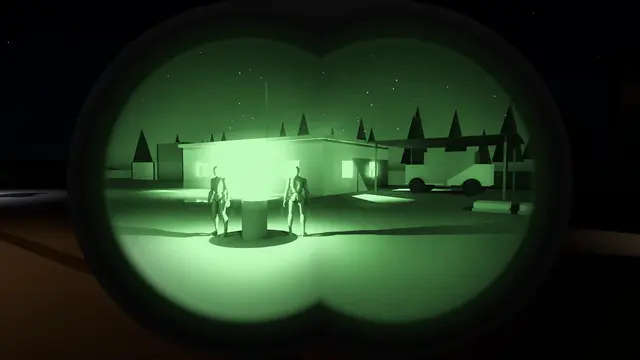 Overlay
Night Vision Binocular New Green
in over 1.2 s, held at 100%
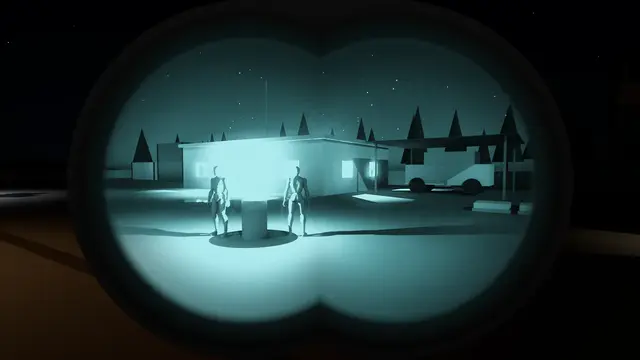 Overlay
Night Vision Binocular New White
in over 1.2 s, held at 100%
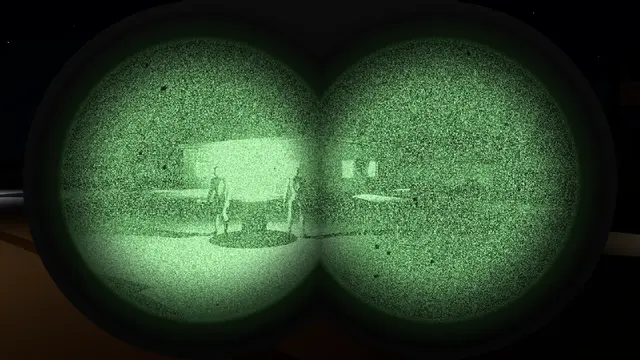 Overlay
Night Vision Binocular Old Green
in over 1.2 s, held at 100%
 Overlay
Night Vision Binocular Old White
in over 1.2 s, held at 100%
 Overlay
Night Vision Compact
in over 0.9 s, held at 100%
 Overlay
Night Vision Dual
in over 1.2 s, held at 100%
 Overlay
Night Vision Early
in over 0.9 s, held at 100%
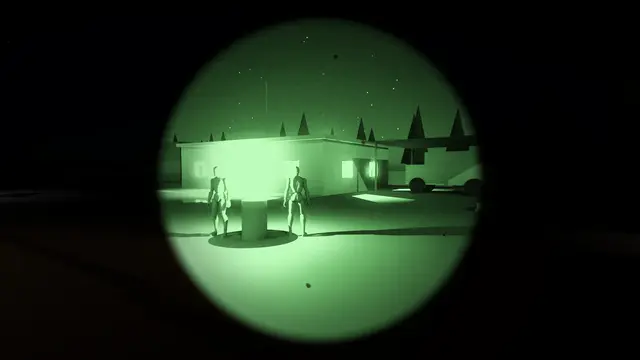 Overlay
Night Vision Green
in over 0.9 s, held at 100%
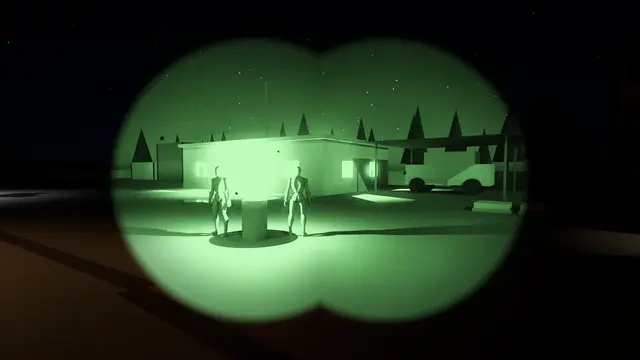 Overlay
Night Vision Green Dual
in over 0.9 s, held at 100%
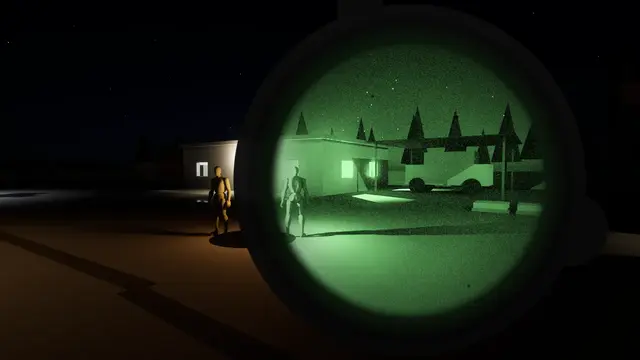 Overlay
Night Vision Monocular
in over 1.2 s, held at 100%
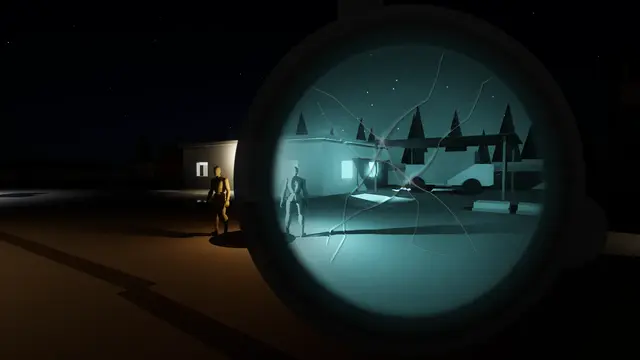 Overlay
Night Vision Monocular Cracked
in over 0.9 s, held at 100%
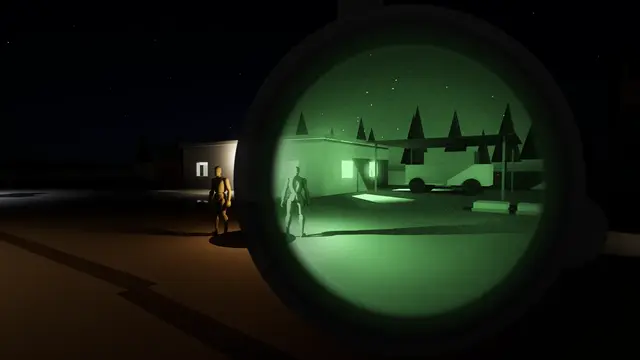 Overlay
Night Vision Monocular New Green
in over 0.9 s, held at 100%
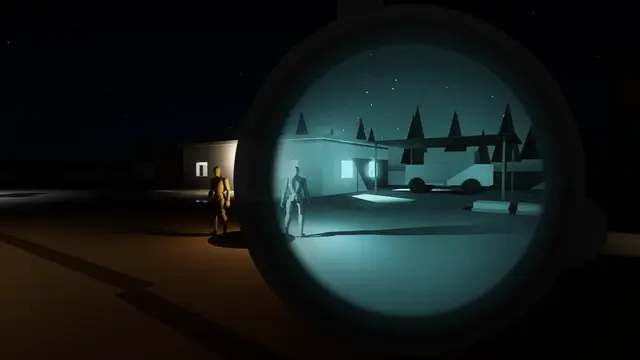 Overlay
Night Vision Monocular New White
in over 0.9 s, held at 100%
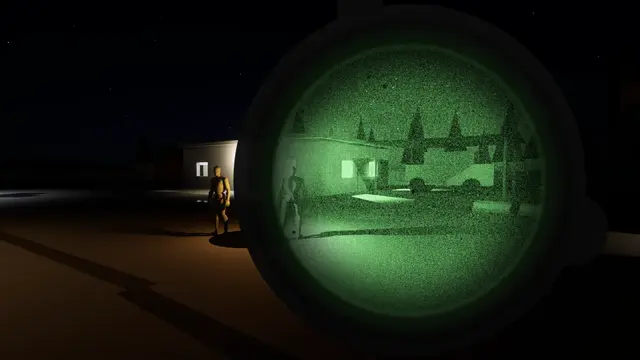 Overlay
Night Vision Monocular Old Green
in over 0.9 s, held at 100%
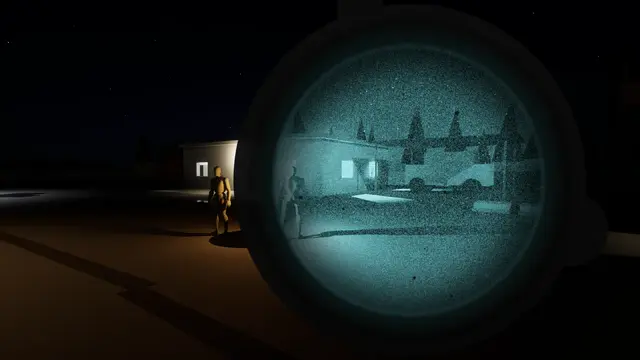 Overlay
Night Vision Monocular Old White
in over 0.9 s, held at 100%
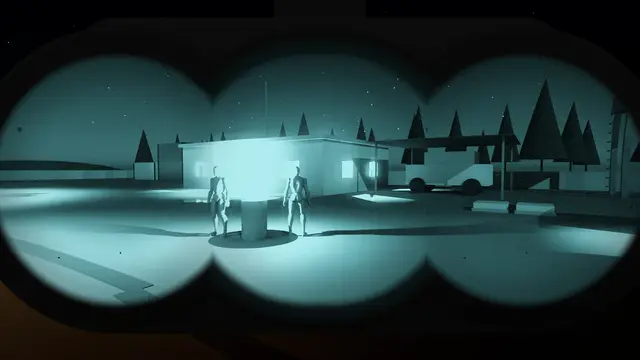 Overlay
Night Vision Panoramic
in over 0.9 s, held at 100%
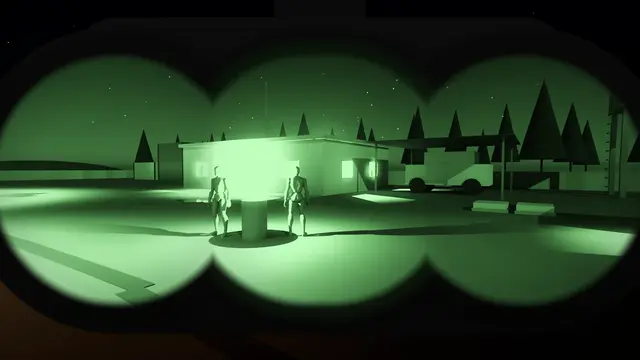 Overlay
Night Vision Panoramic New Green
in over 0.9 s, held at 100%
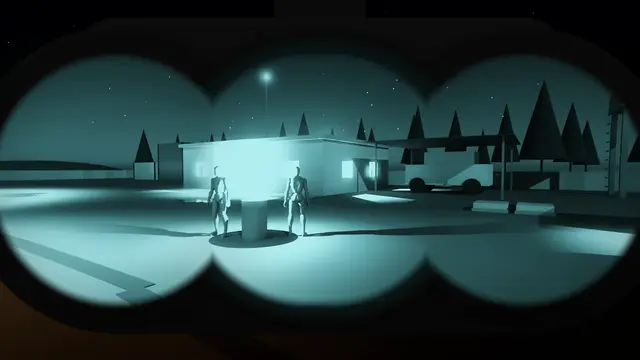 Overlay
Night Vision Panoramic New White
in over 0.9 s, held at 100%
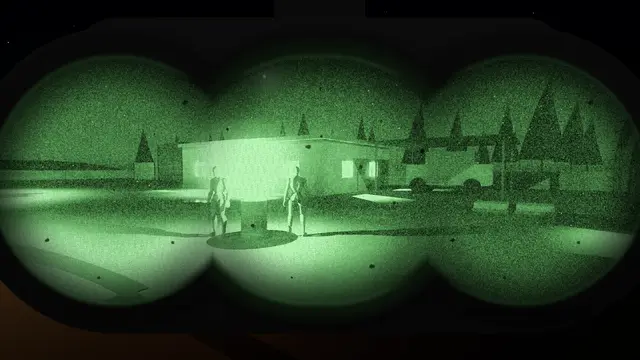 Overlay
Night Vision Panoramic Old Green
in over 0.9 s, held at 100%
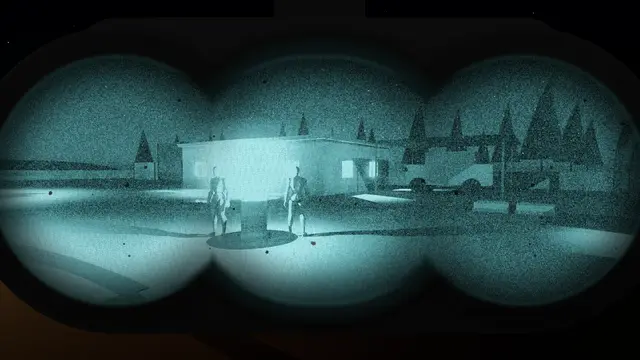 Overlay
Night Vision Panoramic Old White
in over 0.9 s, held at 100%
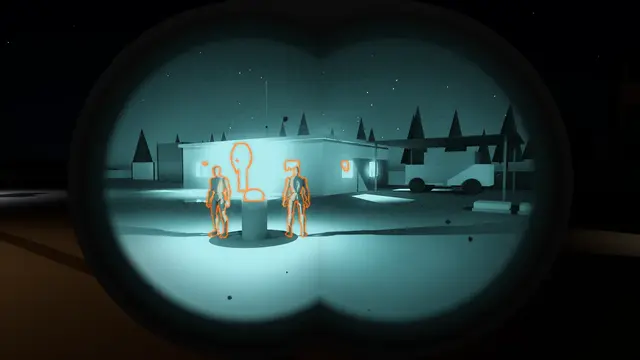 Overlay
Night Vision Thermal Clip On
in over 0.9 s, held at 100%
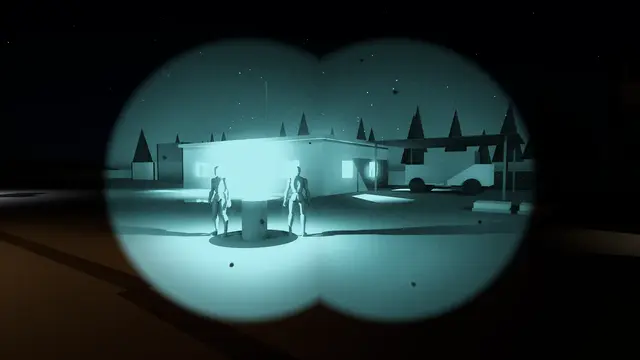 Overlay
Night Vision White
in over 0.9 s, held at 100%
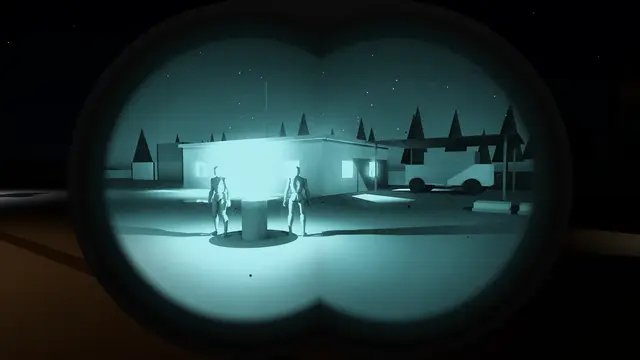 Overlay
Night Vision White Dual
in over 1.2 s, held at 100%
Its own settings:
| Setting | What it does | Starts at | Takes |
|---|---|---|---|
| Tubes | One tube over one eye, two side by side, or four in a panoramic fan | One Tube | One Tube, Two Tubes, Panoramic |
| Tube Spacing | How far apart two tubes sit: 0 one circle, 1 just touching | 0.5 | 0 to 1 |
| Inner Pair Spacing | How far apart a panoramic's inner pair sit: 0 one circle, as the eyes fuse them, 1 just touching | 0.08 | 0 to 1 |
| Outer Tubes Out | How far out a panoramic's outer tubes sit, in tube widths from the middle: below 1 the inner pair overlaps them, as a real one's does | 0.78 | 0.5 to 1.5 |
| Outer Tubes Drop | How far below the inner pair a panoramic's outer tubes sit, in tube widths; below 0 above | 0 | -0.25 to 0.25 |
| Outer Tube Size | How big a panoramic's outer tubes are against the inner pair | 1 | 0.3 to 1.5 |
| Outer Tube Brightness | How bright a panoramic's outer tubes are against the inner pair | 0.95 | 0 to 1.5 |
| Seam Darkness | How dark a line shows where a panoramic's tubes meet; 0 none, their fields running into one view as a binocular's do | 0 | 0 to 1 |
| Seam Distortion | How far out of line a panoramic's outer tubes are where they meet the inner pair, as in a goggle whose tubes don't quite line up; 0 lined up, the world running straight on across | 0 | 0 to 1.5 |
| Eye Relief | How far the eye sits from the eyepiece, 0 to 1: further sees a smaller circle, and the shadow closes in sooner as the eye moves off the middle | 0.35 | 0 to 1 |
| Moves With You | How far the goggle moves against the eye as the head turns and the camera shakes, 0 not at all | 1 | 0 to 3 |
| Weight | How heavy the goggle is: heavier swings slower and further, lagging the head more; 1 as designed | 1 | 0.25 to 4 |
| Clip-On Weight | Adds a thermal clip-on's weight on top of everything else, so the goggle swings heavier | Off | Off, On |
| Movement Smoothing (s) | How much every movement of the goggle is smoothed, in seconds: its swing as the head turns, its slip and tilt, and the knocks from shakes. More takes out the jitter and lags it a little; 0 none | 0.06 | 0 to 0.5 |
| Bare Eye | How much of the world shows round the tubes, as the other eye sees it round one, or under the goggle; 0 the colour | 1 | 0 to 1 |
| Arrives | How it comes on: pulled straight down from above, already aligned; folded down from the helmet with the tubes swung out on their arms, then swung in to the eyes as the arms fold; faded in; or folded down from the helmet in an arc, swinging down and in towards the face as the eyepieces turn from the ground to the eyes, as a real one does (a panoramic, one block, never swings in) | Fold Down | Pull Down, Fold Down Then Swing In, Fade In, Fold Down |
| Pull Down Share | With the tubes swinging in: how much of the time coming on is spent folding it down, snapping home on the Equip Curve, before it holds still and the tubes swing in | 0.55 | 0.1 to 0.9 |
| Pause Before Swinging In | With the tubes swinging in: how much of the time coming on it holds still, folded down, before the tubes swing in to the eyes, so the fold and the swing read as two moves; 0 none | 0.12 | 0 to 0.5 |
| Swing Angle | With the tubes swinging in: how far out on their arms they start, in degrees | 40 | 0 to 90 |
| Arm Length | With the tubes swinging in: how long their arms are, in tube widths from the mount's hinge | 1.1 | 0.3 to 3 |
| Equip Curve | How it moves as it comes on and goes: easing out, easing in and out, evenly, or on a spring that overshoots and settles | Ease Out | Ease Out, Ease In Out, Linear, Spring |
| Spring Bounce | With the spring: how far it overshoots before it settles | 0.3 | 0 to 1 |
| Housing Shape | The goggle as it looks from the eye: a plain barrel round each tube, a round monocular with its battery cap and mount arm, a compact monocular, an articulating binocular with its bridge and arms, or a quad panoramic block | Plain Barrel | Plain Barrel, Round Monocular, Compact Monocular, Articulating Binocular, Quad Panoramic |
| 3D Housing | Shows each tube's barrel round its glass as a thing in front of the eye, its rim shifting against the glass as the goggle moves | Off | Off, On |
| Housing Depth | How deep the barrels look: how far their rims shift against the glass as the goggle moves | 0.5 | 0 to 2 |
| Housing Rim | How wide each barrel shows round its glass, as a share of the tube | 0.12 | 0 to 0.5 |
| Housing Shine | How much light catches along the barrels' rims | 0.08 | 0 to 1 |
| Housing Blur | How soft the goggle's housing looks round the glass, as anything that close to the eye is out of focus; 0 sharp | 0.5 | 0 to 1 |
| Gain | How far the light is amplified at most, where it's darkest: more turns night into day, and brings the grain up with it. With Auto-Gain on, a lighter place gets less. | 20 | 1 to 100 |
| Auto-Gain | Whether the tubes turn their gain down in the light to hold the picture's brightness, as their automatic brightness control does | On | Off, On |
| Auto-Gain Level | How bright the auto-gain holds the picture, 0 to 1 | 0.55 | 0.05 to 0.95 |
| Bright Light Protection | How far the tubes dim the whole picture when bright light floods them, as they do to protect themselves; 0 never | 0.5 | 0 to 1 |
| Auto-Gate Speed (s) | How long the tubes take to settle on a change in the light, in seconds: longer is smoother and slower, 0 at once. They turn down for brighter light twice as fast as they turn back up, as tubes do to protect themselves | 0.4 | 0 to 3 |
| Auto-Gate Sensitivity | How fully the tubes answer a change in the light, and Bright Light Protection with them: 1 holds the picture at the Auto-Gain Level whatever the light; less lets it brighten and darken with the scene, pumping less | 1 | 0 to 1 |
| Lowest Gain | How low the tubes' gain can go, so bright light washes them out rather than being turned down to nothing; daylight wants a pinhole cap | 0.2 | 0.01 to 10 |
| Daylight Washout | How far bright light washes the picture out to a glowing haze | 0.7 | 0 to 1 |
| Auto Shutoff | Whether the goggle switches itself off when the picture stays too bright, as goggles do to save their tubes. Only for a goggle put on with Equip Night Vision. | On | Off, On |
| Shutoff Brightness | How much light must come through the aperture for the auto shutoff: a moonlit night is about a half, a lit room hundreds, daylight thousands | 50 | 1 to 5000 |
| Shutoff After (s) | How long it must stay that bright before the goggle switches itself off | 1 | 0 to 10 |
| Switches Back On | Once it has shut itself off: whether it comes back on by itself once it is dark again | Once It's Dark Again | Never, Once It's Dark Again |
| Back On After (s) | How long it must be dark again before it comes back on | 1.5 | 0 to 10 |
| Aperture | How far the objective is open: smaller lets in less light to amplify, so the picture darkens and grains, and keeps more in focus; a pinhole cap is for daylight | f/1.2 | f/1.2, f/2, f/2.8, f/4, Pinhole Cap |
| Focus Distance (m) | How far away the tubes are focused, in metres: nearer and further blur, as far as the aperture is open; 0 everything sharp | 0 | 0 to 200 |
| Focus Blur | How far things out of focus blur: 1 as the objective blurs them, more for a softer picture, 0 none | 1 | 0 to 3 |
| Most Blur (%) | How far anything blurs at most, however far out of focus it is, in percent of the view's height | 6 | 0.5 to 10 |
| Out Of Focus Spreads | Whether something near and out of focus, such as a weapon held up in front, blurs out over what's behind it as a real out-of-focus foreground does, or stops at its own outline | On | Off, On |
| Blur Quality | How carefully the focus blur is worked out: Optimised looks at fewer places and leaves slight blur alone, for the least cost; Default as designed; Quality looks at more places, smoother on a large blur, for the most | Default | Optimised, Default, Quality |
| Phosphor Saturation | How much of the second colour's tint the phosphor shows: 1 as chosen, 0 grey | 1 | 0 to 2 |
| Highlights Pale | How far the brightest parts pale towards white, as phosphor does when it saturates | 0.45 | 0 to 1 |
| Black Level | How bright the tubes' darkest dark is, in the phosphor's colour, as a real tube never quite goes black | 0.03 | 0 to 0.3 |
| Contrast | How hard the tubes' picture is: above 1 darker darks, below 1 flatter | 1 | 0.4 to 2.5 |
| Grain | How much the tubes' sparkling grain shows | 0.35 | 0 to 1 |
| Grain Size (px) | How big the grain is, in pixels | 1 | 1 to 6 |
| Sparkles | How many of the grain's bright points flash where the picture is dark: 1 as designed, more for a busier tube, 0 none | 1 | 0 to 10 |
| Sparkle Size | How big each bright point is, in grains across: 1 a single grain, more for a round, soft-edged point | 1 | 1 to 6 |
| Halos | How far the glow spreads round bright lights | 0.5 | 0 to 1 |
| Halo Size | How wide the halos round bright lights are, 1 as designed | 1 | 0.2 to 4 |
| Honeycomb | How much the honeycomb of the tubes' plates shows in the brights | 0.04 | 0 to 0.5 |
| Afterglow | How long bright things leave a fading trail as they move, as a tube's phosphor glows on after the light has gone; 0 none | 0.3 | 0 to 0.95 |
| Blemish Count | How many small dark spots each tube carries, as nearly every real tube has a few | 4 | 0 to 40, whole numbers |
| Blemish Size | How big the blemishes are, 1 a few pixels across | 1.5 | 0.2 to 6 |
| Blemish Darkness | How dark the blemishes are, 1 black | 0.8 | 0 to 1 |
| Blemish Softness | How soft the blemishes' edges are | 0.35 | 0 to 1 |
| Blemish Roughness | How ragged the blemishes' edges are, rather than round | 0.4 | 0 to 1 |
| Blemish Variety | How far the blemishes differ from each other in size, darkness and shape | 0.6 | 0 to 1 |
| Blemish Pattern | Which blemishes the tubes have, where they sit and how they're shaped: each number its own set, the same every time the goggle goes on, as a real tube's are | 0 | 0 to 999, whole numbers |
| Power | How far the tubes are on: 1 on, 0 off and dark. The Night Vision nodes switch it, the phosphor fading as it goes | 1 | 0 to 1 |
| Edge Distortion | How much each tube bends the picture towards its edge | 0.35 | 0 to 1 |
| Edge Darkening | How much each tube darkens towards its edge | 0.3 | 0 to 1 |
| Edge Glint | A faint bright ring round each tube's edge, as light catches inside it | 0.1 | 0 to 1 |
| Edge Blur | How much the picture softens towards each tube's edge | 0 | 0 to 1 |
| Warm-Up Flicker | How much the tubes flicker as they come on | 1 | 0 to 1 |
| Thermal Clip-On | A thermal imager clipped in front of a tube, showing the outlines of what's warm, what's warmer than its floor, or all of it, in its Clip-On Colour. Anything drawn into custom depth shows warm. | Off | Off, Outline, Patrol, Full Thermal |
| Clip-On Shows | How the clip-on's picture reaches the eye: drawn over the tube's in the Clip-On Colour, as a fused goggle's is, or in through the objective, in the phosphor's own colour, as an optical clip-on's is | In Its Own Colour | In Its Own Colour, Through The Tube |
| Clip-On Polarity | For Full Thermal: warm things bright, or dark | White Hot | White Hot, Black Hot |
| Clip-On Tube | Which tube carries the clip-on, with two, or a panoramic's inner pair | Left | Left, Right, Both |
| Clip-On Strength | How bright the clip-on's picture shows in the tube | 0.8 | 0 to 2 |
| Clip-On Field (%) | How wide the clip-on sees, in percent of the tube's field: a 30 degree imager in a 40 degree tube sees three quarters of it | 75 | 10 to 100 |
| Clip-On Threshold | How warm something must be to show, for Outline and Patrol, 0 to 1 | 0.6 | 0 to 1 |
| Clip-On Offset (%) | How far the clip-on's picture sits off the tube's, across, in percent of its field, as before it's aligned | 0 | -25 to 25 |
| Clip-On Line Width (px) | How thick Outline's lines are, in the clip-on's own pixels | 1.5 | 0.5 to 6 |
| Clip-On Glow | A soft glow round Outline's lines, as bright lines bloom in a tube | 0.35 | 0 to 1 |
| Clip-On Detail | How much of a warm shape's inside Outline picks up: where its warmth changes, its gear, limbs and folds drawn as lines of their own | 0.3 | 0 to 1 |
| Clip-On Noise | How imperfect the clip-on's picture is, as a small thermal sensor's is: its lines waver, thicken and thin, break up and sparkle | 0.35 | 0 to 1 |
| Clip-On Lag | How far the clip-on's picture trails the tube's as the head moves, settling back as it stops, as a separate imager's does | 0.5 | 0 to 2 |
| Illuminator | The goggle's own IR illuminator: a cone of infrared from the goggle, lighting what's ahead for its tubes alone. Set Night Vision Illuminator switches it while the game runs. | Off | Off, On |
| Illuminator Strength | How bright the illuminator is: 1 lights what's within a few metres well and fades out past twenty | 1 | 0 to 4 |
| Illuminator Beam (deg) | How wide the illuminator's beam is, edge to edge, in degrees | 40 | 5 to 120 |
| Illuminator Range (m) | How far the illuminator reaches, in metres | 25 | 1 to 100 |
| Illuminator In Air | How much of the illuminator's beam shows in the air ahead, as haze lights up; 0 none, as in clear air | 0.05 | 0 to 1 |
| Settle | How hard the goggle settles as it snaps into place, folded or pulled down: a quick jitter dying away, as a weapon settles after a reload, giving it weight; 0 none. A heavier goggle shudders slower and wider. | 1 | 0 to 3 |
| Settle Time (s) | How long the settle takes to die away, in seconds | 0.35 | 0.05 to 1.5 |
| Fold Settle | Folding down then swinging in: how hard it settles as the fold snaps home, before the tubes swing in, its arms bouncing on their hinges; 0 none. The Settle plays, lighter, as the tubes close on the eyes. | 1.5 | 0 to 3 |
| Footfall Settle | How hard the goggle settles as each foot lands: a small, quick knock dying away in about half the Settle Time, harder running than walking, and harder again landing from a jump or a fall. It's strapped to the head and moves with it, so a little goes a long way; 0 none. | 0.35 | 0 to 2 |
| Rattle | How much the goggle trembles in its mount as the wearer moves, more the faster they go: a fine, quick rattle, gone when they stand still or leave the ground; 0 none. | 0.5 | 0 to 2 |
Thermal Vision#
Thermal vision: the scene by how warm it looks, white hot, black hot or in a colour palette, the sky cold and lights hot; anything drawn into custom depth glows like a warm body.
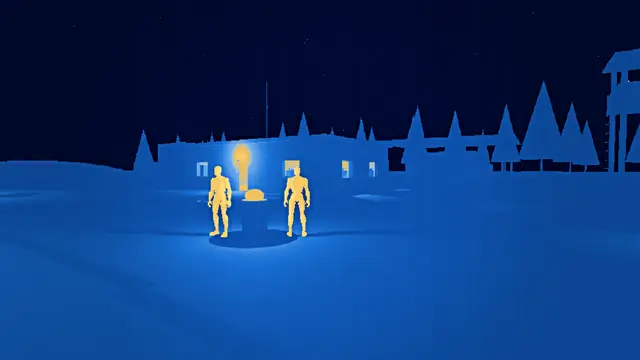 Overlay
Thermal Arctic
in over 0.3 s, held at 100%
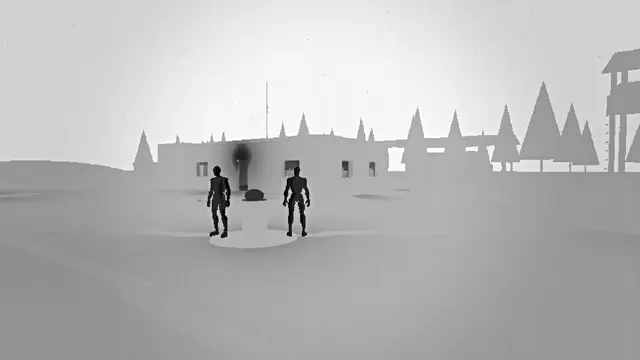 Overlay
Thermal Black Hot
in over 0.3 s, held at 100%
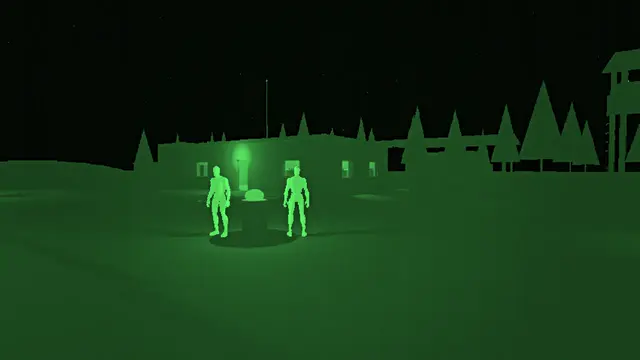 Overlay
Thermal Green Hot
in over 0.3 s, held at 100%
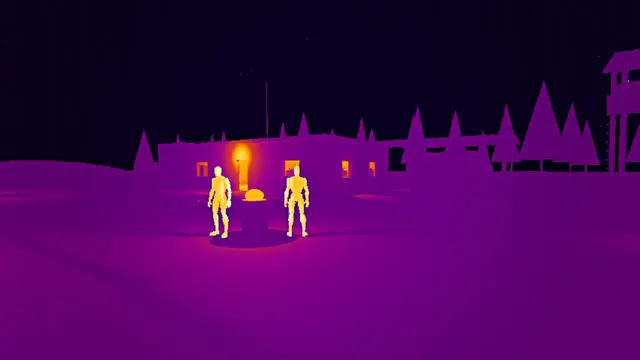 Overlay
Thermal Ironbow
in over 0.3 s, held at 100%
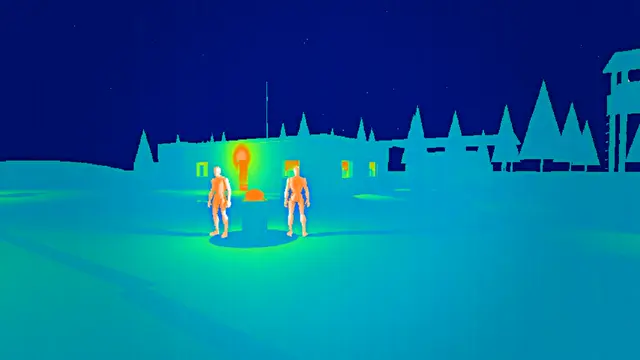 Overlay
Thermal Rainbow
in over 0.3 s, held at 100%
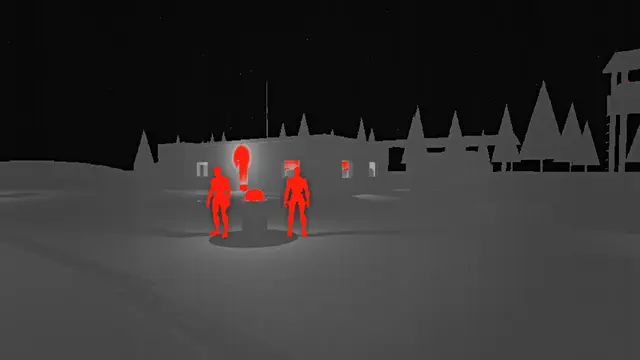 Overlay
Thermal Red Hot
in over 0.3 s, held at 100%
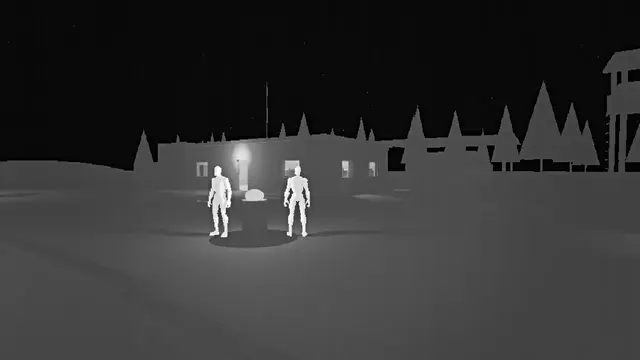 Overlay
Thermal White Hot
in over 0.3 s, held at 100%
Its own settings:
| Setting | What it does | Starts at | Takes |
|---|---|---|---|
| Palette | How heat is coloured: white hot, black hot, or a palette from cold to hot | White Hot | White Hot, Black Hot, Ironbow, Rainbow, Arctic, Red Hot, Green Hot |
| Warm Bodies | How warm anything drawn into custom depth shows, as a body would: tick Render CustomDepth Pass on whatever should glow; 0 ignores it | 1 | 0 to 1 |
| Sensitivity | How far the heat is spread across the palette: more brings out small differences, less flattens them | 1 | 0.2 to 3 |
| Sensor Rows | How many rows of pixels the sensor has, as thermal cameras have few; 0 the screen's own | 480 | 0 to 2160 |
| Noise | How much the sensor's grain and the faint stripes of its columns show | 0.25 | 0 to 1 |
| Heat Haze | How much the air shimmers | 0.15 | 0 to 1 |
| Halo | How strongly the sensor rings round anything much warmer or colder than what's next to it | 0.4 | 0 to 1.5 |
| Recalibrates Every (s) | How often its shutter closes to recalibrate, the picture going flat for a moment; 0 never | 0 | 0 to 60 |
Scope#
A rifle scope: the picture magnified inside the tube, a reticle over it, and the scope's shadow closing in as the eye moves off its line; night vision through it too.
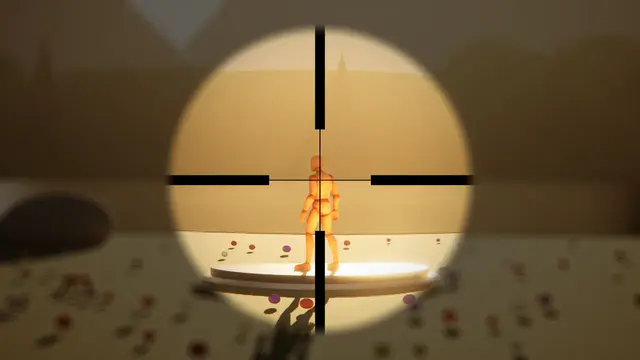 Overlay
Scope Both Eyes Open
in over 0.5 s, held at 100%
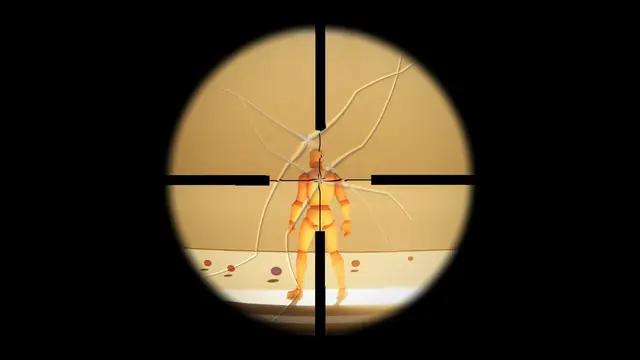 Overlay
Scope Cracked
in over 0.5 s, held at 100%
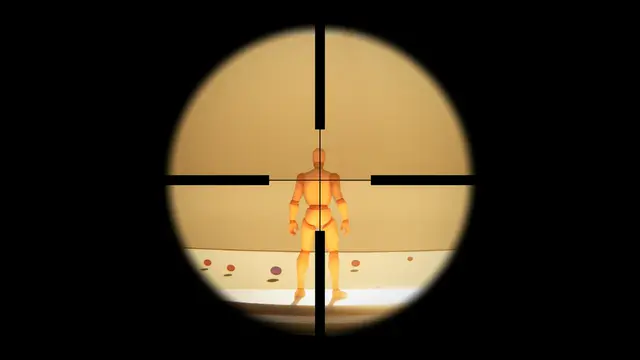 Overlay
Scope Duplex
in over 0.5 s, held at 100%
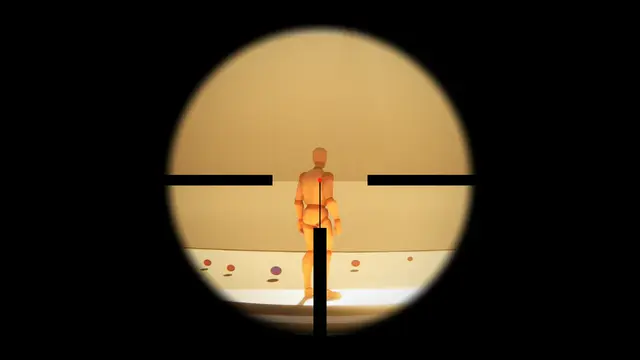 Overlay
Scope German Lit
in over 0.5 s, held at 100%
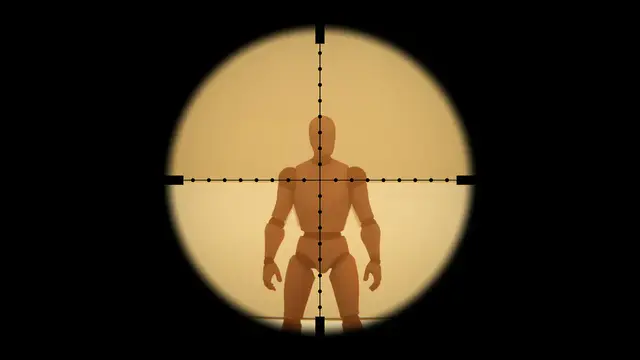 Overlay
Scope Mil Dot
in over 0.5 s, held at 100%
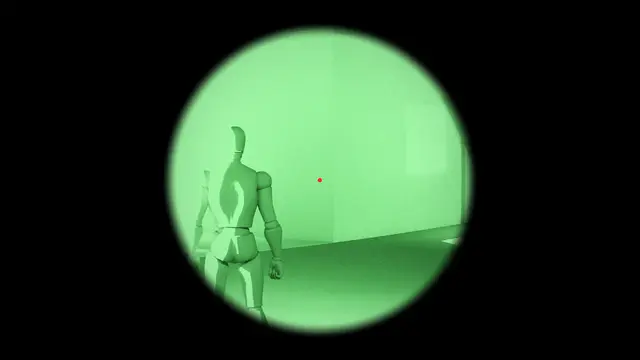 Overlay
Scope Night Vision
in over 0.5 s, held at 100%
Its own settings:
| Setting | What it does | Starts at | Takes |
|---|---|---|---|
| Magnification | How many times the scope enlarges the middle of the picture | 4 | 1 to 16 |
| Eye Relief | How far the eye sits from the eyepiece: further and the scope's shadow closes in sooner as the eye moves off its line | 0.4 | 0 to 1 |
| Reticle | The lines or dot you aim with | Duplex | Duplex, Mil Dot, German, Dot, Chevron, None |
| Reticle Glow | How brightly the reticle lights up in the second colour; 0 a plain black one | 0 | 0 to 1 |
| Night Vision | Night vision through the scope, in green or white phosphor | Off | Off, Green, White |
| Edge Distortion | How much the scope bends and darkens the picture towards its edge | 0.3 | 0 to 1 |
| Around The Scope | What shows round the scope: 0 black, 1 the picture, blurred and dimmed, as with both eyes open | 0 | 0 to 1 |
| Moves With You | How far the scope moves against the eye as the head turns and the camera shakes, 0 not at all | 1 | 0 to 3 |
| Edge Blur | How much the picture softens towards the scope's edge | 0 | 0 to 1 |
| Zoom | How it magnifies: with the camera, narrowing its view so the picture stays sharp at any magnification, or in the picture, keeping the world round the scope as it is for Around The Scope | With The Camera | With The Camera, In The Picture |
| Aberration | How far the colours part towards the scope's edge, beyond what its edge distortion parts them | 0 | 0 to 1 |
| Footfall Settle | How hard the scope knocks as each foot lands: a small, quick knock dying away, harder running than walking, and harder again landing from a jump or a fall; 0 none. | 0.25 | 0 to 2 |
| Rattle | How much the scope trembles as the wearer moves, more the faster they go: a fine, quick rattle, gone when they stand still or leave the ground; 0 none. | 0.35 | 0 to 2 |
Binoculars#
Binoculars: two magnified circles merging into one wide view, a fine scale to range with, and the edges darkening as the eyes move off the eyepieces; night vision through them too.
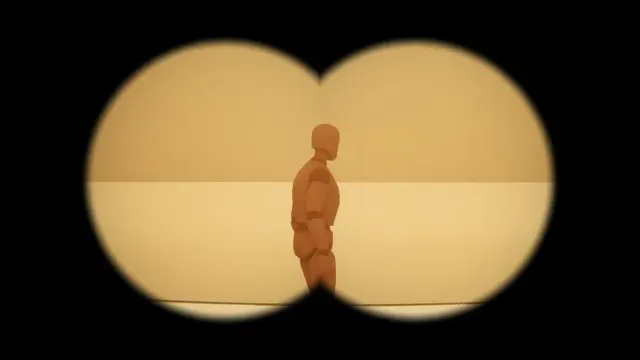 Overlay
Binoculars
in over 0.5 s, held at 100%
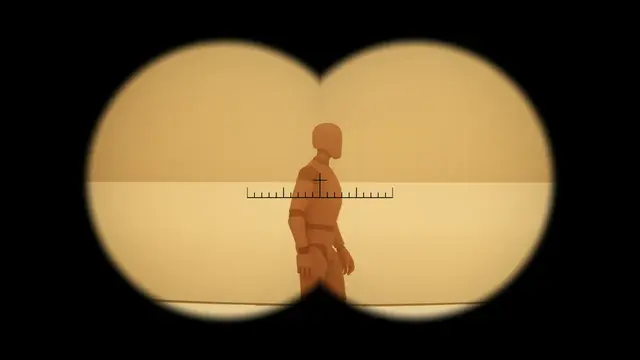 Overlay
Binoculars Mil Scale
in over 0.5 s, held at 100%
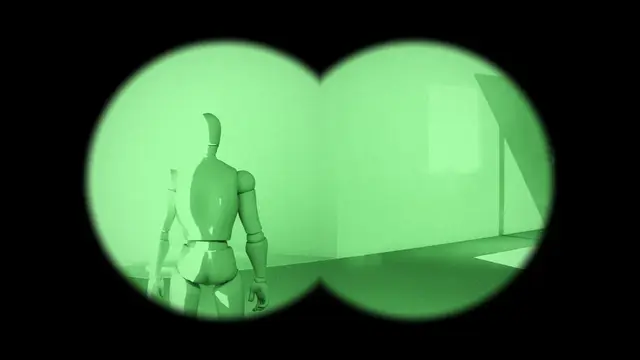 Overlay
Binoculars Night Vision
in over 0.5 s, held at 100%
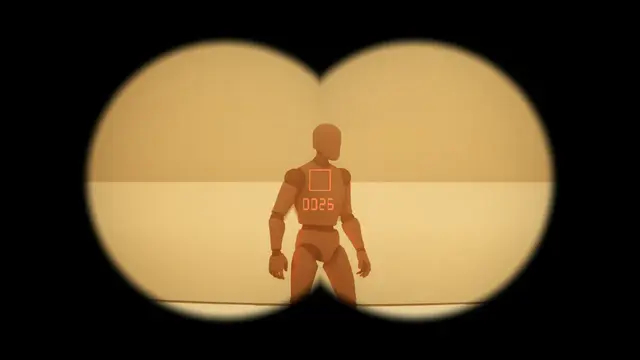 Overlay
Binoculars Rangefinder
in over 0.5 s, held at 100%
Its own settings:
| Setting | What it does | Starts at | Takes |
|---|---|---|---|
| Magnification | How many times the binoculars enlarge the picture | 7 | 1 to 20 |
| Eye Relief | How far the eyes sit from the eyepieces: further and the edges darken sooner as the eyes move off their line | 0.4 | 0 to 1 |
| Reticle | A scale to range with, or a rangefinder's box and distance lit in the second colour | None | None, Mil Scale, Rangefinder |
| Night Vision | Night vision through the binoculars, in green or white phosphor | Off | Off, Green, White |
| Edge Distortion | How much the eyepieces bend, fringe and darken the picture towards their edge | 0.3 | 0 to 1 |
| Coating Tint | How the lens coatings tint the world: above 0 warmer, below 0 cooler | 0.1 | -1 to 1 |
| Overlap | How far the two circles overlap: 0 side by side, 1 one circle | 0.35 | 0 to 1 |
| Moves With You | How far the binoculars move against the eyes as the head turns and the camera shakes, 0 not at all | 1 | 0 to 3 |
| Edge Blur | How much the picture softens towards the eyepieces' edges | 0 | 0 to 1 |
| Zoom | How they magnify: with the camera, narrowing its view so the picture stays sharp at any magnification, or in the picture, as the finished frame enlarged | With The Camera | With The Camera, In The Picture |
| Aberration | How far the colours part towards the eyepieces' edges, beyond what their edge distortion parts them | 0 | 0 to 1 |
| Footfall Settle | How hard the binoculars knock as each foot lands: a small, quick knock dying away, harder running than walking, and harder again landing from a jump or a fall; 0 none. | 0.25 | 0 to 2 |
| Rattle | How much the binoculars tremble as the wearer moves, more the faster they go: a fine, quick rattle, gone when they stand still or leave the ground; 0 none. | 0.35 | 0 to 2 |
Weapon Sight#
A weapon sight: a holographic or red dot reticle on a window you see the world through, glowing, and drifting a little as the eye moves.
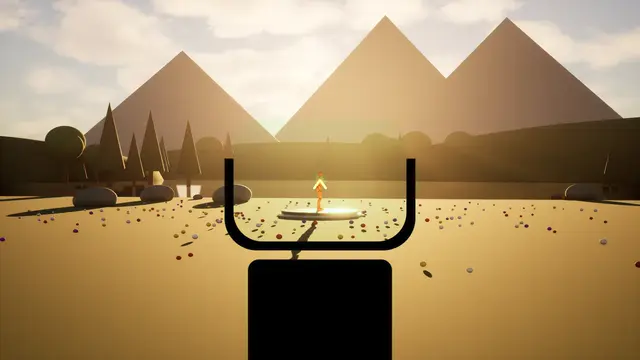 Overlay
Sight Green Reflex
Weapon Sight, in over 0.35 s, held at 100%
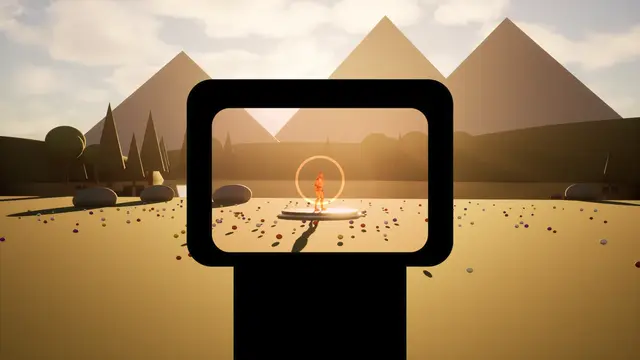 Overlay
Sight Holographic
Weapon Sight, in over 0.35 s, held at 100%
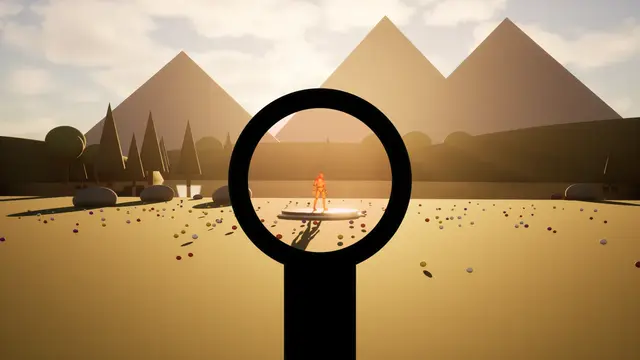 Overlay
Sight Red Dot
Weapon Sight, in over 0.35 s, held at 100%
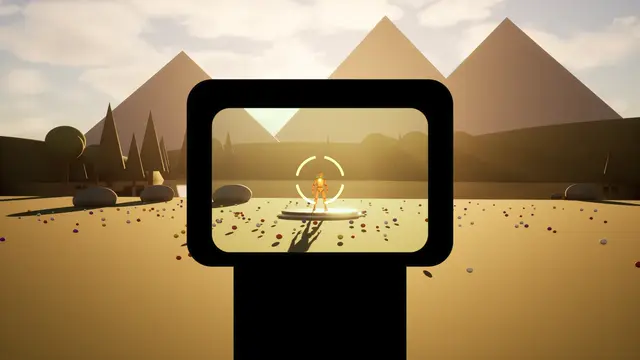 Overlay
Sight Segmented
Weapon Sight, in over 0.35 s, held at 100%
Its own settings:
| Setting | What it does | Starts at | Takes |
|---|---|---|---|
| Reticle | The shape the sight lights up | Ring And Dot | Dot, Ring And Dot, Chevron, Cross, Segmented Circle |
| Housing | What holds the glass: a holographic sight's window, a red dot's round tube, an open reflex sight, or nothing | Holographic Window | Holographic Window, Round Tube, Open Reflex, None |
| Reticle Size | How big the reticle is, 1 as designed | 1 | 0.2 to 4 |
| Brightness | How bright the reticle glows | 1.5 | 0 to 5 |
| Starburst | How far the reticle smears into a star, as it does to an astigmatic eye | 0.15 | 0 to 1 |
| Window Tint | How much the glass tints the world in the colour | 0.15 | 0 to 1 |
| Parallax | How far the reticle drifts against the world as the eye moves; a holographic sight hardly at all | 0.2 | 0 to 1 |
| Moves With You | How far the sight moves against the eye as the head turns and the camera shakes, 0 not at all | 1 | 0 to 3 |
| Footfall Settle | How hard the sight knocks as each foot lands: a small, quick knock dying away, harder running than walking, and harder again landing from a jump or a fall; 0 none. | 0.25 | 0 to 2 |
| Rattle | How much the sight trembles as the wearer moves, more the faster they go: a fine, quick rattle, gone when they stand still or leave the ground; 0 none. | 0.35 | 0 to 2 |
Worn Mask#
Something worn over the face: a gas mask's eyepieces or its visor, a diving mask, welding glass, ski goggles, a helmet's visor, fogging as you breathe.
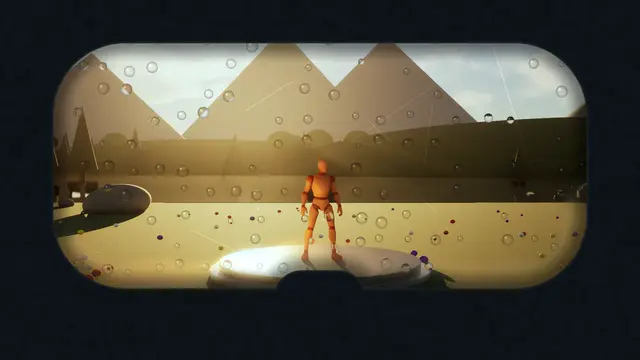 Overlay
Diving Mask
Worn Mask, in over 0.7 s, held at 100%
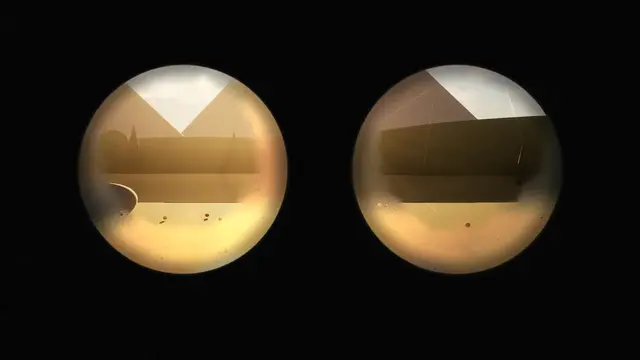 Overlay
Gas Mask
Worn Mask, in over 0.7 s, held at 100%
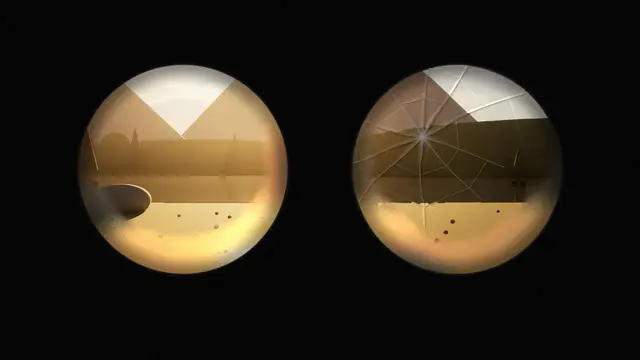 Overlay
Gas Mask Cracked
Worn Mask, in over 0.7 s, held at 100%
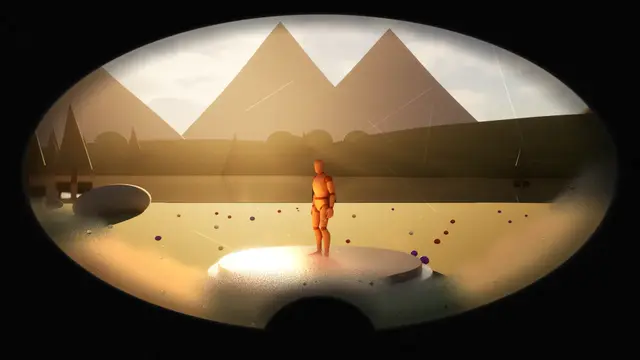 Overlay
Gas Mask Panoramic
Worn Mask, in over 0.7 s, held at 100%
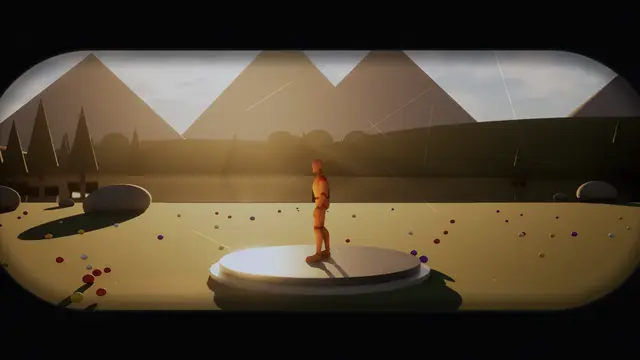 Overlay
Motorcycle Visor
Worn Mask, in over 0.6 s, held at 100%
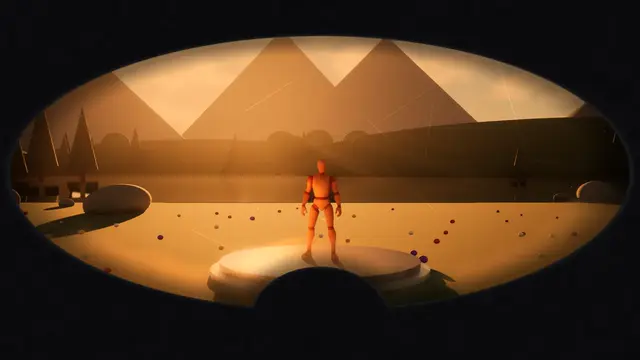 Overlay
Ski Goggles
Worn Mask, in over 0.6 s, held at 100%
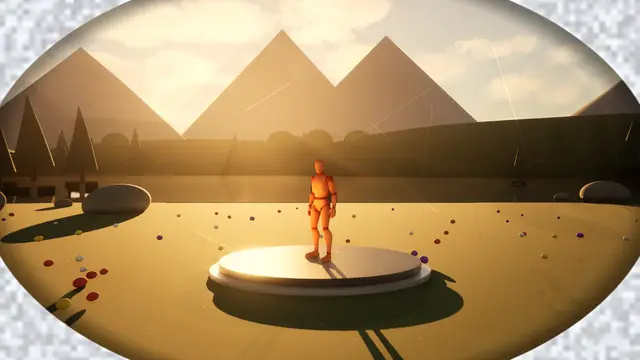 Overlay
Space Helmet
Worn Mask, in over 0.8 s, held at 100%
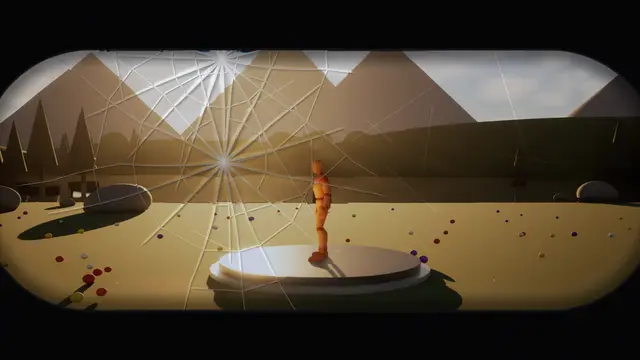 Overlay
Visor Shattered
Worn Mask, in over 0.6 s, held at 100%
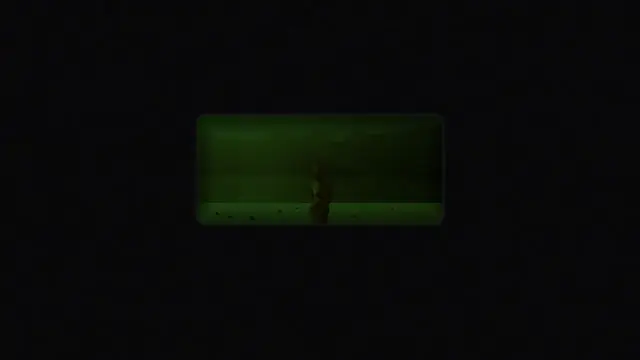 Overlay
Welding Mask
Worn Mask, in over 0.5 s, held at 100%
Its own settings:
| Setting | What it does | Starts at | Takes |
|---|---|---|---|
| Mask | What's worn over the face | Gas Mask | Gas Mask, Panoramic Gas Mask, Diving Mask, Welding Mask, Ski Goggles, Motorcycle Visor, Space Helmet |
| Fog | How far breath fogs the glass at its worst | 0.4 | 0 to 1 |
| Breaths A Minute | How often it breathes on its own clock, fogging and clearing; 0 holds the fog still | 14 | 0 to 40 |
| Breath From | What sets the breath: its own clock at Breaths A Minute; the game, with Breathe Out and Set Mask Breath; or the loudness of a sound, with Breathe With Sound. Either way its breath sounds and events follow. | Its Own Clock | Its Own Clock, The Game, A Sound |
| Breath Out Share | How much of each breath on its own clock is breathing out, the fog building | 0.4 | 0.1 to 0.9 |
| Fog Clears (s) | How long the fog takes to clear after a breath, lingering longest low on the glass and round its rim | 1.6 | 0.1 to 10 |
| Scratches | How scratched the glass is | 0.3 | 0 to 1 |
| Dirt | How smeared and dirty the glass is | 0.25 | 0 to 1 |
| Droplets | How many drops of water sit on the glass | 0 | 0 to 1 |
| Tint | How much the glass tints the world in the colour | 0.2 | 0 to 1 |
| Moves With You | How far the mask shifts on the face as the head turns and the camera shakes, 0 not at all | 0.6 | 0 to 3 |
| Edge Blur | How much the picture softens towards the glass's edge, where the eye can't focus | 0 | 0 to 1 |
| Lens Distortion | How far the glass bends the picture towards its edge, on top of a curved visor's own bend | 0 | 0 to 1 |
| Aberration | How far the colours part towards the glass's edge | 0 | 0 to 1 |
| Beads | How many beads of water gather where the glass fogs most, each a tiny lens | 0.4 | 0 to 1 |
| Fog Grain | How grainy the fog looks close to, its fine droplets catching the light | 0.5 | 0 to 1 |
| Footfall Settle | How hard the mask knocks as each foot lands: a small, quick knock dying away, harder running than walking, and harder again landing from a jump or a fall. It's on the face and moves with it, so a little goes a long way; 0 none. | 0.25 | 0 to 2 |
| Rattle | How much the mask trembles as the wearer moves, more the faster they go: a fine, quick rattle, gone when they stand still or leave the ground; 0 none. | 0.35 | 0 to 2 |
Lenses and film stocks#
The camera's own glass and film: anamorphic streaks, old lenses and their swirl, orthochromatic film, fisheye and tilt shift, everyday cameras, and dirt, a drop or patterned glass in front of the lens.
Anamorphic Lens#
A cinema anamorphic lens: straight lines bowing out, the corners softening, an oval vignette, and long streaks across from the lights.
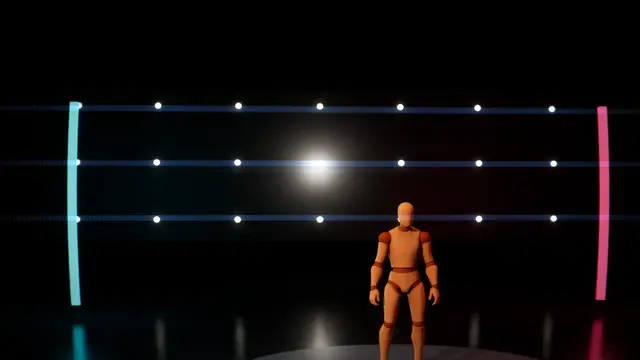 Overlay
Anamorphic
in over 0.5 s, held at 100%
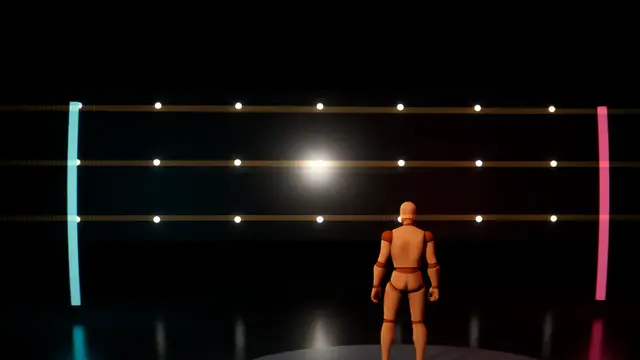 Overlay
Anamorphic Gold Streaks
in over 0.5 s, held at 100%
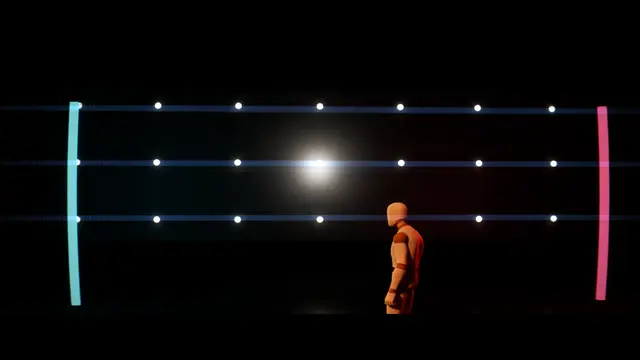 Overlay
Anamorphic Widescreen
in over 0.5 s, held at 100%
Its own settings:
| Setting | What it does | Starts at | Takes |
|---|---|---|---|
| Squeeze | The lens's squeeze: 2 is the classic, 1.33 and 1.5 gentler. More bows the lines further and stretches the streaks | 2 | 1 to 2 |
| Bow | How far straight lines bow out towards the edges | 0.4 | 0 to 1 |
| Streaks | How bright the streaks across from the lights are | 0.5 | 0 to 1 |
| Streak Length | How far the streaks reach, as a share of the screen's width | 0.5 | 0.05 to 1 |
| Edge Softness | How soft the edges go, more across than down | 0.4 | 0 to 1 |
| Oval Vignette | How dark the edges go, in the oval an anamorphic draws | 0.35 | 0 to 1 |
| Letterbox | Bars to a wide frame: 0 none, 1 the 2.39 to 1 of a scope print | 0 | 0 to 1 |
| Mumps | How much the middle swells, as faces close to an anamorphic do | 0.15 | 0 to 1 |
Vintage Lens#
An old cinema lens: a glow round the highlights with red halation at their edges, soft edges that swirl, and the blacks lifted as through a diffusion filter.
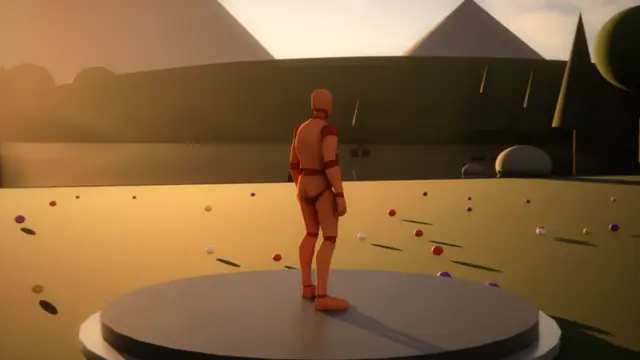 Overlay
Classic Cinema Lens
Vintage Lens, in over 0.5 s, held at 100%
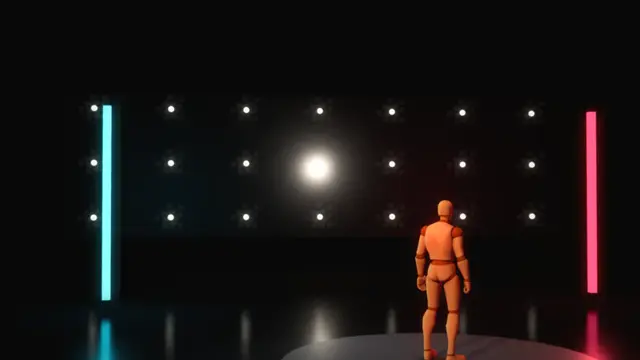 Overlay
Diffusion Filter
Vintage Lens, in over 0.5 s, held at 100%
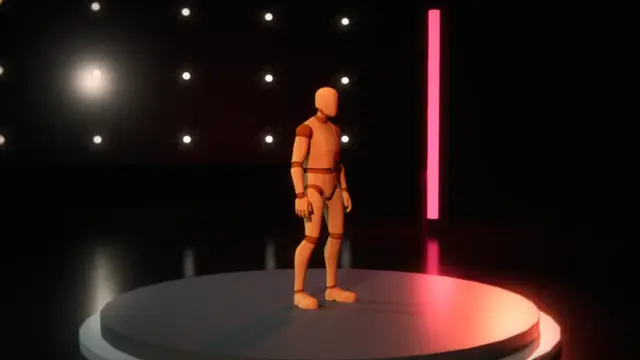 Overlay
Vintage Lens
in over 0.5 s, held at 100%
Its own settings:
| Setting | What it does | Starts at | Takes |
|---|---|---|---|
| Glow | How far the highlights bloom into what's round them | 0.4 | 0 to 1 |
| Halation | How strong the colour bleeding off the highlights' edges is, as film's halation | 0.35 | 0 to 1 |
| Softness | How soft the whole picture is | 0.25 | 0 to 1 |
| Swirl | How far the edges blur round the middle, as an old portrait lens swirls | 0.3 | 0 to 1 |
| Vignette | How dark the edges go | 0.4 | 0 to 1 |
| Warmth | How warm the picture is, below 0 cooler | 0.2 | -1 to 1 |
| Lifted Blacks | How far the blacks lift towards grey, as through a diffusion filter | 0.15 | 0 to 1 |
| Fringing | How far the colours part at the edges | 0.3 | 0 to 1 |
Petzval Lens#
An old portrait lens: sharp in the middle, everything round it swirling out of focus about the middle, its highlights drawn into cat's eyes, the background most.
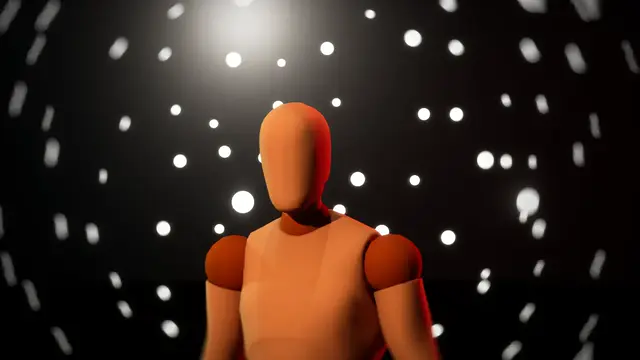 Overlay
Petzval
in over 0.5 s, held at 100%
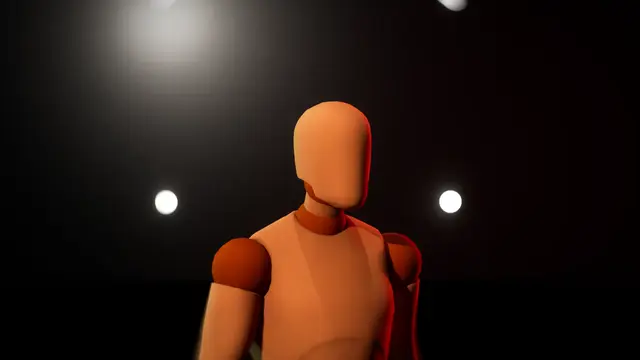 Overlay
Petzval Portrait
in over 0.5 s, held at 100%
Its own settings:
| Setting | What it does | Starts at | Takes |
|---|---|---|---|
| Swirl | How far the picture smears round the middle | 1 | 0 to 3 |
| Sharp Middle (%) | How big the sharp middle is, in percent of the screen's height out from the centre | 25 | 0 to 100 |
| Blur | How far out of focus the edges go | 0.8 | 0 to 2 |
| Background Only | How far the swirl is kept to what's beyond the focus distance, as a real lens's would be; 0 everywhere alike | 0 | 0 to 1 |
| Focus Distance (m) | How far away the lens is focused, in metres, for Background Only | 3 | 0.1 to 100 |
| Vignette | How dark the corners go | 0.5 | 0 to 1 |
| Glow | How much the highlights glow | 0.2 | 0 to 1 |
| Highlights | How far bright spots spread through the smear, as an old lens draws them into cat's eyes | 0.5 | 0 to 1 |
Orthochromatic Film#
Orthochromatic film, blind to red: reds go dark and blue skies burn out, contrasty, grainy and flickering, toned if you like.
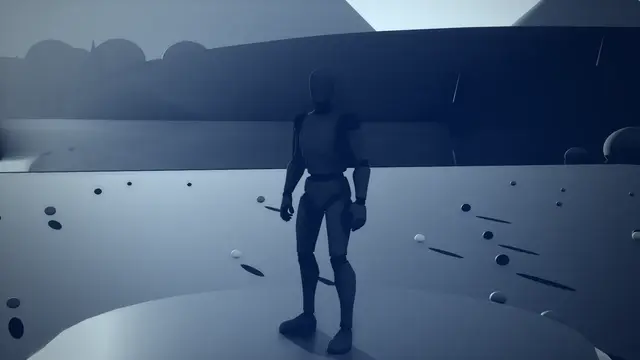 Overlay
Cyanotype
Orthochromatic Film, in over 0.5 s, held at 100%
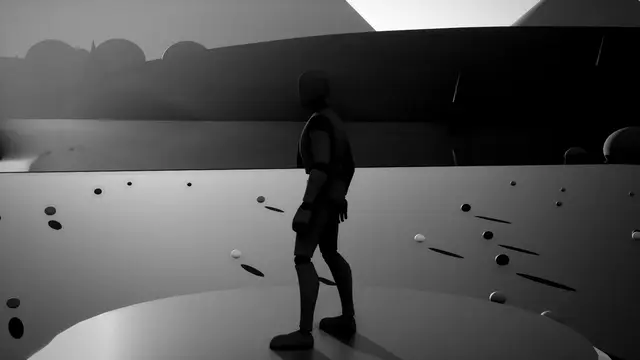 Overlay
Orthochromatic
in over 0.5 s, held at 100%
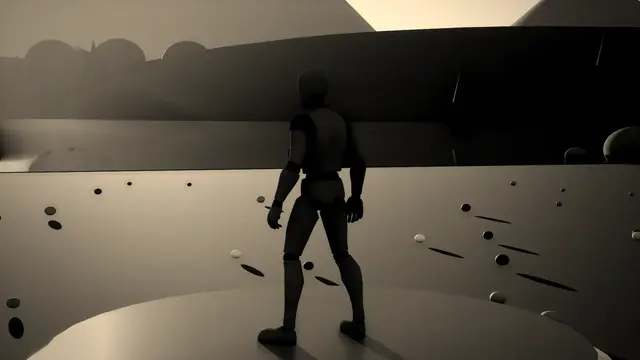 Overlay
Orthochromatic Sepia
in over 0.5 s, held at 100%
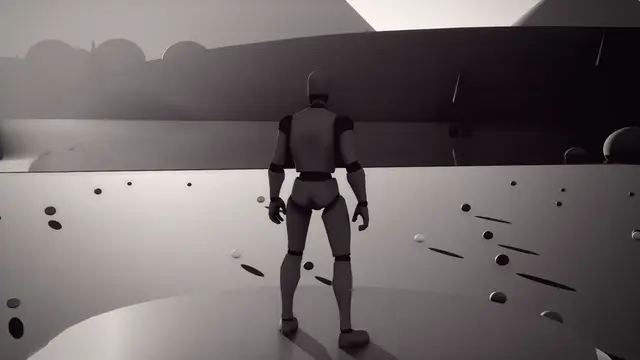 Overlay
Selenium Print
Orthochromatic Film, in over 0.5 s, held at 100%
Its own settings:
| Setting | What it does | Starts at | Takes |
|---|---|---|---|
| Red Sensitivity | How much the film sees red: 0 none, as true orthochromatic film, 1 all, as modern black and white | 0.05 | 0 to 1 |
| Contrast | How far the lights and darks are pushed apart | 1.25 | 0.5 to 2.5 |
| Grain | How grainy the film is | 0.3 | 0 to 1 |
| Skies Burn Out | How far blue burns out to white, as skies did on early film | 0.5 | 0 to 1 |
| Tone | How the print is toned | Neutral | Neutral, Sepia, Cyanotype, Selenium |
| Halation | How much the highlights bloom | 0.25 | 0 to 1 |
| Vignette | How dark the corners go | 0.35 | 0 to 1 |
| Flicker | How much the exposure flickers from frame to frame | 0.15 | 0 to 1 |
Fisheye Lens#
A fisheye: the picture bent round towards a hemisphere, filling the frame or inside a circle.
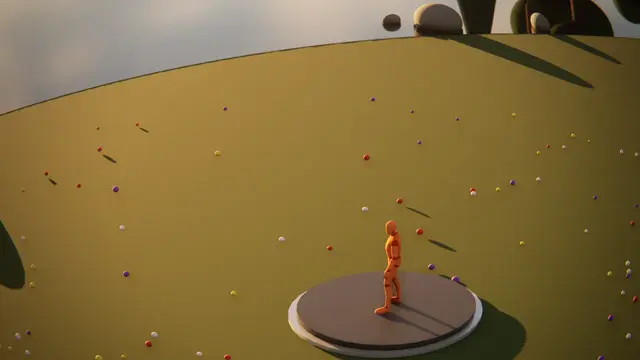 Overlay
Fisheye
in over 0.5 s, held at 100%
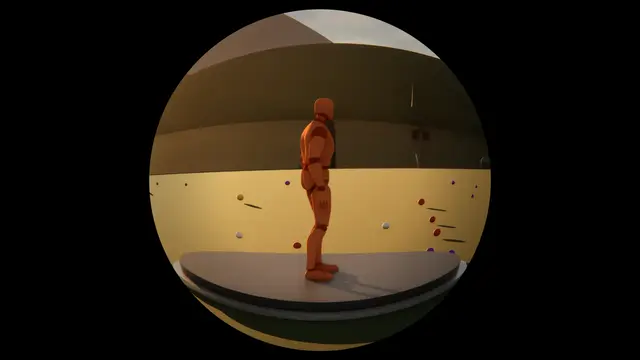 Overlay
Fisheye Circle
in over 0.5 s, held at 100%
Its own settings:
| Setting | What it does | Starts at | Takes |
|---|---|---|---|
| Shape | Filling the frame, or a circle in the middle of it | Fills The Frame | Fills The Frame, Circle |
| Bend | How far the picture bends round, 1 a whole half of a sphere | 0.7 | 0 to 1 |
| Zoom | How close it comes in, 1 as it falls | 1 | 0.5 to 2 |
| Vignette | How dark the edges go | 0.3 | 0 to 1 |
| Fringing | How far the colours part at the edges | 0.3 | 0 to 1 |
| Circle Size | With a circle: how much of the screen's height it fills | 0.95 | 0.4 to 1.4 |
Tilt Shift#
Tilt shift: one band in focus and the rest blurring away from it, the colours pushed, so the world looks like a model of itself.
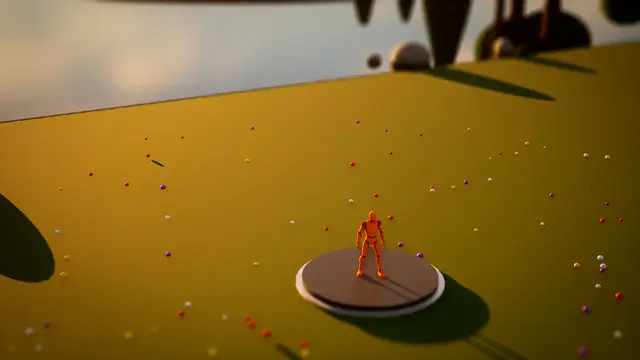 Overlay
Tilt Shift
in over 0.5 s, held at 100%
Its own settings:
| Setting | What it does | Starts at | Takes |
|---|---|---|---|
| Focus At (%) | Where the band in focus sits, in percent of the way down the screen | 55 | 0 to 100 |
| Focus Band (%) | How tall the band in focus is, in percent of the screen | 15 | 1 to 80 |
| Blur | How far the picture blurs away from the band | 0.6 | 0 to 1 |
| Saturation | How rich the colours are, 1 as they are | 1.35 | 0 to 2 |
| Contrast | How far the lights and darks are pushed apart, 1 as they are | 1.15 | 0.5 to 2 |
| Vignette | How dark the edges go | 0.25 | 0 to 1 |
Everyday Camera#
An everyday camera: a pinhole, a toy camera, a security camera, an action camera or a webcam, each with its own faults.
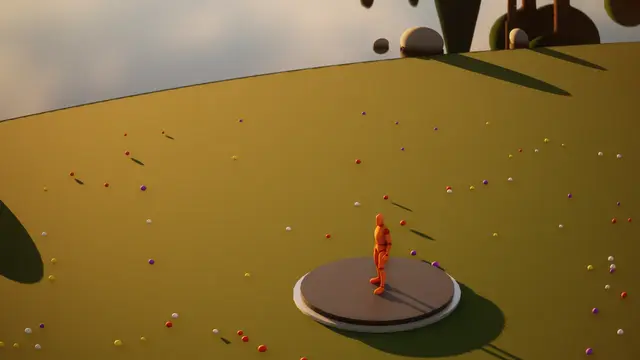 Overlay
Action Camera
Everyday Camera, in over 0.5 s, held at 100%
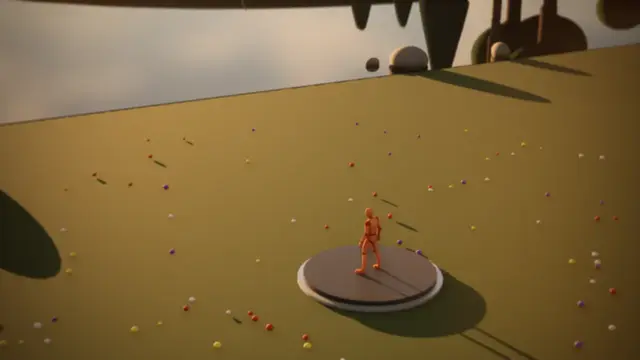 Overlay
Pinhole Camera
Everyday Camera, in over 0.5 s, held at 100%
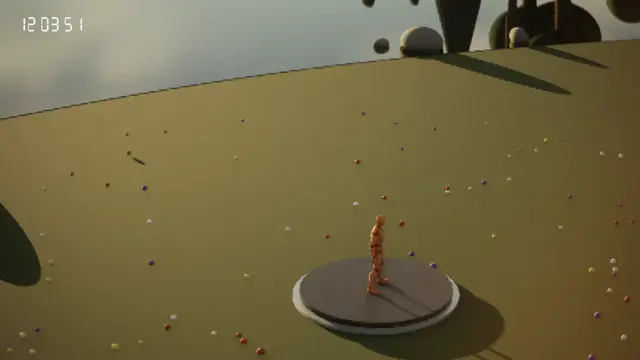 Overlay
Security Camera
Everyday Camera, in over 0.5 s, held at 100%
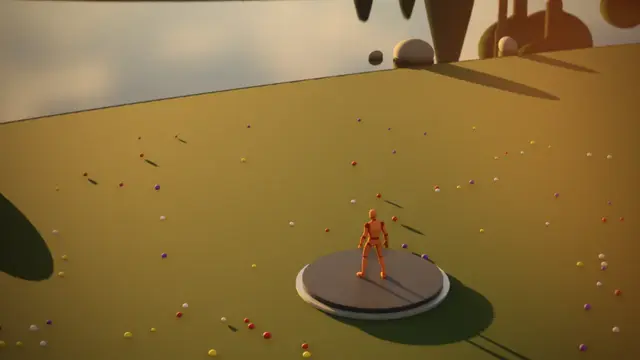 Overlay
Toy Camera
Everyday Camera, in over 0.5 s, held at 100%
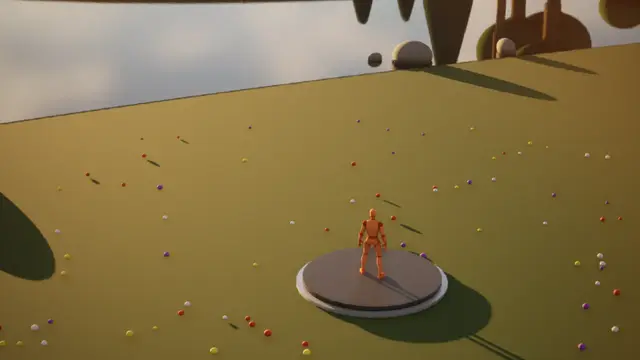 Overlay
Webcam
Everyday Camera, in over 0.5 s, held at 100%
Its own settings:
| Setting | What it does | Starts at | Takes |
|---|---|---|---|
| Camera | Which camera, each with its own faults | Pinhole | Pinhole, Toy Camera, Security Camera, Action Camera, Webcam |
| Distortion | How far its lens bends the picture | 0.5 | 0 to 1 |
| Vignette | How dark the edges go | 0.5 | 0 to 1 |
| Noise | How noisy the picture is | 0.3 | 0 to 1 |
| Colour Cast | How far its colour drifts to the colour | 0.4 | 0 to 1 |
| Blur | How soft its picture is | 0.3 | 0 to 1 |
| Light Leaks | How much light leaks in at the edges | 0.3 | 0 to 1 |
| Scanlines | How far the picture breaks into lines and blocks, as video squeezed down a wire does | 0.2 | 0 to 1 |
Dirty Lens#
The camera's own glass dirtied: smudges and fingerprints, dust, rain sitting and running down, or cracks spreading from a hit, glowing where bright light is behind them.
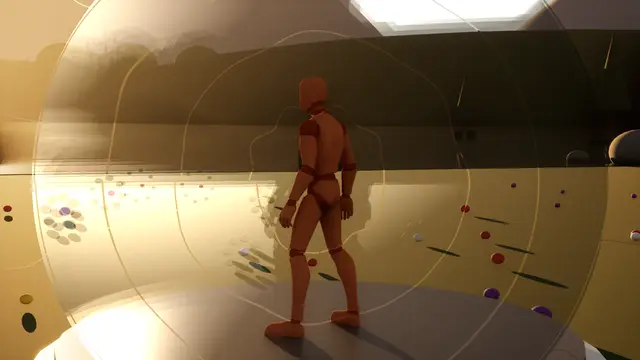 Impact
Cracked Lens
Dirty Lens, 0.04 s in, 2.5 s held, 0.8 s out
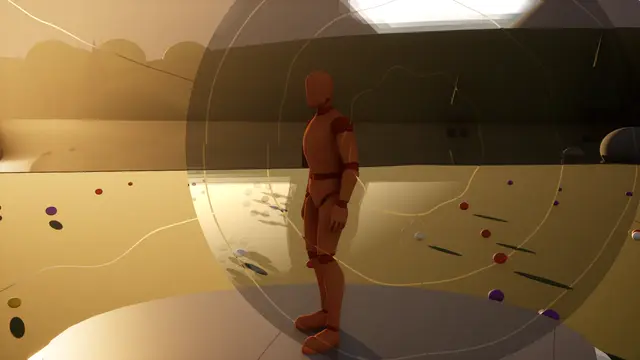 Overlay
Cracked Visor
Dirty Lens, in over 0.35 s, held at 100%
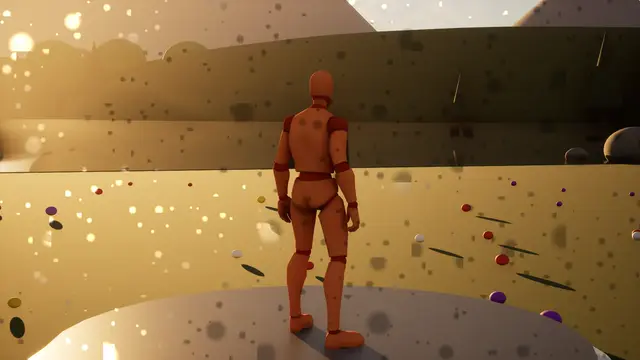
 Overlay
Dirty Lens
in over 0.35 s, held at 100%
 Overlay
Dusty Lens
Dirty Lens, in over 0.35 s, held at 100%
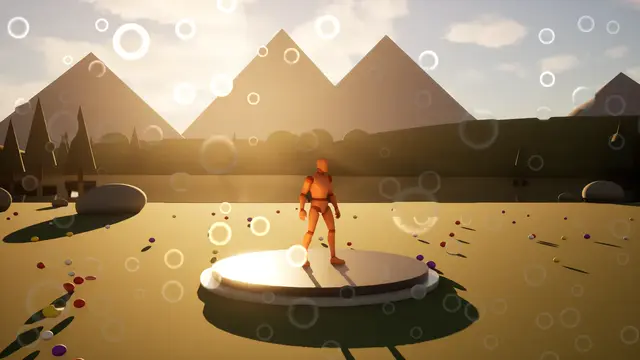 Overlay
Rain On The Lens
Dirty Lens, in over 0.35 s, held at 100%
Its own settings:
| Setting | What it does | Starts at | Takes |
|---|---|---|---|
| Dirt | What's on the glass: greasy smudges, dust, rain sitting and running down, cracks spreading from the centre, or a greyscale texture of your own, white the dirt | Smudges | Smudges, Dust, Rain, Cracked, Your Own Texture |
| Coverage | How much of the glass it covers at full amount | 0.5 | 0 to 1 |
| Size | How big the smudges, specks, drops or cracks are, 1 as designed | 1 | 0.25 to 4 |
| Catches The Light | How brightly the dirt glows where there's bright light behind it | 1.5 | 0 to 4 |
| Light Reach | How far round it the dirt gathers that light from | 0.4 | 0 to 1 |
| Refraction | How much drops and cracks bend the picture behind them | 0.5 | 0 to 1 |
| Run Speed | How fast drops run down the glass and smudges drift; 0 holds them still | 0.3 | 0 to 2 |
| Haze | How much the dirty glass veils the whole picture with its light | 0.1 | 0 to 1 |
Lens Drop#
One big drop landed on the lens, like rain on a window or blood in the eye: it bends what's behind it as a lens does and blurs it, a softer blur spreads round it, its rim is darker, and its colour stains what's seen through it (deep red for blood, near white for water).
Its own settings:
| Setting | What it does | Starts at | Takes |
|---|---|---|---|
| Size | How big the drop is: how far from its middle to its rim, a share of the screen's height, 0.16 about a sixth | 0.16 | 0.03 to 0.5 |
| Refraction | How much the drop swells the picture behind it, as a lens does: most in its middle, none at its rim | 0.6 | 0 to 1 |
| Blur | How blurred the picture is through the drop, and how soft its edge | 0.45 | 0 to 1 |
| Spread | How far a softer blur spreads round the drop, a share of its size: 0.5 half as far again | 0.5 | 0 to 2 |
| Edge | How dark the drop's rim is | 0.5 | 0 to 1 |
| Stain | How much the drop's colour stains what's seen through it: a lot for blood, hardly any for water | 0.6 | 0 to 1 |
| Glint | How bright the light catching the top of the drop is | 0.15 | 0 to 1 |
| Lumpy | How far its outline wanders from a circle | 0.5 | 0 to 1 |
Patterned Glass#
Looking through patterned glass: reeded ribs, glass blocks, hammered dimples, frosting, ripples or a normal map of your own, bending the picture, parting its colours and catching the light.
 Overlay
Frosted Glass
Patterned Glass, in over 0.35 s, held at 100%
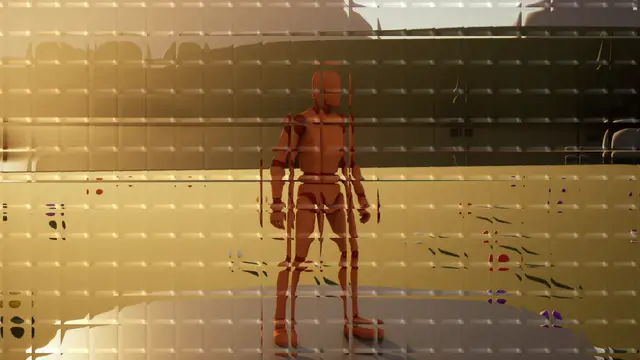 Overlay
Glass Blocks
Patterned Glass, in over 0.35 s, held at 100%
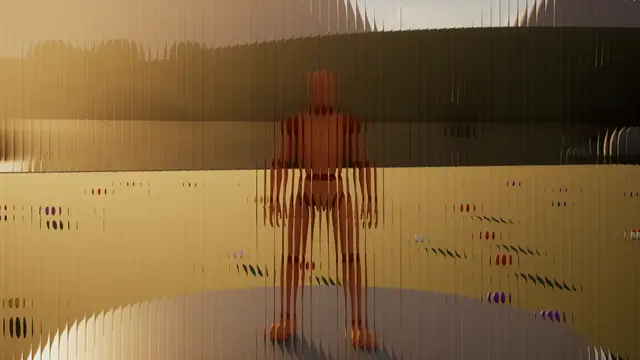 Overlay
Reeded Glass
Patterned Glass, in over 0.35 s, held at 100%
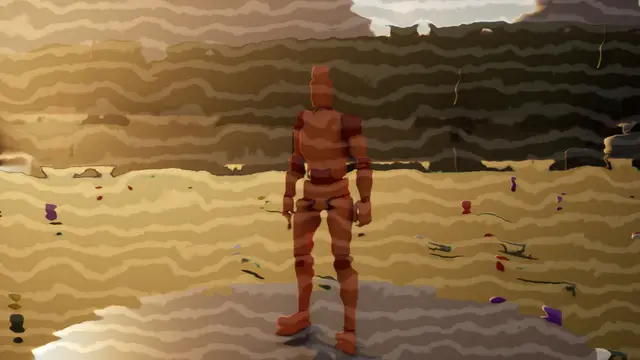 Overlay
Rippled Glass
Patterned Glass, in over 0.35 s, held at 100%
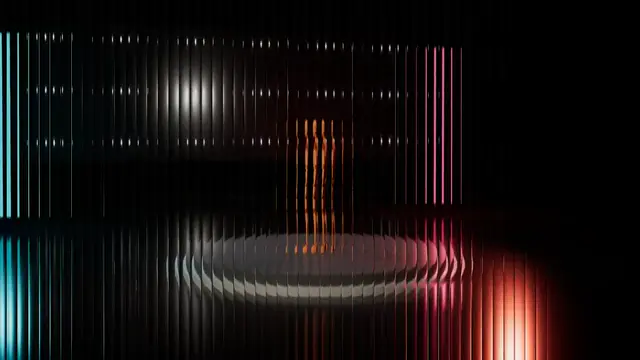 Transition
Reeded Pane
Patterned Glass, 0.6 s in, 0 s held, 0.6 s out
Its own settings:
| Setting | What it does | Starts at | Takes |
|---|---|---|---|
| Glass | Ribbed reeded glass, glass blocks, hammered dimples, frosted, rippled, or a normal map of your own | Reeded | Reeded, Glass Blocks, Hammered, Frosted, Rippled, Your Own Normal Map |
| Pattern Size (%) | How big the ribs, blocks or dimples are, in percent of the screen's height | 3 | 0.5 to 25 |
| Bend | How hard the glass bends the picture | 1 | 0 to 2 |
| Colour Split | How far the colours part through the glass | 0.3 | 0 to 1 |
| Frost | How much fine frosting scatters the picture | 0.15 | 0 to 1 |
| Shine | How brightly the glass's ridges catch the light, in the second colour | 0.3 | 0 to 2 |
| Arrives | The pattern deepens where it is, or a pane slides in across the picture along the direction | Deepens In Place | Deepens In Place, Slides Across |
| Tint | How much the glass tints the world in the colour | 0.1 | 0 to 1 |
Grade and mood#
The colour and texture of the whole picture, to set a mood and hold it: grades, turned hues, grain, vignettes and fog.
Colour Grade#
A colour grade: a look-up table of your own, and exposure, contrast, saturation and warmth; the colour's hue in the darks and the second colour's in the lights.
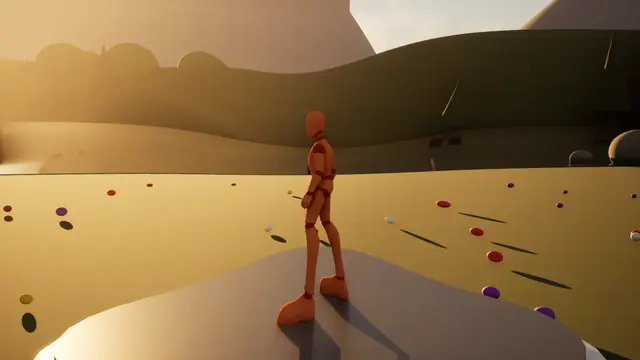 Impact
Pinch
Colour Grade, 0.06 s in, 0.04 s held, 0.35 s out
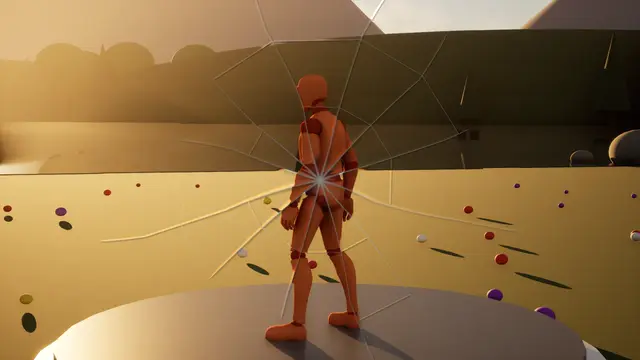 Impact
Screen Crack
Colour Grade, 0.06 s in, 2.5 s held, 0.8 s out
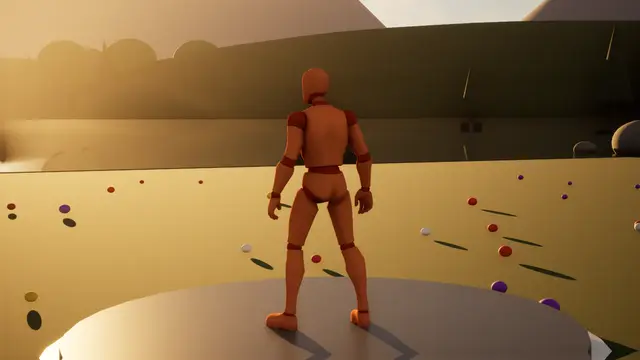 Impact
Screen Shake
Colour Grade, 0.03 s in, 0.1 s held, 0.4 s out
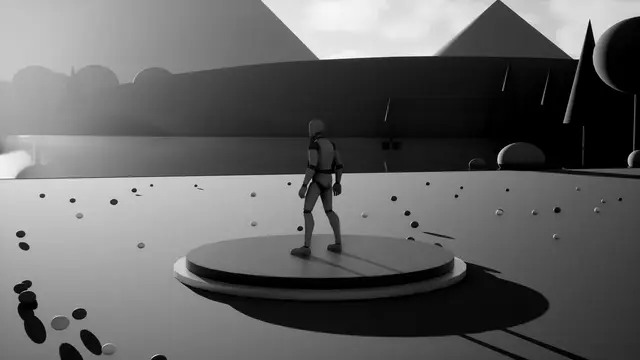 Overlay
Black And White
Colour Grade, in over 0.6 s, held at 100%
 Overlay
Bleach Bypass
Colour Grade, in over 0.6 s, held at 100%
 Overlay
Bleached
Colour Grade, in over 0.6 s, held at 100%
 Overlay
Cold
Colour Grade, in over 0.6 s, held at 100%
 Overlay
Comic Punch
Colour Grade, in over 0.6 s, held at 100%
 Overlay
Day For Night
Colour Grade, in over 0.6 s, held at 100%
 Overlay
Golden Hour
Colour Grade, in over 0.6 s, held at 100%
 Overlay
Horror Green
Colour Grade, in over 0.6 s, held at 100%
 Overlay
Moonlit Blue
Colour Grade, in over 0.6 s, held at 100%
 Overlay
Noir
Colour Grade, in over 0.6 s, held at 100%
 Overlay
Teal And Orange
Colour Grade, in over 0.6 s, held at 100%
 Overlay
Vibrant
Colour Grade, in over 0.6 s, held at 100%
 Overlay
Warm
Colour Grade, in over 0.6 s, held at 100%
 Overlay
Heat Haze
Colour Grade, in over 0.6 s, held at 100%
 Overlay
Twitch
Colour Grade, in over 0.6 s, held at 100%
 Overlay
Underwater
Colour Grade, in over 0.6 s, held at 100%
 Overlay
Wobble
Colour Grade, in over 0.6 s, held at 100%
Its own settings:
| Setting | What it does | Starts at | Takes |
|---|---|---|---|
| Exposure | How much brighter or darker, in stops | 0 | -3 to 3 |
| Contrast | How far the lights and darks are pushed apart, 1 as they are | 1 | 0 to 2 |
| Saturation | How rich the colours are, 1 as they are, 0 none | 1 | 0 to 2 |
| Warmth | Warmer towards orange, or below 0 cooler towards blue | 0 | -1 to 1 |
| Tint | Towards magenta, or below 0 towards green | 0 | -1 to 1 |
| Lift | How far the darks rise, or below 0 sink | 0 | -0.2 to 0.2 |
| Gamma | How bright the middle tones are, 1 as they are | 1 | 0.4 to 2.5 |
| Gain | How bright the lights are, 1 as they are | 1 | 0.4 to 2 |
Colour Shift#
The picture's colours turned round the colour wheel, cycling, mapped to brightness as false colour, or drained of all but one colour.
 Impact
Hue Flash
Colour Shift, 0.04 s in, 0.06 s held, 0.25 s out
 Overlay
Colour Cycle
in over 0.35 s, held at 100%
 Overlay
False Colour
in over 0.35 s, held at 100%
 Overlay
Keep The Red
Colour Shift, in over 0.35 s, held at 100%
 Overlay
Other Realm
Colour Shift, in over 0.35 s, held at 100%
 Overlay
Vibrance
Colour Shift, in over 0.35 s, held at 100%
Its own settings:
| Setting | What it does | Starts at | Takes |
|---|---|---|---|
| Hue Turn (deg) | How far every colour turns round the colour wheel | 60 | -180 to 180 |
| Cycle (turns/s) | Keeps turning the colours round, in whole turns a second; below 0 the other way | 0 | -2 to 2 |
| Rainbow | How many times round the wheel the colours run from the darks to the lights, as false colour; 0 none | 0 | 0 to 4 |
| One Colour | Keep only the colour's hue in colour and the rest grey, or drain just that hue | Off | Off, Keep The Colour, Drain The Colour |
| Hue Range (deg) | How wide a slice of the colour wheel counts as the colour | 30 | 5 to 180 |
| Range Softness | How gently the kept colour gives way to grey | 0.5 | 0 to 1 |
| Vibrance | Lifts the dullest colours most and leaves rich ones; below 0 mutes them | 0 | -1 to 1 |
| Saturation | How rich the colours are, 1 as they are | 1 | 0 to 2 |
Grain#
Grain over the picture: film's in the mid-tones, a sensor's in the shadows, a set's static, or sparkling sand; taking the picture over as a transition.
 Overlay
Film Grain
in over 0.35 s, held at 100%
 Overlay
Heavy Grain
in over 0.35 s, held at 100%
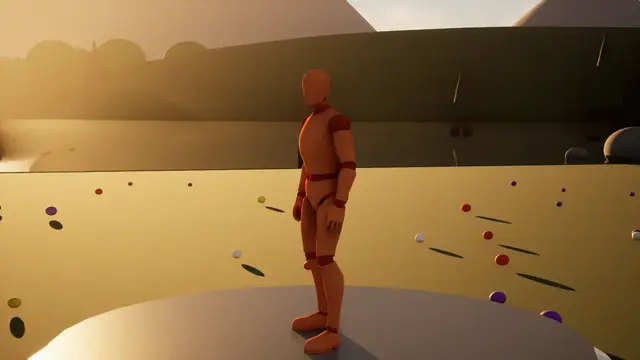 Overlay
Sand
Grain, in over 0.35 s, held at 100%
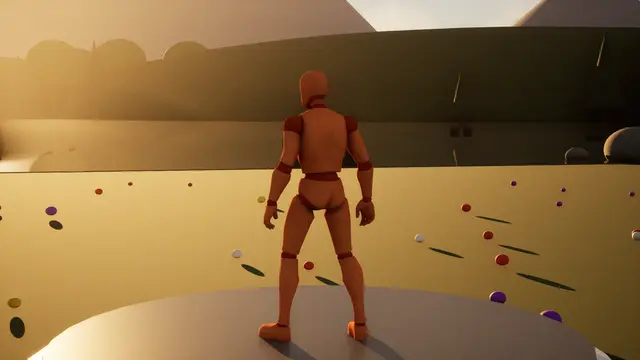 Overlay
Sensor Noise
Grain, in over 0.35 s, held at 100%
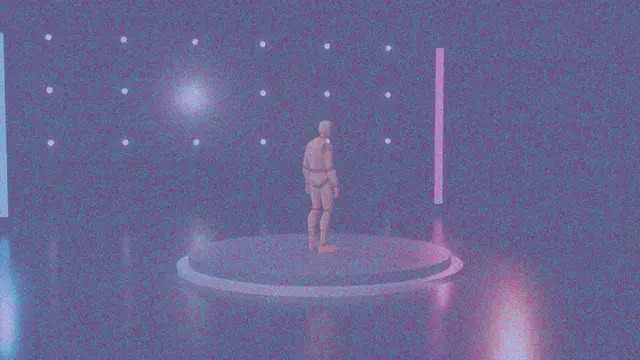 Transition
Disintegrate
Grain, 0.5 s in, 0 s held, 0.5 s out
 Transition
Static
Grain, 0.35 s in, 0 s held, 0.35 s out
Its own settings:
| Setting | What it does | Starts at | Takes |
|---|---|---|---|
| Kind | Film's soft grain in the mid-tones, a sensor's noise in the shadows, a set's static between the two colours, or sand sparkling in the lights | Film Grain | Film Grain, Sensor Noise, Static, Sand |
| Grain | How strong the grain is | 0.25 | 0 to 1 |
| Grain Size (px) | How big each grain is, in pixels on a screen 1080 high | 1.5 | 0.5 to 8 |
| Colour Grain | How much each colour has its own grain; 0 the same in all three | 0.15 | 0 to 1 |
| Softness | How soft and clumped the grain is; 0 crisp single grains | 0.3 | 0 to 1 |
| Frames A Second | How often the grain changes | 24 | 1 to 60, whole numbers |
| Takes Over | At full amount, how far noise in the two colours replaces the picture. As a transition it always takes over by the cut. | 0 | 0 to 1 |
| Flicker | How much the brightness flickers from frame to frame | 0 | 0 to 1 |
Vignette#
The picture's edges darkened or tinted in a shape, soft or ragged, held still or beating like a heart.
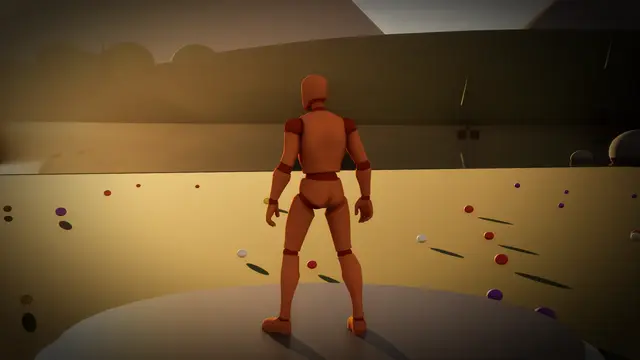 Impact
Dark Pulse
Vignette, 0.05 s in, 0.05 s held, 0.5 s out
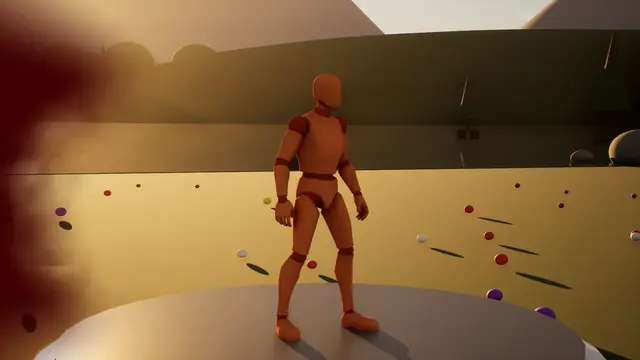 Impact
Hit Blood Smear
Vignette, 0.05 s in, 0.6 s held, 1.6 s out
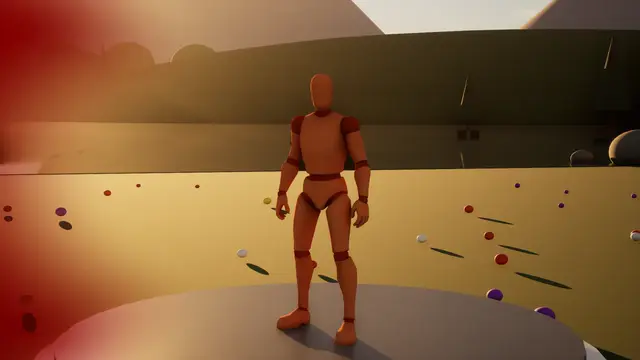 Impact
Hit Red
Vignette, 0.06 s in, 0.15 s held, 0.7 s out
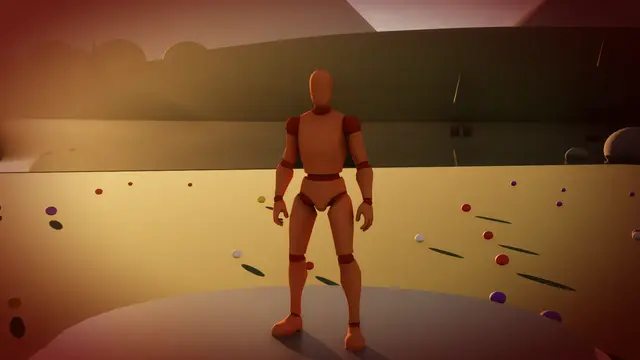 Overlay
Low Health
Vignette, in over 0.35 s, held at 100%
 Overlay
Player Spotlight
Vignette, in over 0.35 s, held at 100%
 Overlay
Vignette
in over 0.35 s, held at 100%
 Overlay
Vignette Burnt
in over 0.35 s, held at 100%
 Transition
Vignette Close
0.6 s in, 0 s held, 0.6 s out
Its own settings:
| Setting | What it does | Starts at | Takes |
|---|---|---|---|
| Shape | The shape it closes in: round, the screen's own oval, a rounded rectangle, a film gate's squarer one, or a greyscale texture of your own, white staying clear | Oval | Round, Oval, Rounded Rectangle, Film Gate, Your Own Texture |
| Clear To (%) | How far out the picture stays clear, in percent of the way from the centre to the furthest corner | 55 | 0 to 150 |
| Feather (%) | How far the darkening takes to reach its depth, in the same percent | 55 | 1 to 150 |
| Paint Over | 0 darkens the picture through the colour, as a filter would; 1 paints the colour over it | 0 | 0 to 1 |
| Ragged | How ragged and blotchy its edge is, as if burnt in by hand | 0 | 0 to 1 |
| Beats A Minute | A pulse like a heartbeat, in beats a minute; 0 holds it still | 0 | 0 to 200, whole numbers |
| Beat Depth | How far in each beat pushes it | 0.35 | 0 to 1 |
| Closes | At full amount, how far it closes over the whole picture: 0 holds the vignette, 1 closes it to the colour. As a transition it always closes by the cut. | 0 | 0 to 1 |
| One Side | 0 darkens every edge; 1 only the side Direction faces, which Play Impact From turns towards whatever struck | 0 | 0 to 1 |
| Side Width (deg) | How wide the side it darkens is, round the centre | 120 | 20 to 360 |
Fog#
Fog by real distance: from the camera as distance fog, or from a point in the world as a pool of light, drifting in banks, thinning with height, and rolling in to cover as a transition.
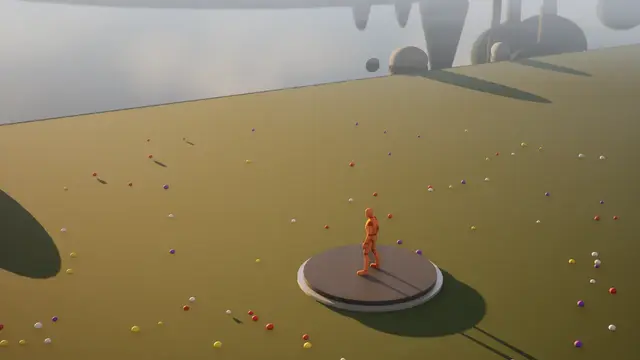 Overlay
Distance Fog
in over 0.35 s, held at 100%
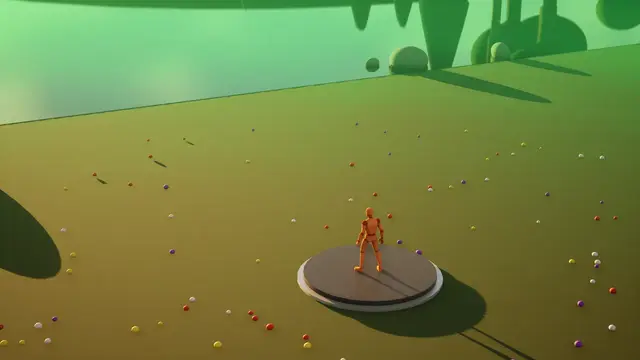 Overlay
Far Glow
Fog, in over 0.35 s, held at 100%
 Overlay
Ground Mist
Fog, in over 0.35 s, held at 100%
 Overlay
Pool Of Light
Fog, in over 0.35 s, held at 100%
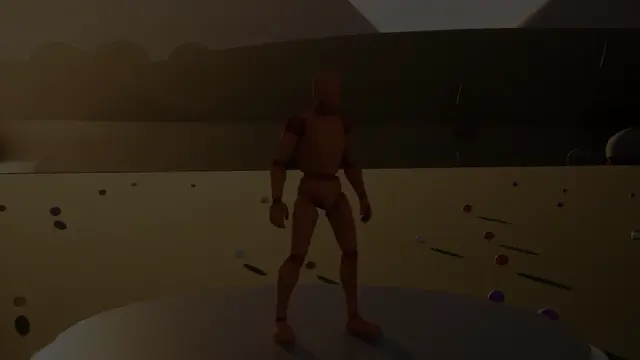 Transition
Darkness Closes In
Fog, 1.2 s in, 0 s held, 1.2 s out
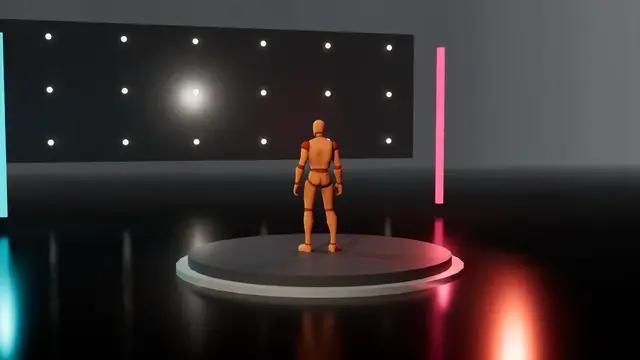 Transition
Fog Rolls In
1 s in, 0.2 s held, 1 s out
Its own settings:
| Setting | What it does | Starts at | Takes |
|---|---|---|---|
| Measured From | From the camera, as distance fog; or from the look's centre in the world (the player, where it's played, or whatever is at the spot), which with a dark colour makes a pool of light round it | The Camera | The Camera, The Centre |
| Clear Up To (m) | How far it stays clear, in metres | 5 | 0 to 1000 |
| Thickest At (m) | Where it reaches its thickest, in metres | 80 | 0.1 to 5000 |
| Thickness | How much of the colour shows where it's thickest | 0.85 | 0 to 1 |
| Drift | How much it breaks into banks that drift | 0.25 | 0 to 1 |
| Drift Speed | How fast the banks drift, in metres a second | 0.5 | 0 to 10 |
| Height Fade (m) | How quickly it thins with height above where it's measured from; 0 the same at every height | 0 | 0 to 200 |
| Rolls In | At full amount, how far it closes in: 0 stays where it's set, 1 closes right in until nothing shows. As a transition it always rolls in by the cut. | 0 | 0 to 1 |
Drawn and redrawn#
The picture made into something else: a few colours dithered, pencil and ink, characters on a grid or falling down the world's own walls, words, mirrors, a picture inside itself, a picture still loading.
Retro Palette#
The picture brought down to a few colours, dithered and in big pixels: two colours, four greens, an early computer's four, eight, posterised, a heat map or your own.
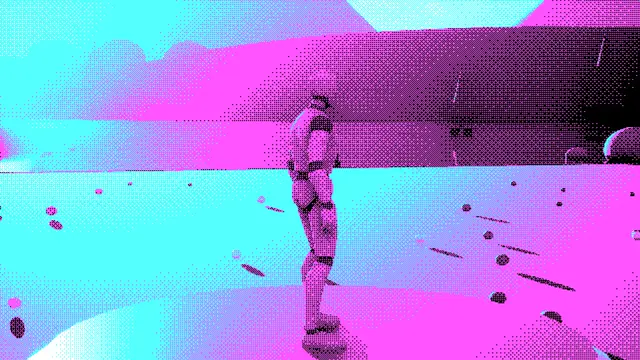 Overlay
Early Computer
Retro Palette, in over 0.35 s, held at 100%
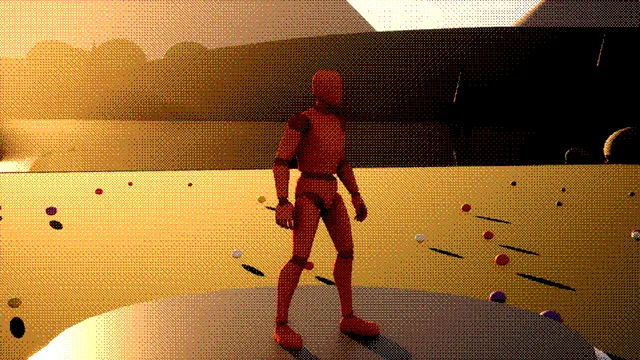 Overlay
Eight Colours
Retro Palette, in over 0.35 s, held at 100%
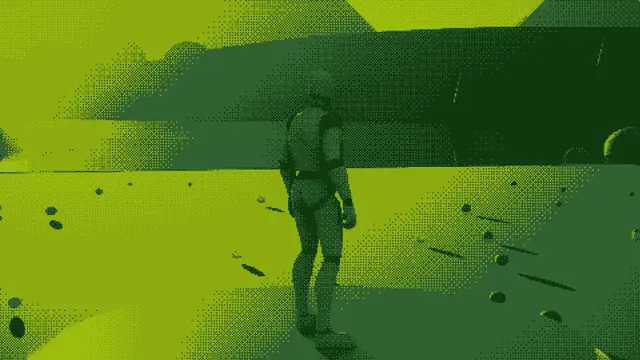 Overlay
Four Greens
Retro Palette, in over 0.35 s, held at 100%
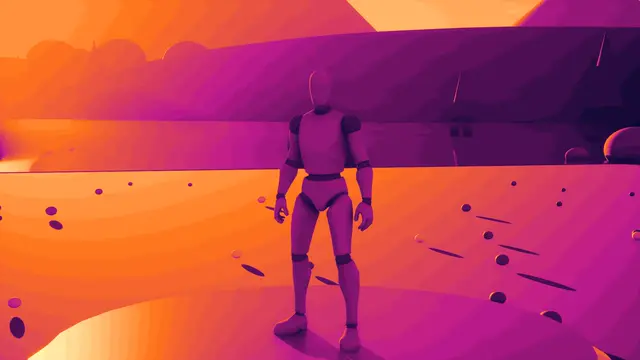 Overlay
Gradient Map
Retro Palette, in over 0.35 s, held at 100%
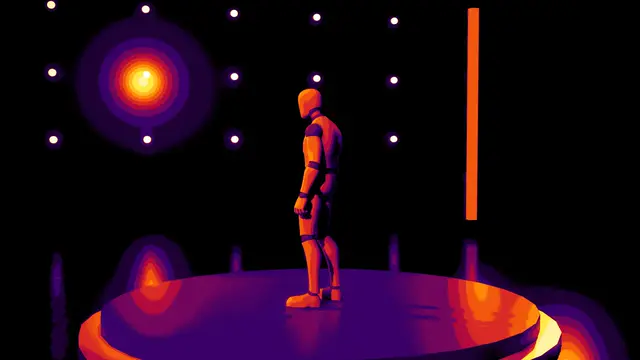 Overlay
Heat Map
Retro Palette, in over 0.35 s, held at 100%
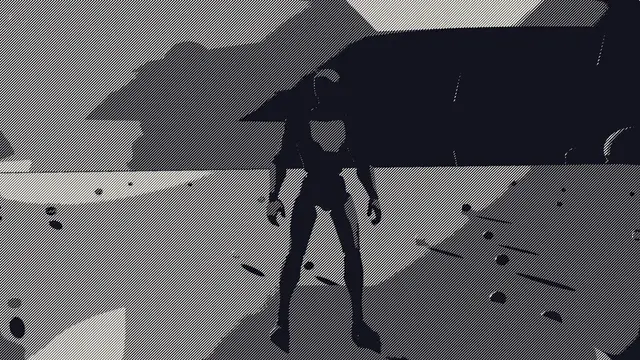 Overlay
Line Dither
Retro Palette, in over 0.35 s, held at 100%
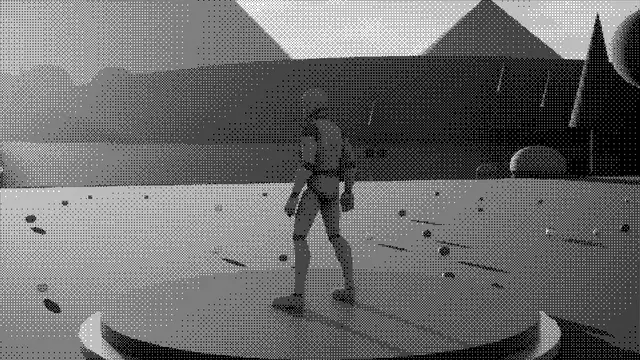 Overlay
One Bit
Retro Palette, in over 0.35 s, held at 100%
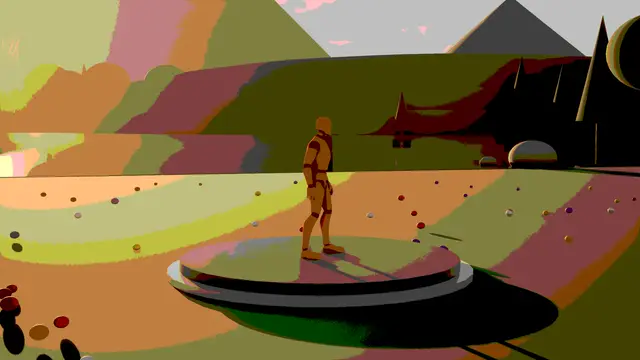 Overlay
Posterise
Retro Palette, in over 0.35 s, held at 100%
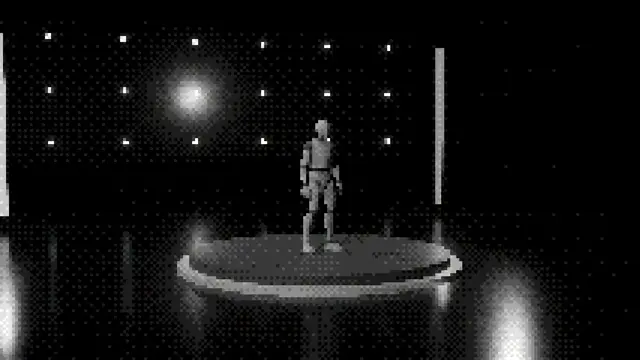 Transition
Palette Crumble
Retro Palette, 0.5 s in, 0 s held, 0.5 s out
Its own settings:
| Setting | What it does | Starts at | Takes |
|---|---|---|---|
| Palette | The colours it's brought down to: two of your own, four greens, an early computer's black, magenta, cyan and white, eight colours, the picture's own posterised, a heat map, or your own list | Two Colours | Two Colours, Four Greens, Four Colour Computer, Eight Colours, The Picture's Own, Heat Map, Your Own Colours |
| Steps | How many shades it uses, dark to light along the palette (or for each colour of the picture's own); more than the palette has fills in shades between, as a gradient map | 4 | 2 to 32, whole numbers |
| Dither | How much it mixes neighbouring shades in a pattern rather than banding | 0.6 | 0 to 1 |
| Dither Pattern | The pattern the shades are mixed in | Ordered | Ordered, Lines, Crosshatch, Dots, Noise, Your Own Texture |
| Pattern Scale | How many of its pixels each step of the pattern covers | 1 | 1 to 8, whole numbers |
| Pixel Size (px) | How big its pixels grow at full amount, on a screen 1080 high; 1 leaves them as they are | 1 | 1 to 32 |
| Brightness | Lifts or lowers the picture before it's mapped | 0 | -1 to 1 |
| Contrast | Pushes the lights and darks apart before it's mapped, 1 as they are | 1 | 0 to 3 |
Sketch#
The picture redrawn by hand: outlines round things and shading laid in as crossing strokes on paper, in pencil, ink, engraving or coloured pencil, the lines boiling as they're redrawn.
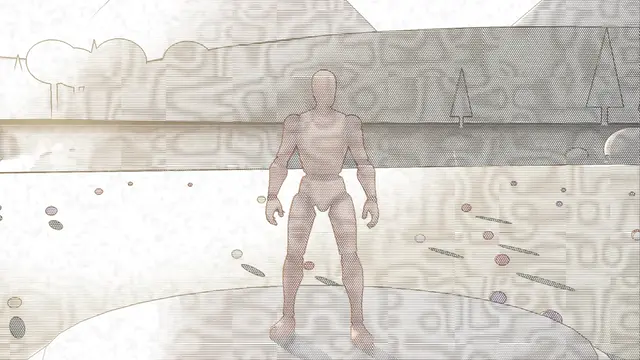 Overlay
Coloured Pencil
Sketch, in over 0.35 s, held at 100%
 Overlay
Engraving
Sketch, in over 0.35 s, held at 100%
 Overlay
Ink Hatching
Sketch, in over 0.35 s, held at 100%
 Overlay
Pencil Sketch
in over 0.35 s, held at 100%
 Transition
Sketched Out
0.8 s in, 0 s held, 0.8 s out
Its own settings:
| Setting | What it does | Starts at | Takes |
|---|---|---|---|
| Style | Pencil, crisp ink hatching, fine engraved lines that swell with the shading, or coloured pencil in the picture's own colours | Pencil | Pencil, Ink Hatching, Engraving, Coloured Pencil |
| Line Spacing (px) | How far apart the strokes are, in pixels on a screen 1080 high | 6 | 2 to 20 |
| Layers | How many layers of strokes cross in the darkest parts | 3 | 1 to 3, whole numbers |
| Outlines | How strong the outlines round things are | 1 | 0 to 2 |
| Wobble | How much the strokes waver, drawn fresh each drawing | 0.4 | 0 to 1 |
| Drawings A Second | How often it's redrawn, so the lines boil as hand-drawn animation does | 8 | 1 to 24, whole numbers |
| Paper Grain | How much the paper's grain shows | 0.3 | 0 to 1 |
| Shading | How dark the shading is drawn, 1 as the picture is | 1 | 0 to 2 |
Text Screen#
The picture redrawn in characters on a grid, as an old computer's text screen: denser characters in the lights, shaded blocks, ones and noughts, or columns of falling code.
 Overlay
Falling Code
Text Screen, in over 0.35 s, held at 100%
 Overlay
Shaded Blocks
Text Screen, in over 0.35 s, held at 100%
 Overlay
Terminal
Text Screen, in over 0.35 s, held at 100%
 Overlay
Text Screen
in over 0.35 s, held at 100%
 Transition
Decode
Text Screen, 0.6 s in, 0 s held, 0.6 s out
Its own settings:
| Setting | What it does | Starts at | Takes |
|---|---|---|---|
| Style | Characters denser with brightness, shaded blocks, ones and noughts, or columns of code falling through the picture | Characters | Characters, Shaded Blocks, Binary, Falling Code |
| Cell Size (px) | How tall each character is, in pixels on a screen 1080 high | 12 | 4 to 48 |
| Colouring | The characters in the picture's own colours, in the second colour, or in the second colour as bright as the picture | The Picture's Colours | The Picture's Colours, Second Colour, Second Colour By Brightness |
| Picture Behind | How much of the picture shows faintly behind the characters | 0.1 | 0 to 1 |
| Contrast | Pushes the lights and darks apart before the characters are chosen | 1.2 | 0 to 3 |
| Flicker | How often a character changes at random | 0.05 | 0 to 1 |
| Fall Speed | For falling code: how fast it falls, in characters a second | 14 | 0 to 60 |
| Scanlines | How dark an old screen's lines run across it | 0 | 0 to 1 |
World Code#
The world made of falling code: characters laid on every surface, in columns falling down walls and running across floors, each column's head bright and its trail dimming, the outlines of things lit and the rest dark.
 Overlay
World Code
in over 0.8 s, held at 100%
 Transition
Into The Code
World Code, 0.7 s in, 0.1 s held, 0.6 s out
Its own settings:
| Setting | What it does | Starts at | Takes |
|---|---|---|---|
| Character Size (cm) | How tall each character is on the surfaces, in centimetres | 12 | 2 to 100 |
| Fall Speed | How fast the columns fall, in characters a second | 7 | 0.5 to 40 |
| Trail Length | How many characters each column's trail runs behind its head | 14 | 2 to 60 |
| Outlines | How brightly the edges of things are lit, so their shapes read | 0.8 | 0 to 2 |
| Picture Shows | How much the picture's own light shades the code | 0.35 | 0 to 1 |
| Density | How many of the columns are falling at once | 0.6 | 0.05 to 1 |
| Head Glow | How bright each column's leading character is | 1 | 0 to 2 |
| Changes | How often the characters change as they fall | 0.4 | 0 to 1 |
Text#
Text as a window: the picture showing through the letters, or the letters cut out of it, in any font.
 Overlay
Text Cut Out
in over 0.6 s, held at 100%
 Overlay
Text Window
in over 0.6 s, held at 100%
 Transition
Text Zoom
0.8 s in, 0.2 s held, 0.8 s out
Its own settings:
| Setting | What it does | Starts at | Takes |
|---|---|---|---|
| Slow Zoom | How fast the words grow while they're up, as a share of their size a second | 0 | 0 to 0.3 |
| Edge Glow | How bright a glow round the letters' edges is, in the second colour | 0 | 0 to 1 |
Mirror#
The picture folded onto itself: one half reflected onto the other or four ways, turned upside down or back to front, repeated as tiles, or cut into panels each showing the whole view.
 Impact
Mirror Snap
0.05 s in, 0.1 s held, 0.3 s out
 Overlay
Mirror World
in over 0.35 s, held at 100%
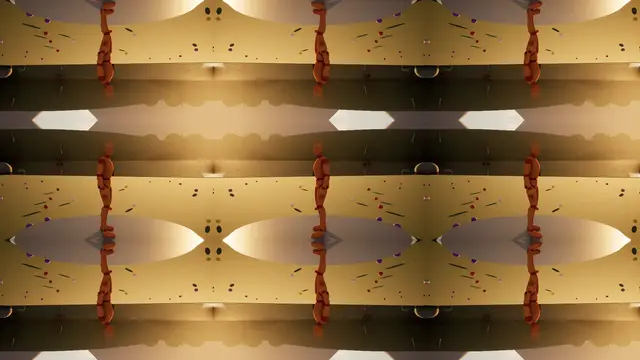 Overlay
Tiles
Mirror, in over 0.35 s, held at 100%
 Overlay
Triptych
Mirror, in over 0.35 s, held at 100%
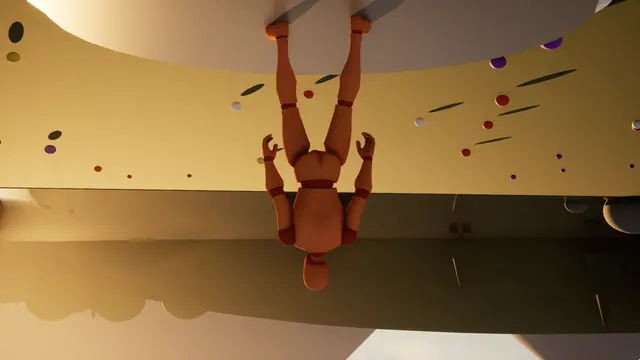 Overlay
Upside Down
Mirror, in over 0.5 s, held at 100%
Its own settings:
| Setting | What it does | Starts at | Takes |
|---|---|---|---|
| Style | Which way it folds: one half reflected onto the other, four ways, turned upside down or back to front, repeated as tiles, or cut into panels each showing the whole view | Left Onto Right | Left Onto Right, Right Onto Left, Top Onto Bottom, Bottom Onto Top, Four Ways, Upside Down, Back To Front, Tiles, Panels |
| Mirror At (%) | Where the mirror stands at full amount, in percent of the way across (or down) | 50 | 0 to 100 |
| Count | How many tiles each way, or panels across | 3 | 2 to 12, whole numbers |
| Tiles | Tiles repeated as they are, or every other one mirrored so they meet seamlessly | Mirrored | Repeated, Mirrored |
| Gap | A line of the colour between tiles and panels and along a mirror, as a share of the screen's height | 0 | 0 to 0.05 |
| Panel Shift | How far each panel's view moves to show the middle of the picture, 1 all the way | 1 | 0 to 1 |
| Flip Depth | How far the picture swings back as it turns over | 0.5 | 0 to 1 |
| Line Glow | How brightly the mirror's line catches the light, in the second colour | 0 | 0 to 2 |
Endless Zoom#
The picture holds a copy of itself, which holds another, without end, zooming in for ever; or, blending, the new shot is a window in the old one and we fly into it.
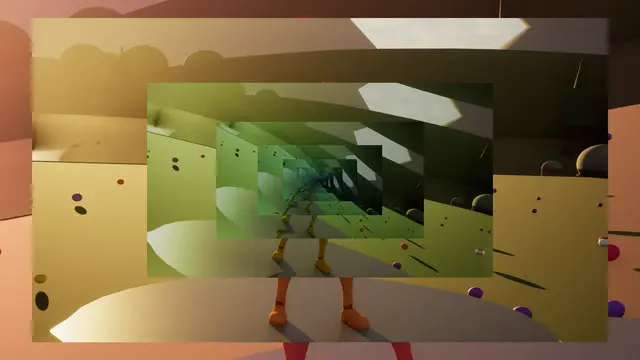 Overlay
Endless Spiral
in over 0.35 s, held at 100%
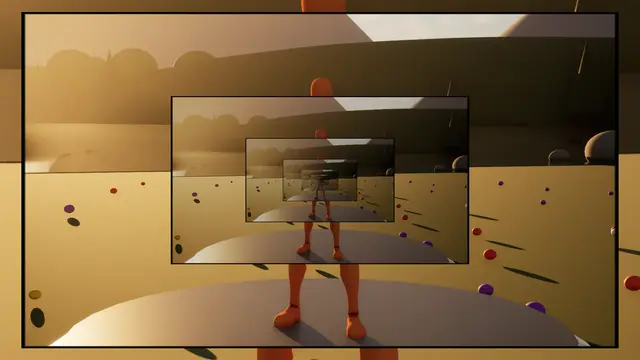 Overlay
Endless Zoom
in over 0.35 s, held at 100%
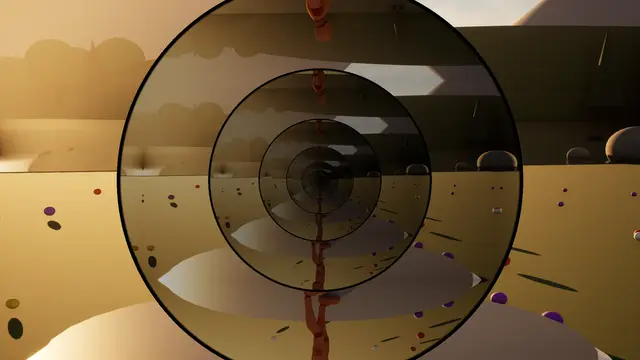 Overlay
Porthole
Endless Zoom, in over 0.35 s, held at 100%
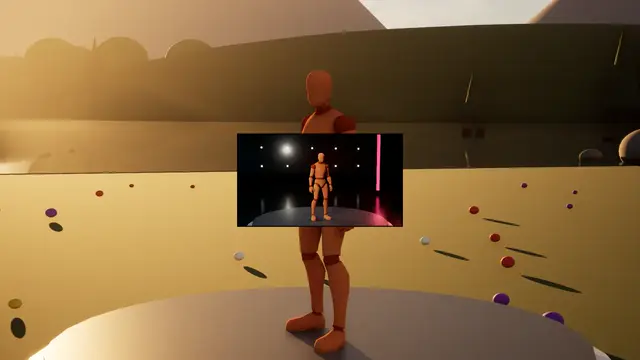 Transition
Into The Picture
Endless Zoom, blends over 1 s
Its own settings:
| Setting | What it does | Starts at | Takes |
|---|---|---|---|
| Copy Size | How big each copy of the picture is inside the last, as a share of it; blending, how big the window starts | 0.5 | 0.1 to 0.9 |
| Zoom Speed | How fast it zooms in, in copies a second; below 0 it zooms out | 0.4 | -2 to 2 |
| Turn (deg) | How far each copy is turned against the last, so they spiral | 0 | -45 to 45 |
| Border | A frame of the colour round each copy, as a share of the screen's height; 0 none | 0.006 | 0 to 0.05 |
| Shape | Copies in the screen's shape, or round | The Screen | The Screen, Round |
| Fade Inward | How much each copy fades towards the colour, deeper in | 0.15 | 0 to 1 |
| Colour Drift (deg) | How far round the colour wheel each copy's colours turn against the last | 0 | -60 to 60 |
Progressive Load#
The picture arriving as an image does over a slow connection: rows coming in in bursts, the rest the last row smeared down, coarse blocks waiting to sharpen, or every eighth row first.
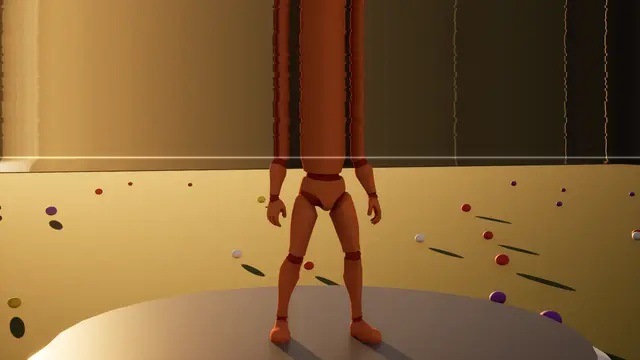 Overlay
Stuck Loading
Progressive Load, in over 0.35 s, held at 45%
 Transition
Interlaced
Progressive Load, 0 s in, 0 s held, 0.9 s out
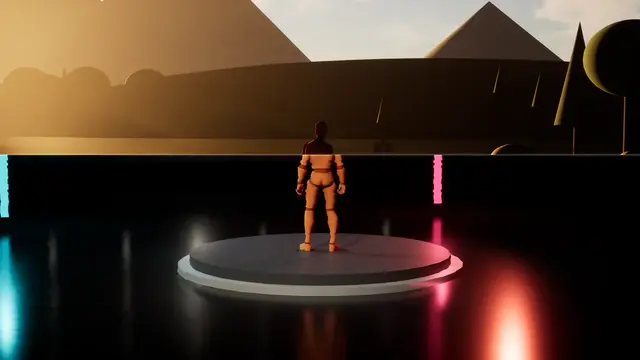 Transition
Loading
Progressive Load, blends over 1.2 s
 Transition
Slow Connection
Progressive Load, 0.4 s in, 0 s held, 1.4 s out
Its own settings:
| Setting | What it does | Starts at | Takes |
|---|---|---|---|
| Style | The part still to load: the last row smeared down, coarse blocks waiting to sharpen, or every eighth row first, filling in | Smeared | Smeared, Blocks First, Interlaced |
| Stalls | How unevenly it loads, stalling and bursting as a slow connection does | 0.4 | 0 to 1 |
| Rows At A Time (px) | How many rows each burst brings in, in pixels on a screen 1080 high | 8 | 1 to 64 |
| Line Glow | How brightly the loading edge glows, in the second colour | 0.3 | 0 to 2 |
| Waiting Colour | How far the part still to load fades to the colour: 0 the smeared picture, 1 plain colour | 0 | 0 to 1 |
| Jitter | How much the waiting part shivers sideways, row by row | 0.2 | 0 to 1 |
In the world and in the head#
What is happening round the player or to them: a pulse sent out through the world, listening for who is near through the walls, a shield round them, a blow that leaves them dazed, veins creeping in as they weaken.
Sonar Pulse#
A pulse sent out through the world from a point: a shell of light lighting surfaces and edges as it passes, lines left in its wake, and the dark ahead of it if asked.
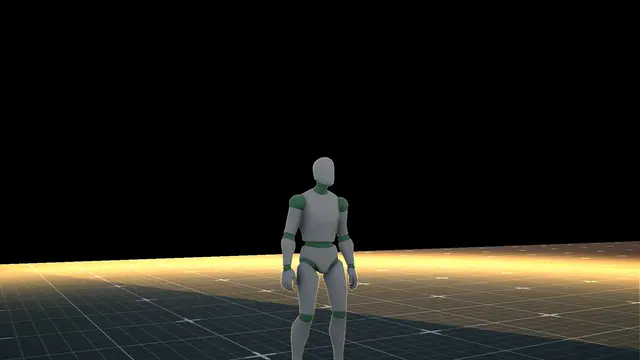 Impact
Shock Front
Sonar Pulse, 0.05 s in, 1.2 s held, 0.4 s out
 Impact
Sonar Pulse
0.05 s in, 1.5 s held, 0.5 s out
 Overlay
Echolocation
Sonar Pulse, in over 0.35 s, held at 100%
 Overlay
Scanner
Sonar Pulse, in over 0.35 s, held at 100%
 Transition
Sonar Sweep
0.9 s in, 0 s held, 0.6 s out
Its own settings:
| Setting | What it does | Starts at | Takes |
|---|---|---|---|
| Speed (m/s) | How fast the pulse travels out through the world, in metres a second | 40 | 1 to 300 |
| Reach (m) | How far it goes before it has faded away, in metres | 60 | 1 to 2000 |
| Ring Width (m) | How deep the shell of light is, in metres | 1.5 | 0.05 to 20 |
| Lines Every (m) | Lines left on the world behind it at this spacing, in metres; 0 none | 2 | 0 to 20 |
| Wake | How strongly what it has passed is tinted in the colour, fading behind it | 0.35 | 0 to 1 |
| Every (s) | Sends another pulse this often while it's playing; 0 sends one | 0 | 0 to 20 |
| Outlines | How brightly the edges of things light up as it passes | 0.6 | 0 to 2 |
| Dark Ahead | How dark the world is where the pulse hasn't reached; 1 shows nothing but what it lights | 0 | 0 to 1 |
Listen#
Listening: the world drained to a cold grey and darkened, and the people it can hear drawn through walls as light; near ones as their own shapes with a glow, further ones spreading into softer, fainter blobs. While it plays, every pawn but the player's draws itself into custom depth, so they all show (anything else you draw into custom depth shows too).
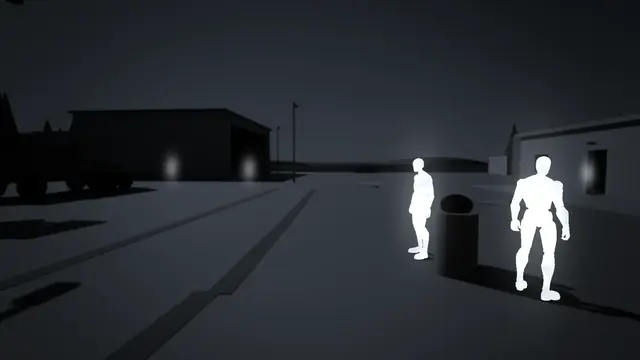 Overlay
Listen
in over 0.4 s, held at 100%
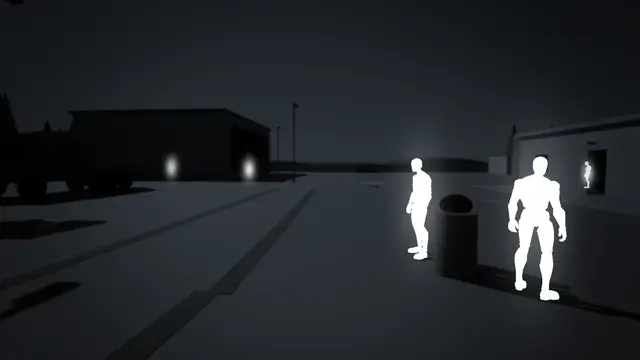 Overlay
Listen Keen
in over 0.4 s, held at 100%
Its own settings:
| Setting | What it does | Starts at | Takes |
|---|---|---|---|
| Drain | How much of the world's own colour drains away, leaving it in the colour's cold grey | 0.9 | 0 to 1 |
| Darken | How much darker the world goes, and darker still towards the edges and into the distance | 0.6 | 0 to 0.95 |
| Blobs From (m) | How far away characters have spread fully into soft blobs, in metres; nearer ones keep more of their own shapes | 25 | 2 to 200 |
| Blob Size | How wide the blob a far character spreads into is, as a share of the screen's height, however small it is on screen | 0.05 | 0.01 to 0.2 |
| Fade | How faint the furthest are: 0 as bright as the nearest, 1 gone | 0.55 | 0 to 1 |
| Glow | How strongly a near character glows round its shape | 0.6 | 0 to 2 |
| Ripple | A ring of sound sweeping out through the world from where it's played as it begins; 0 none | 0.6 | 0 to 1 |
| World Blur | How soft the world goes, as a share of the screen's height | 0.002 | 0 to 0.02 |
| Shimmer | How much the characters' light shimmers | 0.25 | 0 to 1 |
| Characters Show Themselves | While it plays, every pawn but the player's draws itself into custom depth (and the player's doesn't), so all of them show; Off shows only what you draw into custom depth yourself | On | Off, On |
Force Field#
A bubble round the viewer: a faint lattice fixed to the world's directions, glowing and bending at its rim, rippling where it's struck and flickering as it fails.
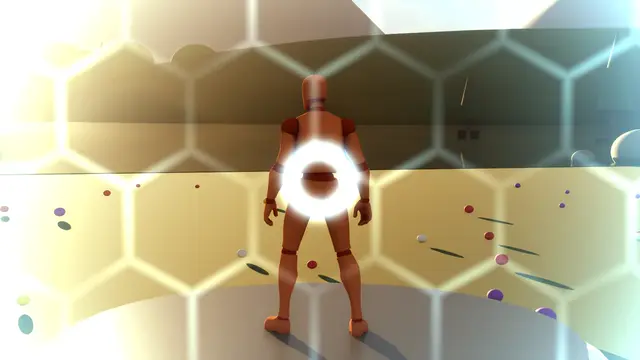 Impact
Shield Hit
Force Field, 0.05 s in, 0.1 s held, 0.6 s out
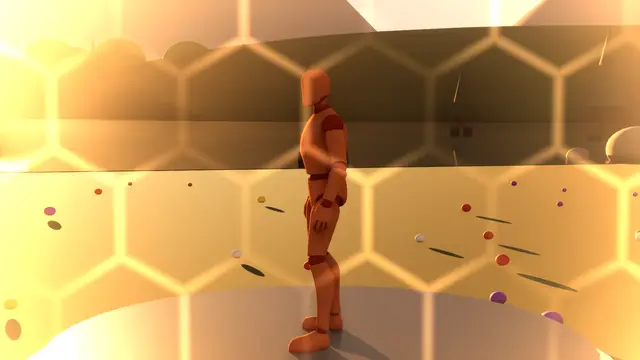 Overlay
Failing Shield
Force Field, in over 0.35 s, held at 100%
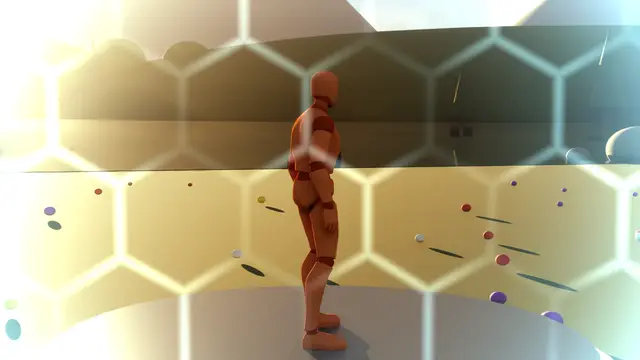 Overlay
Shield Bubble
Force Field, in over 0.35 s, held at 100%
Its own settings:
| Setting | What it does | Starts at | Takes |
|---|---|---|---|
| Cell Size (deg) | How big the bubble's cells are, as an angle across your view | 8 | 2 to 30 |
| Lines | How bright the lines between the cells are | 0.4 | 0 to 2 |
| Rim | How strongly the bubble glows where you look along it, towards the screen's edges | 1 | 0 to 2 |
| Bend | How much the bubble bends the picture near its rim | 0.3 | 0 to 1 |
| Hit Ripple | How strongly it ripples out from where it's struck, the look's centre | 0.5 | 0 to 1 |
| Flicker | How much it flickers and drops out, as a failing shield | 0 | 0 to 1 |
| Crawl Speed | How fast light crawls along its lines | 0.5 | 0 to 4 |
| Tint | How much it tints the world in the colour | 0.15 | 0 to 1 |
Dazed#
Not seeing straight: a second image drifting apart and back, the picture swaying and rippling, blurring and the edges closing in on the beat, colours swimming.
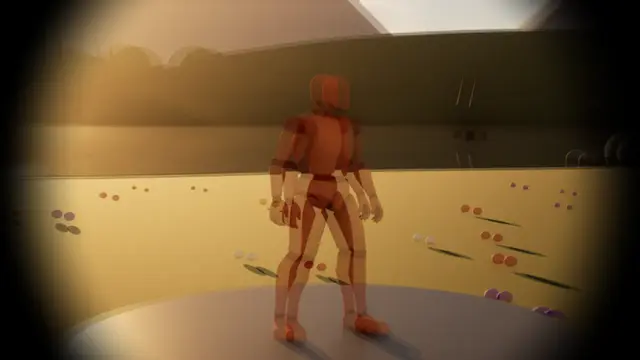 Impact
Stunned
Dazed, 0.05 s in, 0.3 s held, 2 s out
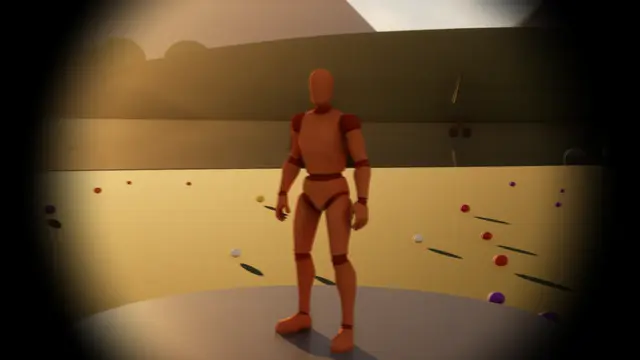 Overlay
Concussed
Dazed, in over 0.35 s, held at 100%
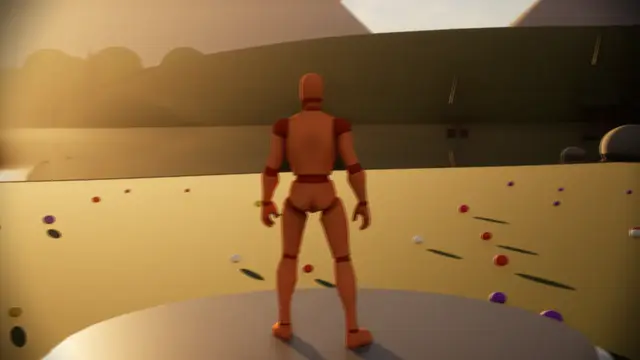 Overlay
Drunk
Dazed, in over 0.35 s, held at 100%
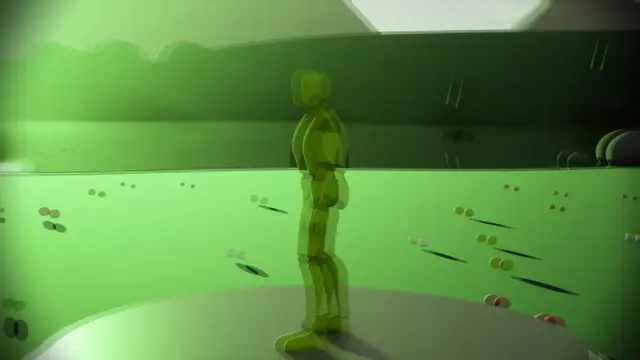 Overlay
Hallucinating
Dazed, in over 0.35 s, held at 100%
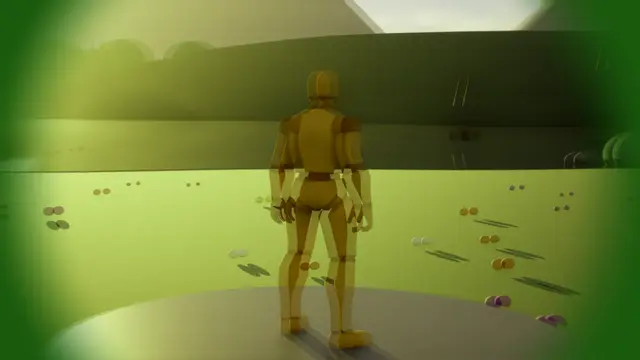 Overlay
Poisoned
Dazed, in over 0.35 s, held at 100%
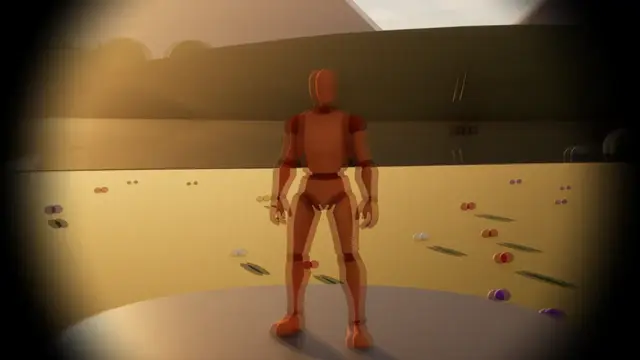 Transition
Pass Out
Dazed, 2 s in, 0 s held, 1.5 s out
Its own settings:
| Setting | What it does | Starts at | Takes |
|---|---|---|---|
| Double Vision | How far a second image drifts from the first, at its widest | 0.5 | 0 to 1 |
| Sway | How far the whole picture sways and tilts | 0.4 | 0 to 1 |
| Wobble | How much the picture ripples like liquid | 0.3 | 0 to 1 |
| Blur Pulses | How much it blurs, coming and going with the beat | 0.3 | 0 to 1 |
| Beats A Minute | The beat the blur and the closing edges follow; 0 for a slow swell instead | 40 | 0 to 200, whole numbers |
| Closing In | How far the edges close in towards the colour on each beat. As a transition they close completely by the cut. | 0.3 | 0 to 1 |
| Colour Swim | How far the colours swim round the colour wheel | 0 | 0 to 1 |
| Speed | How fast it all moves, 1 as designed | 1 | 0.1 to 4 |
Veins#
Veins creeping in from the edges, branching and tapering, swelling and flushing with each heartbeat: low health, pain, a hit from one side, poison or infection. The amount is how far in they've crept.
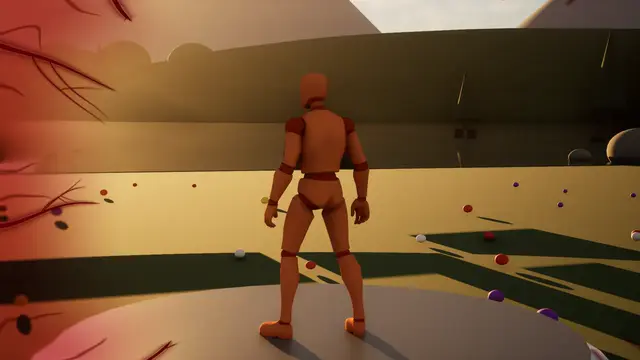 Impact
Veins Hit
0.08 s in, 0.25 s held, 0.9 s out
 Impact
Veins Hit Poison
0.1 s in, 0.4 s held, 1.4 s out
 Overlay
Veins Infection
in over 0.35 s, held at 100%
 Overlay
Veins Low Health
in over 0.35 s, held at 100%
 Overlay
Veins Pain
in over 0.35 s, held at 100%
 Overlay
Veins Poison
in over 0.35 s, held at 100%
 Transition
Bleed Out
Veins, 1.6 s in, 0.4 s held, 1.2 s out
Its own settings:
| Setting | What it does | Starts at | Takes |
|---|---|---|---|
| Veins | How many big veins come in round the view; their branches and capillaries come between them | 12 | 3 to 40, whole numbers |
| Run Straight | How straight they run in towards the centre: 0 wandering, 1 nearly straight | 0.35 | 0 to 1 |
| Creeps In (%) | How far in they grow by full amount, in percent of the way from the edge to the centre. They stay where they lie and grow along themselves as the amount rises. | 45 | 0 to 90 |
| Wiggle | How much they twist and wind as they come | 0.8 | 0 to 2 |
| Beats A Minute | A pulse like a heartbeat, in beats a minute: each beat swells them and flushes their middles with the second colour; 0 holds them still | 72 | 0 to 200, whole numbers |
| Beat Depth | How far each beat swells them and pushes them in | 0.5 | 0 to 1 |
| Thickness | How thick they are at the edge; they thin to fine tips inwards | 1 | 0 to 3 |
| Branching | How strongly the smaller veins forking off them show | 0.7 | 0 to 1 |
| Crawl | How fast they writhe where they lie, still at 0 | 0.15 | 0 to 2 |
| One Side | 0 comes in from every edge; 1 only from the side Direction faces, which Play Impact From turns towards whatever struck | 0 | 0 to 1 |
| Side Width (deg) | How wide the side they come in from is, round the centre | 120 | 20 to 360 |
| Capillaries | How strongly the fine capillaries between the veins show, near the edge | 0.6 | 0 to 1 |
| Shade | How far the edges darken between the veins, towards their colour | 0.5 | 0 to 1 |
| Paint Over | 0 darkens the picture through the veins' colour; 1 paints them over it | 0.6 | 0 to 1 |
| Raised | How raised they look, lit along one side and shadowed along the other | 0.4 | 0 to 1 |
| Edge Blur | How much the picture blurs towards the edge where they are | 0 | 0 to 1 |
| Drain Colour | How much colour drains from the whole picture | 0 | 0 to 1 |
| Tips Uneven | How unevenly far each vein grows in | 0.5 | 0 to 1 |
Your own#
A material of your own driven by the same timing, or no look at all.
Your Own Material#
A post process material of your own, given Amount, Phase, Colour and Strength.
Cut#
No effect: a straight cut, with its sounds and timing.
 Transition
Sound Leads
Cut, 0 s in, 0.5 s held, 0 s out
 Transition
Sound Lingers
Cut, 0 s in, 0 s held, 0.5 s out