

Impacts
An effect played once: in, held for a moment and gone. On the player, at a point in the world, or on an actor as it moves.
An impact strikes once and goes. It comes in over the effect's Cover Time, holds for its Hold Time and goes over its Reveal Time, so a short Cover Time and a tiny Hold Time make a hit, and a long Reveal Time lets it ring out.
Play Impact plays one over the player's view. Amount is how far it goes, 0 to 1, so the same effect can land harder on a heavier hit. It gives back a handle; Is Effect Playing says whether it's still on screen and Hide Overlay takes it off early.
Any look can strike: a flash, a zoom punch, a colour split, a glitch, a shutter blinking. A blend strikes on the picture as it was when it struck and plays through to the live one, which is how a camera snap or a freeze frame works.
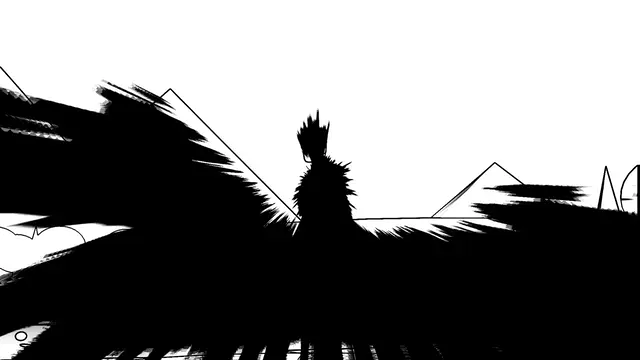 Impact
Smear
Impact Frame, 0.03 s in, 0.3 s held, 0.08 s out
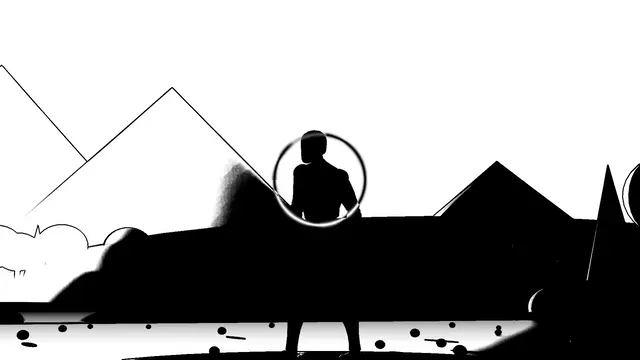 Impact
Explosion Star
Impact Frame, 0.02 s in, 0.5 s held, 0.12 s out
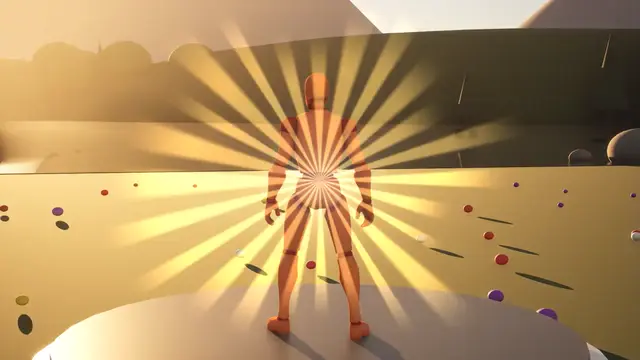 Impact
Flash Burst
0.25 s in, 0.05 s held, 0.45 s out
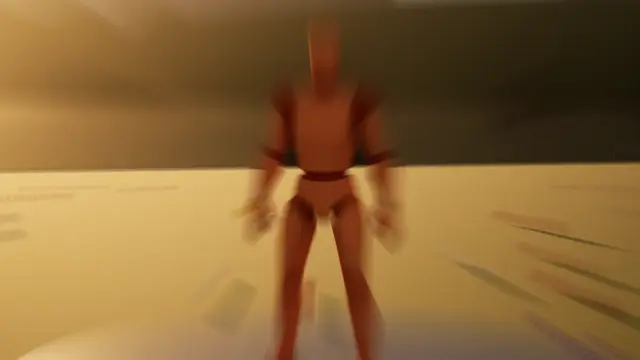 Impact
Zoom Punch
0.05 s in, 0.03 s held, 0.3 s out
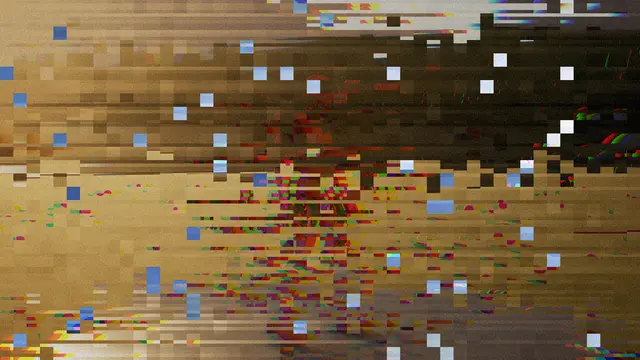 Impact
Glitch
0.03 s in, 0.12 s held, 0.15 s out
 Impact
Camera Snap
Mirror Shutter, blends over 0.45 s
Where it strikes#
An effect whose Centre is Where It's Played centres on the point it was played at: the hit, not the player. Its impact lines converge there, its explosion bursts from there, its smear drags away from there.
Play Impact At
strikes at a point in the world. The centre stays on that point as the camera moves.
Play Impact On
strikes on a component (at a socket, if you name one) and follows it as it moves: the enemy's chest, a weapon's tip, a car.
Play Impact
with no point centres on the player, a little above their middle.
Point Offset, on the effect, moves the point in the world first, in centimetres: up to the chest from an actor's feet, say. If the point goes behind the camera, the effect stays where it was last seen on screen rather than jumping.
From a direction#
Play Impact From strikes from a point in the world, such as where a shot came from or where something exploded. The effect turns to face it the way a damage marker does, round the player's view: ahead is the top of the screen, behind the bottom, and left and right the player's own sides. Its Direction faces that way, and an effect centred Where It's Played sits on the edge facing it.
Looks with One Side on their Tuning band come in from that side only: Impact_VeinsHit creeps in from the edge facing whatever struck, and a Vignette can darken that edge. Side Width says how wide that side is. Aim Effect From turns an impact or overlay already playing the same way, for a hurt that goes on coming from one place, like a fire beside the player.
Impact_HitRed
and Impact_HitBloodSmear. The edge facing the hit reddening, or smeared with blood, ragged and lingering.
Impact_VeinsHit
and Impact_VeinsHitPoison. Veins creeping in from that side, red, or green with poison.
Impact_HitBlur.
The picture blurring round the edge struck.
Impact_HitShockwave
, Impact_HitColourSplit and Impact_HitFlash. A ring of force, the colours knocked apart, or a burst of light, out from the edge struck.
Impact_ScreenCrack.
The screen cracking in from that side.
Go deeperWhy the timing is the same three numbers
An impact uses the same Cover, Hold and Reveal Time a transition does, so an effect tuned as a transition strikes sensibly as an impact and the other way round. The difference is only that an impact never waits for a cut: it holds for its Hold Time, however short, and goes.
Where next#
- Impact frames: ink, smears, explosions and colour switches.
- FX Volume: an impact as the player walks in.