

Layers
Over any look: a distortion, aberration, motion blur, a mask in a shape with a feathered edge, a falloff that strengthens or weakens the look with distance from its centre, and cracks in the glass.
The Layers band goes over whatever the look draws. Each layer rises and falls with the look, so it's still exactly the picture at the look's rest ends, and each is centred where the look is.
Distortion#
The picture bent under the look: Bulge out from the centre as through a lens, Pinch in towards it, Ripple in rings, Waves rolling across, Swirl round the centre, Turbulence churning as through water, or Heat Haze shimmering upwards. Distortion Amount, Distortion Size and Distortion Speed shape it.
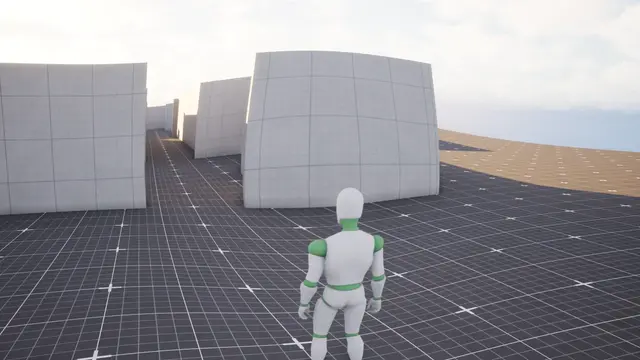 Layer
Bulge
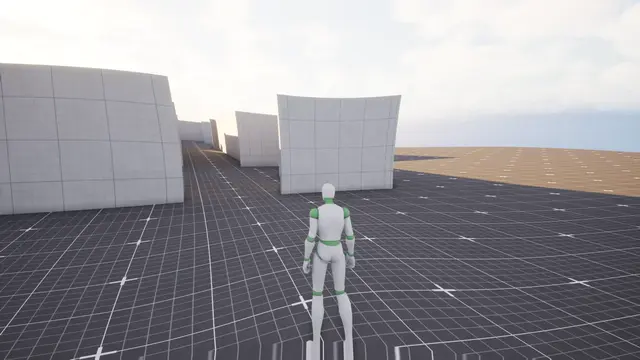 Layer
Pinch
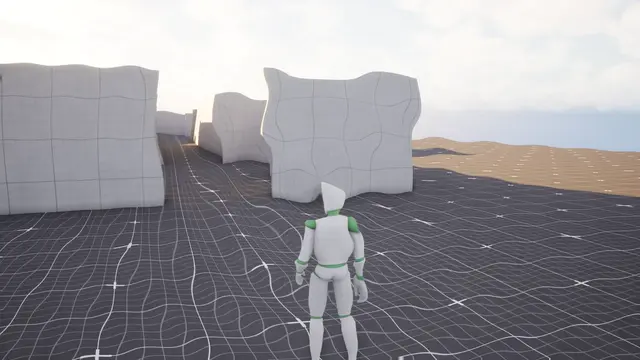 Layer
Ripple
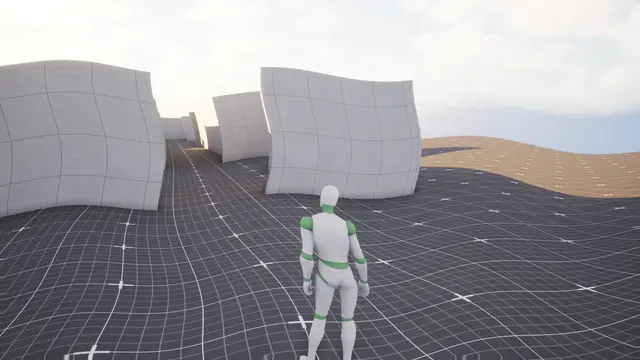 Layer
Waves
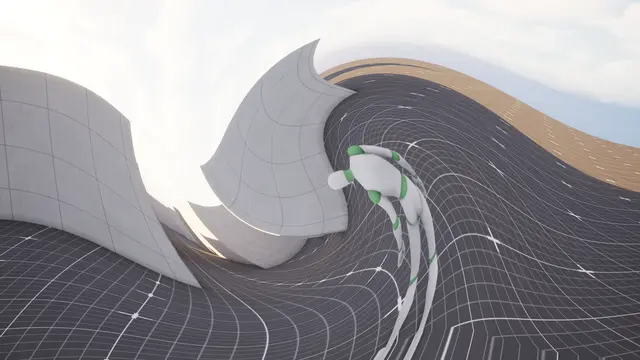 Layer
Swirl
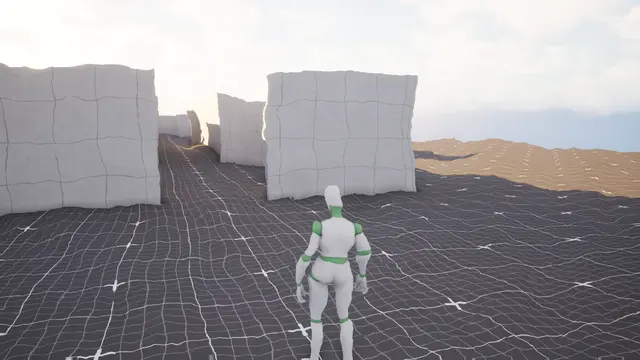 Layer
Turbulence
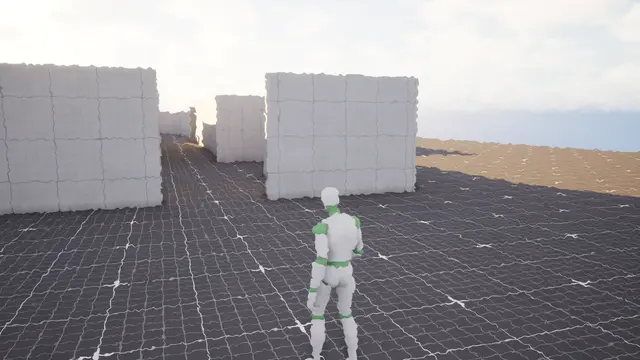 Layer
Heat Haze
Aberration and motion blur#
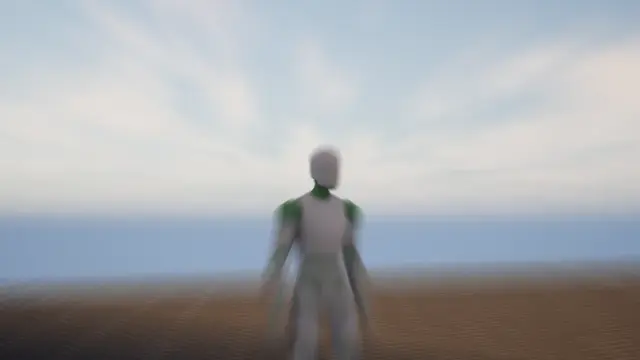
Aberration pulls red and blue apart towards the edges of the screen. Motion Blur blurs the look along the way it's moving: a zoom punch's push, a whip's pan, an impact frame's jolt.
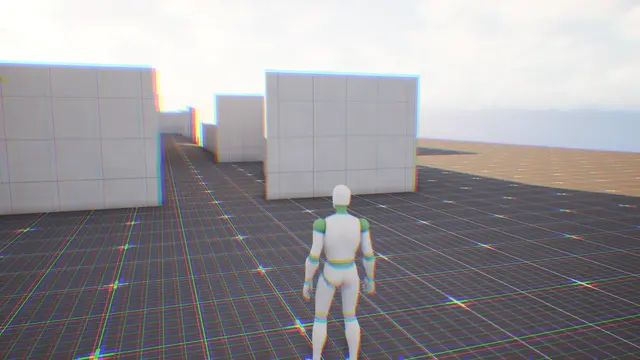 Layer
Aberration
 Layer
Motion Blur
Mask#
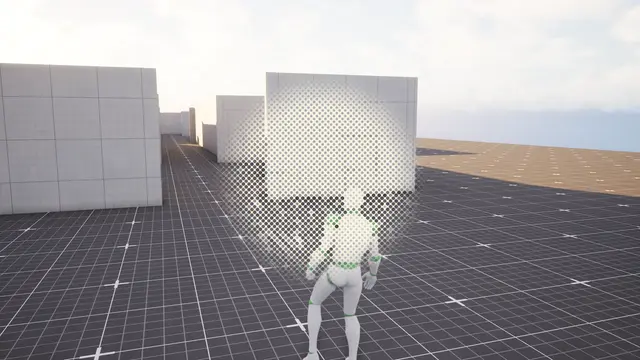
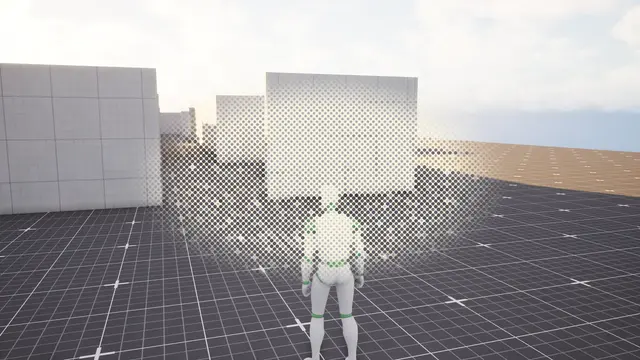
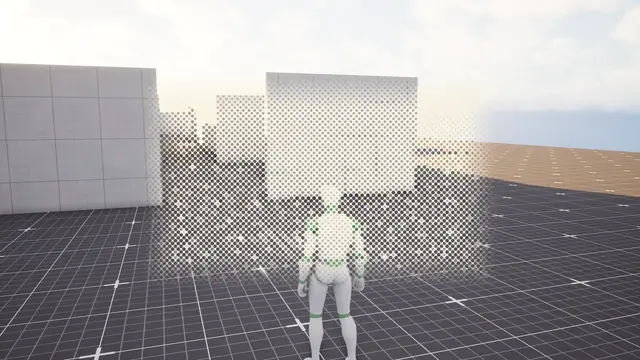
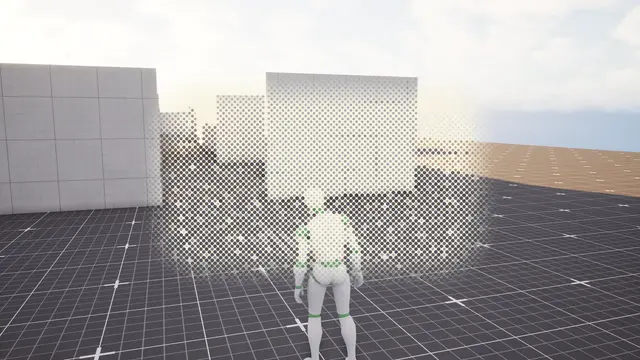
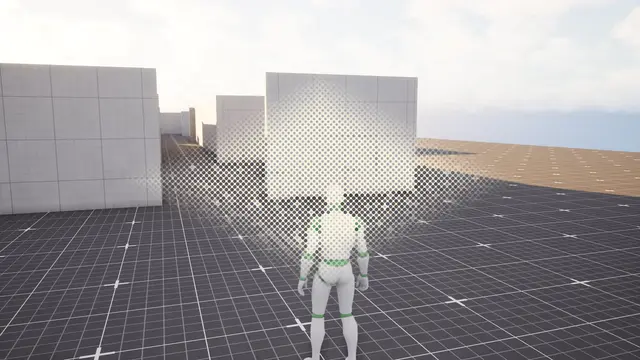
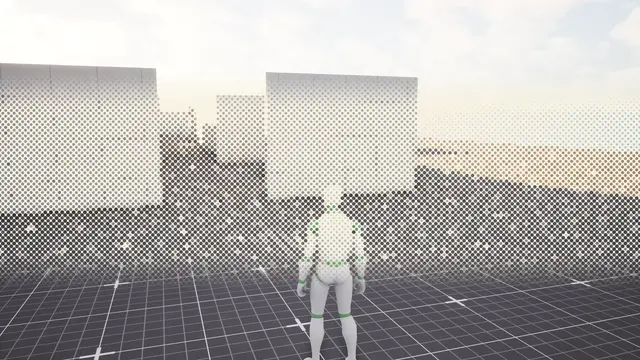
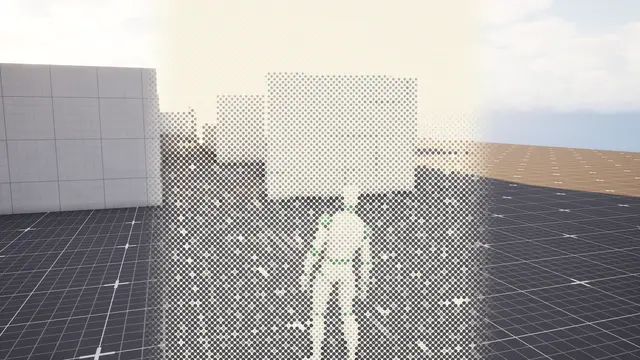
Mask keeps the look inside a shape: a Circle, an Ellipse, a Rectangle, a Rounded Rectangle, a Diamond, or a Band across or down the screen. Mask Size, Mask Offset and Mask Turn place it, and Mask Feather softens its edge. Invert The Mask keeps the look everywhere but the shape.
 Layer
Circle
 Layer
Ellipse
 Layer
Rectangle
 Layer
Rounded Rectangle
 Layer
Diamond
 Layer
Band Across
 Layer
Band Down
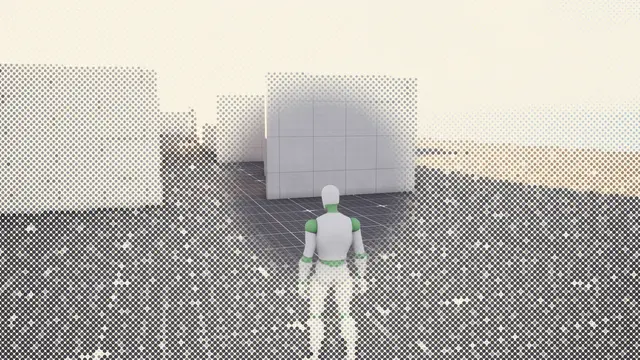 Layer
Inverted
Falloff#
Falloff strengthens or weakens the look with distance from its centre: the same every way (Circle), in the screen's own proportions (Ellipse), towards a Rectangle's or Diamond's edges, or only Up And Down or Side To Side. It runs from Inner Strength at Falloff From to Outer Strength at Falloff To, both in percent of the screen's height out from the centre, along Falloff Curve. A blur that's sharp in the middle and soft at the edges is a falloff from 0 to 1.
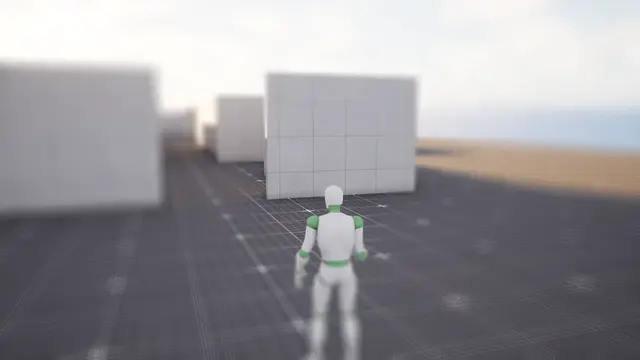 Layer
Circle
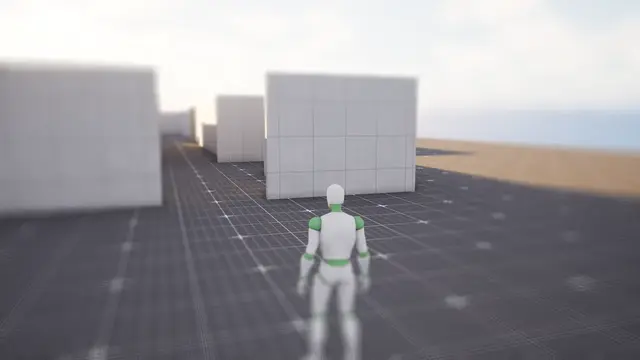 Layer
Ellipse
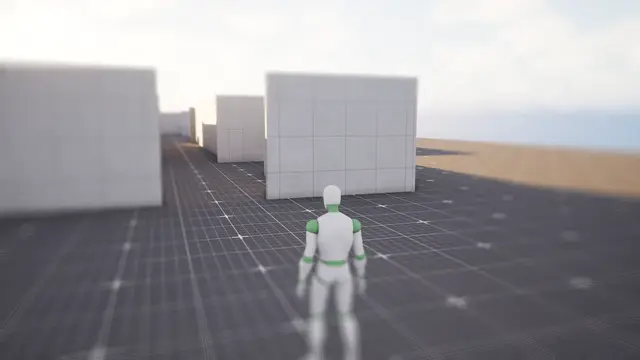 Layer
Rectangle
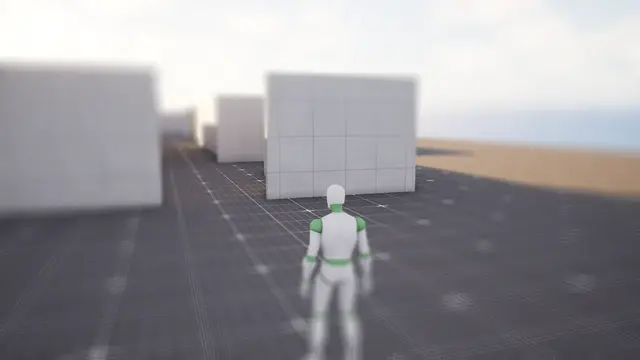 Layer
Diamond
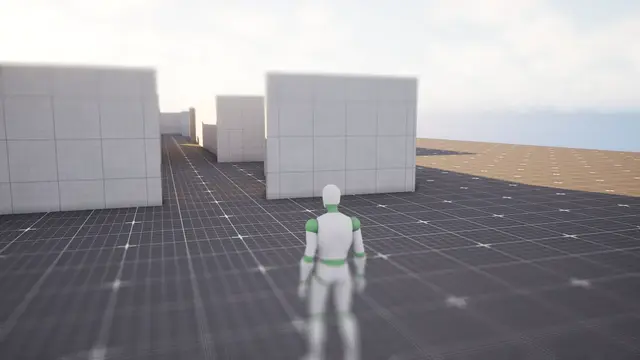 Layer
Up And Down
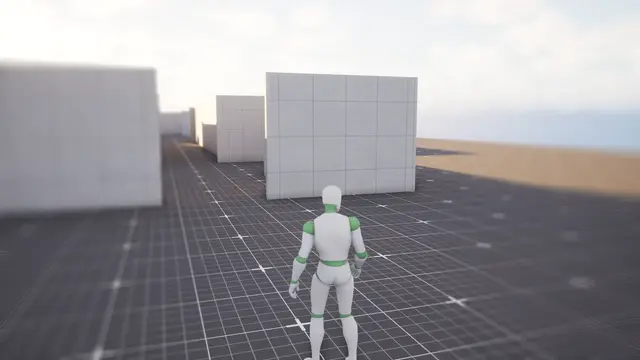 Layer
Side To Side
Cracks#
Cracks puts cracked glass over the look: a mask's visor, a goggle's lens, a scope, or the screen itself. They spread out from each hit and stay where they lie, so more damage grows them further rather than stretching them, and on a device worn over the eyes they move with it. Spiderweb is glass struck once, a star of cracks with rings of cracks between them; Shattered is struck hard, more of everything; Hairline is a few long, fine cracks.
Cracked is how far they've grown, from none to all the way. As the effect comes in they grow with it, and an impact's stay grown as it goes. A driver can drive it, so a visor cracks further as armour wears down. Hits says how many places the glass was struck, and Hits Spread how far apart the others land from the first, which sits at the look's centre: struck with Play Impact From, that's the edge facing whatever hit. Crack Size, Crack Lines, Crack Rings and Crack Width shape them, and Crack Pattern picks which cracks, the same every time.
How they bend the picture is up to you. Refraction bends it at each crack's edges, as thick glass does, and Bevel lights one side of a crack and shadows the other: the 3D of a crack. Pieces Out Of Line knocks each piece of glass between the cracks a little out of line, so the picture through it shifts: the 2D of a crack. Crack Colour Split parts the colours across them, Glint catches bright light behind them, and Frosting whitens them and the crushed glass where the glass was struck.