

Impact frames
The anime impact frame, and everything it can do: ink and paper or the picture in colour, lines converging on the hit, smears dragged out from it, explosions thrown off it, colour switches, and a lens over the lot.
An impact frame strikes the picture down to ink and paper the moment a blow lands: heavy outlines, lines converging on the hit, redrawn and jolted a few times a second. It's one look, Impact Frame, with more to it than any other.
Ink and paper#
Impact Style decides how the picture is struck down. Colour is the ink and Second Colour the paper.
Two Tone.
The darks and every outline in ink, the lights in paper.
Inverted.
The other way round: the lights in ink, the darks and outlines in paper.
Outlines.
Only the outlines, heavy, ink on paper.
Silhouette.
Everything near as solid ink against the far distance in paper, lit round its edges.
Flicker.
Two Tone and Inverted in turn, a new drawing each time.
In Colour.
The picture itself, blown out towards white: for a smear in colour.
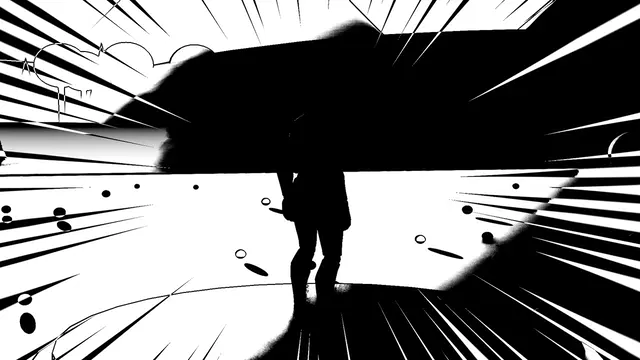 Impact
Frame
Impact Frame, 0.03 s in, 0.22 s held, 0.06 s out
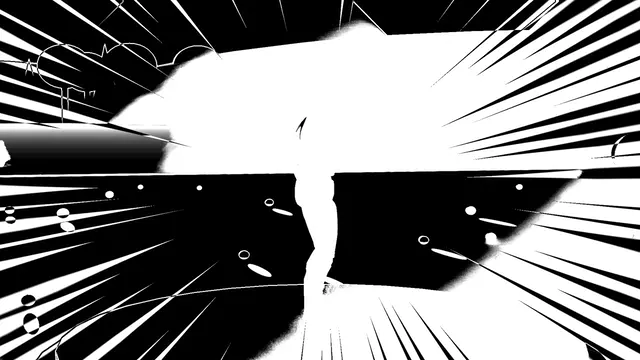 Impact
Frame Inverted
Impact Frame, 0.03 s in, 0.22 s held, 0.06 s out
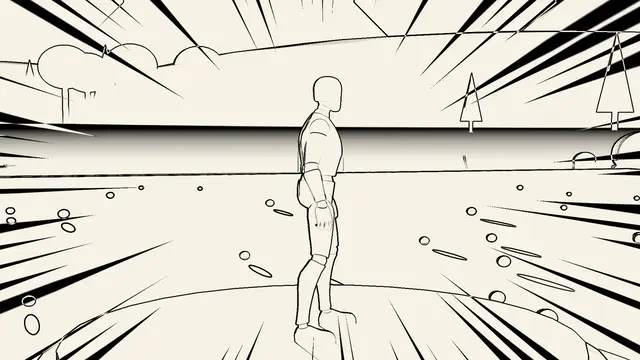 Impact
Frame Outlines
Impact Frame, 0.03 s in, 0.22 s held, 0.06 s out
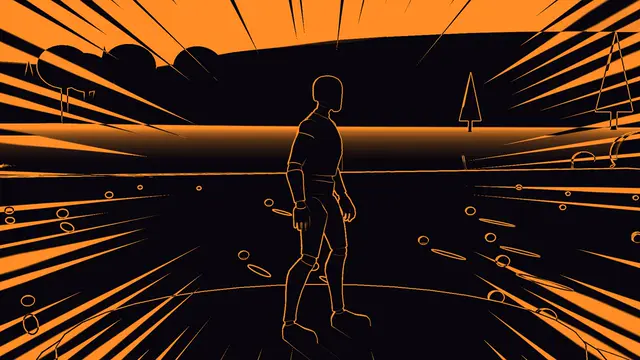 Impact
Frame Silhouette
Impact Frame, 0.03 s in, 0.22 s held, 0.06 s out
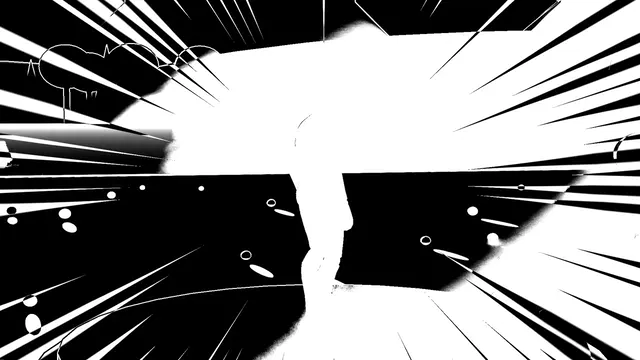 Impact
Frame Flicker
Impact Frame, 0.03 s in, 0.25 s held, 0.06 s out
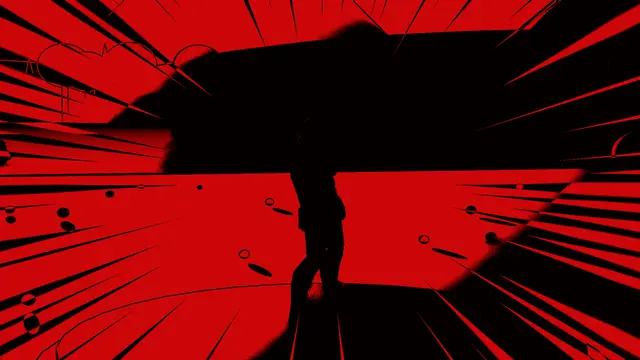 Impact
Frame Red
Impact Frame, 0.03 s in, 0.22 s held, 0.06 s out
Drawings A Second is how often it's redrawn and jolted: 12 is on twos, as anime is drawn, 24 on ones. Speed Lines is how many lines converge on the hit, 1 as designed and 0 none. Centre decides where they converge: on the player, or Where It's Played for a hit anywhere in the world (see Impacts).
Smears#
A smear drags the ink out from the hit in streaks, the way a fast blow is drawn. Smear is how far, Smear Streaks how many, Smear Roughness how ragged their edges, and Smear Direction whether they trail away from the hit, rush towards it, or run both ways.
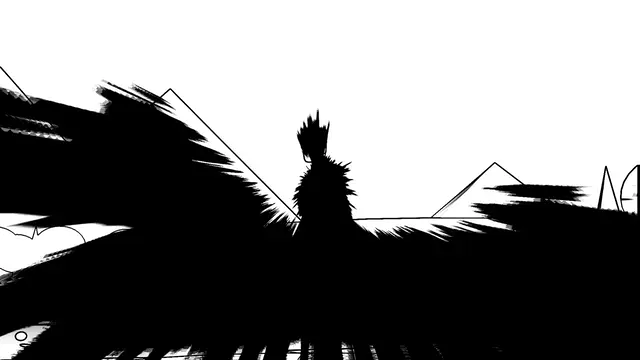 Impact
Smear
Impact Frame, 0.03 s in, 0.3 s held, 0.08 s out
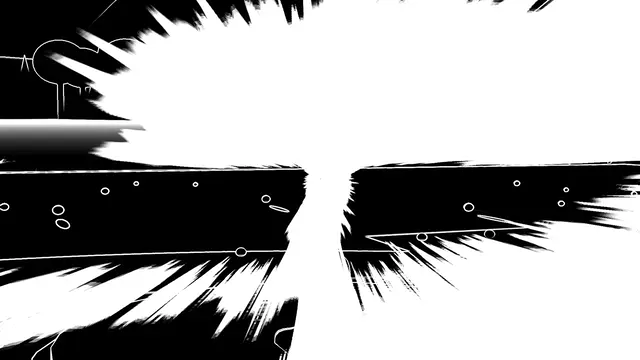 Impact
Smear Inverted
Impact Frame, 0.03 s in, 0.3 s held, 0.08 s out
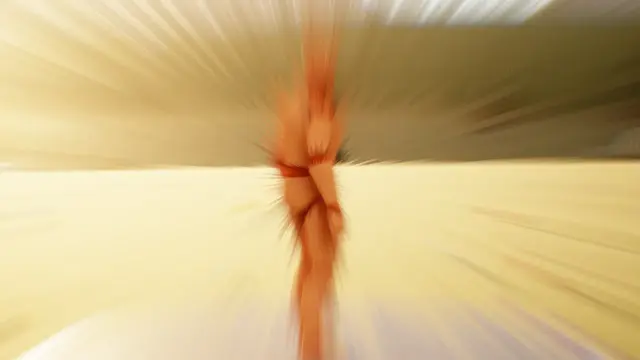 Impact
Smear Colour
Impact Frame, 0.03 s in, 0.3 s held, 0.15 s out
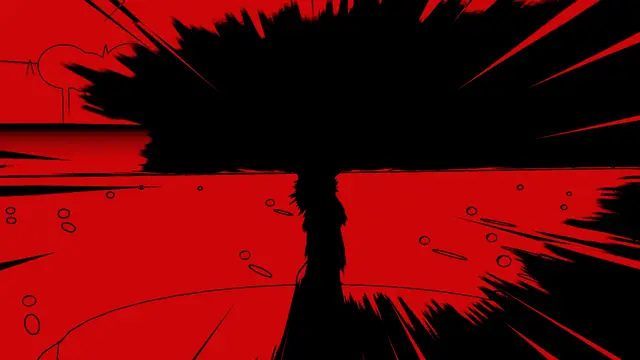 Impact
Smear Switch
Impact Frame, 0.03 s in, 0.3 s held, 0.08 s out
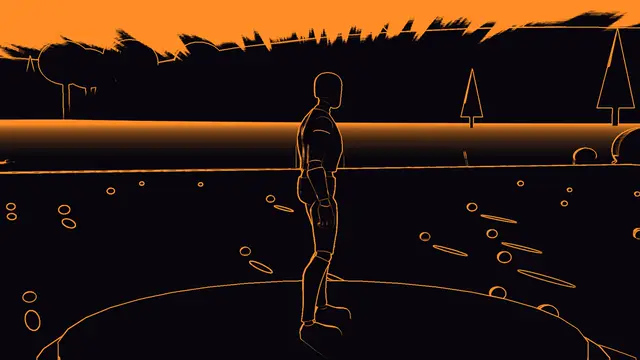 Impact
Smear Silhouette
Impact Frame, 0.03 s in, 0.3 s held, 0.08 s out
Explosions#
An Explosion thrown out from the hit: a Round ragged ball, a Star with as many points as it has rays, a billowing Cloud, jagged Spikes like a splash of ink, or Rings Only, its shockwave alone. Explosion Size, Explosion Rays, Shockwave Rings and Explosion Speed shape it; Explosion Roughness roughens its edge, Explosion Fill is how much of the picture behind it goes to ink, and Hot Centre burns a hot centre in its core.
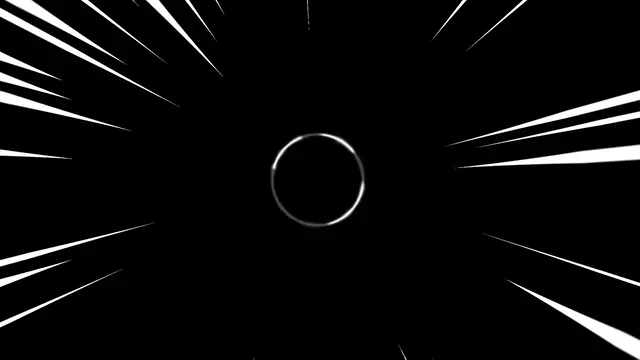 Impact
Explosion
Impact Frame, 0.02 s in, 0.5 s held, 0.12 s out
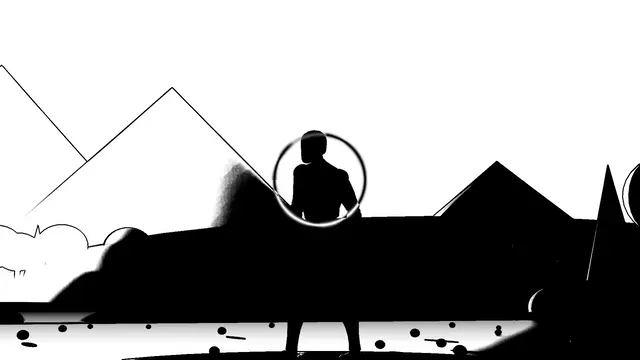 Impact
Explosion Star
Impact Frame, 0.02 s in, 0.5 s held, 0.12 s out
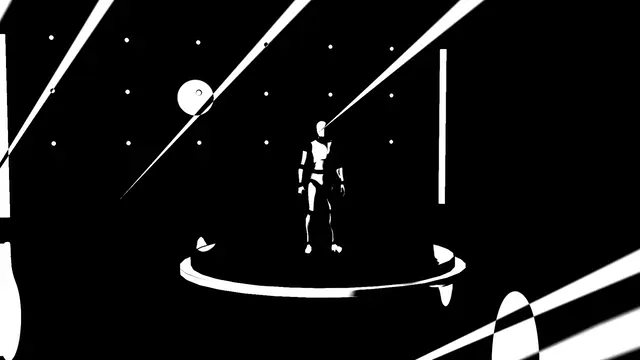 Impact
Explosion Cloud
Impact Frame, 0.02 s in, 0.5 s held, 0.12 s out
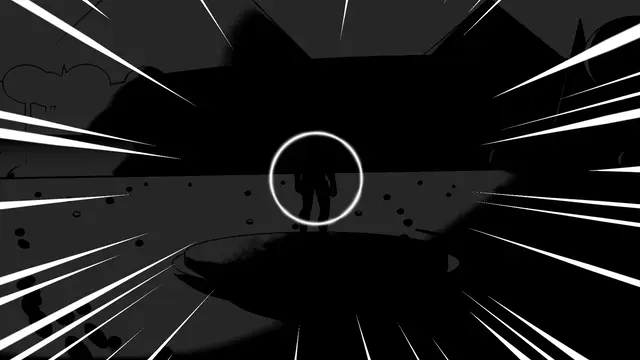 Impact
Explosion Rings
Impact Frame, 0.02 s in, 0.5 s held, 0.12 s out
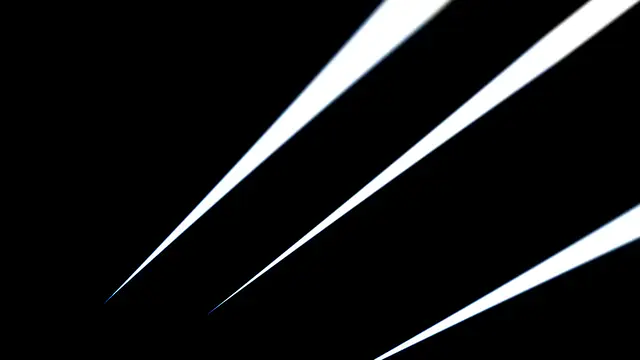 Impact
Explosion Red
Impact Frame, 0.02 s in, 0.5 s held, 0.12 s out
Colour switches#
Colour Switches is a list of ink and paper pairs the frame switches to, one per drawing, after Colour and Second Colour: black on white, white on black, black on red. Up to three are used. Switch At Random picks a pair at random each drawing rather than in turn. Exposure blows the picture out towards white first, for In Colour.
A lens over it#
The layers go over an impact frame as over any look: a bulge from the hit, aberration splitting the ink's edges, motion blur on the jolt.
Its own settings#
Ink Threshold is how dark a part of the picture must be to go to ink, Outline Width how thick the outlines are, Jolt how far each drawing jumps, and Line Count how many lines converge on the hit. They're on the Tuning band; The looks lists their ranges.