

Night vision
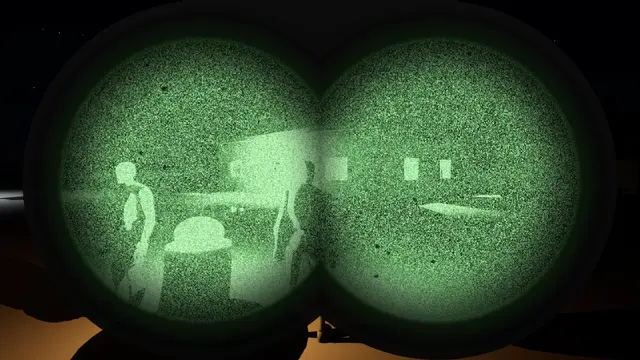
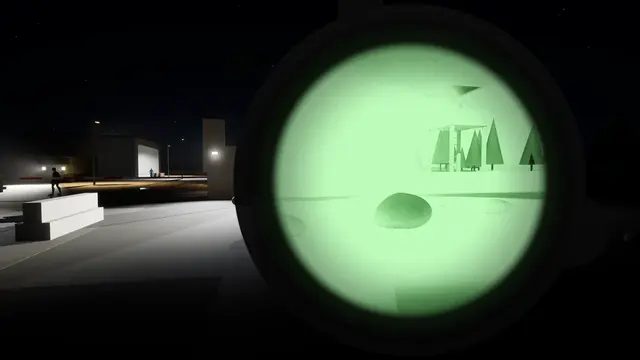
Goggles that work the way an image intensifier does. They amplify the light your level really has, gate down for a floodlight, bloom round a headlight and switch themselves off in daylight. One tube, two or four; old tubes or new; green phosphor or white.
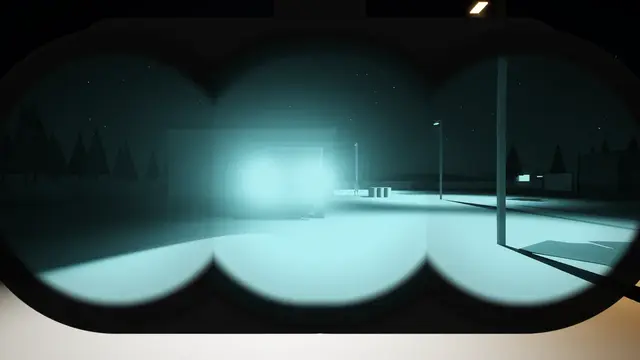
This isn't a green filter. A Blendable FX goggle takes the light your scene really has, before the game's exposure has brightened it, and amplifies it the way a tube does. Light your level for the dark and the rest follows: shadows come up grainy, a floodlight blooms and pulls the gain down, and a lit doorway shows the room inside while the yard round it stays readable.
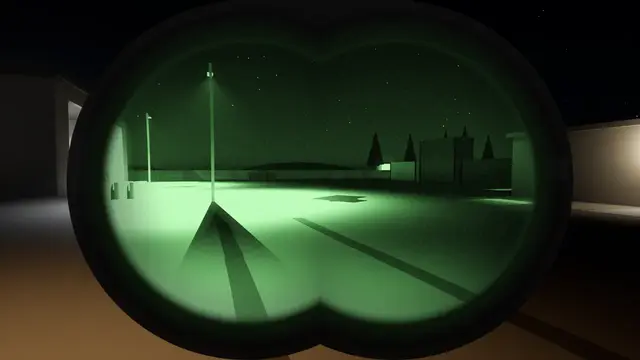
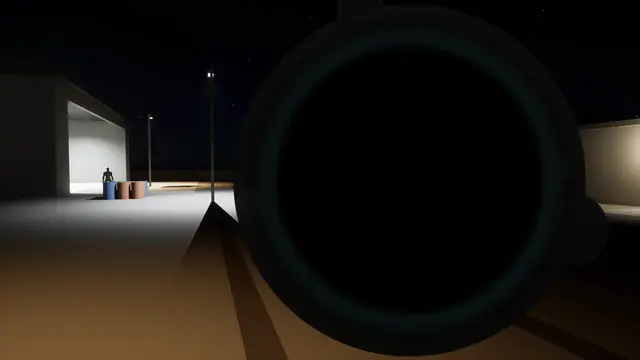
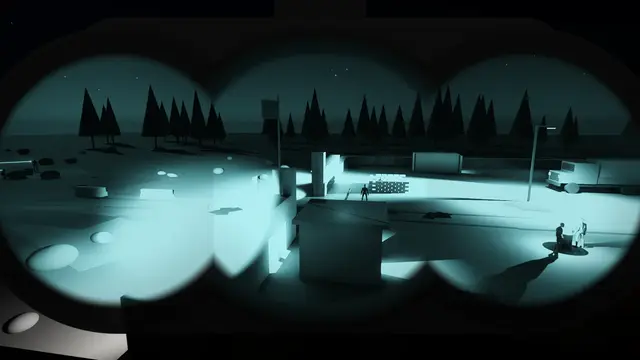
Every clip here is the plugin running in the engine, filmed in first person at a walk, on a night set lit to real light levels: under half a lux of moonlight outside the wire, and floodlights at the gate.
Seen through the tubes#
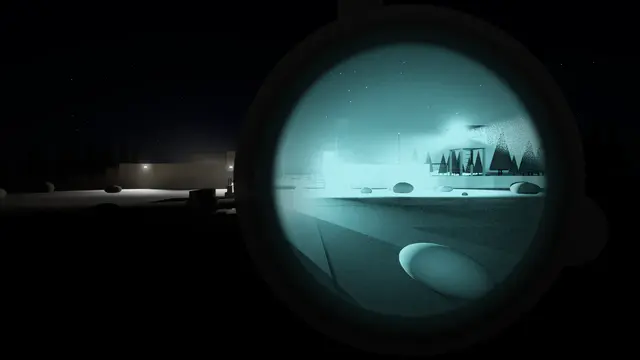 Night vision
Lights Out
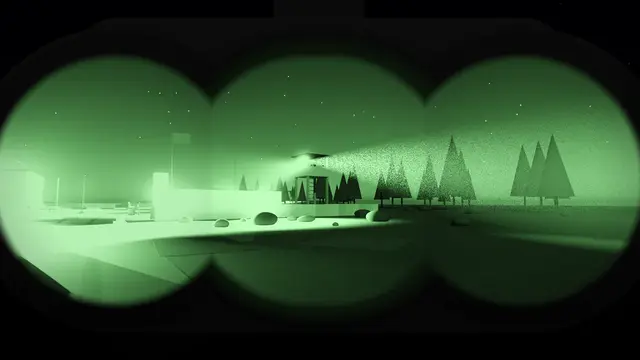 Night vision
The Approach
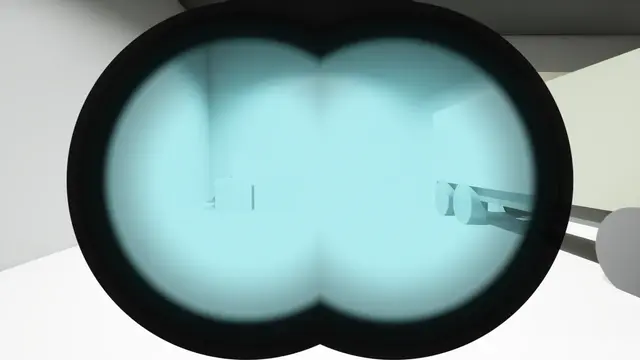 Night vision
Into The Light
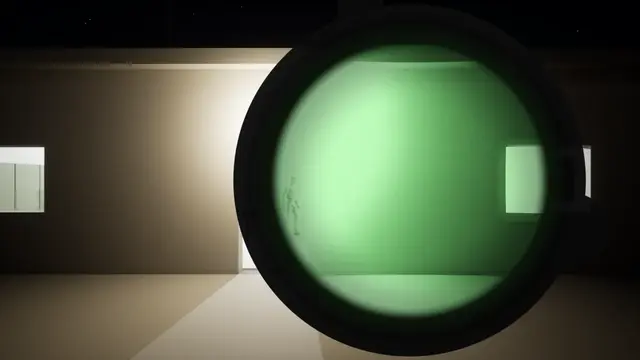 Night vision
A Lit Room
 Night vision
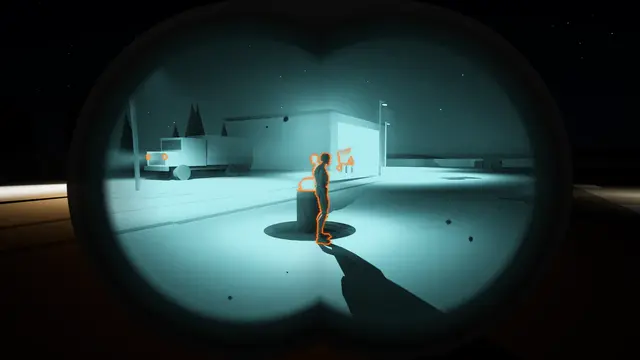
Headlights
 Night vision
Thermal Clip-On
 Night vision
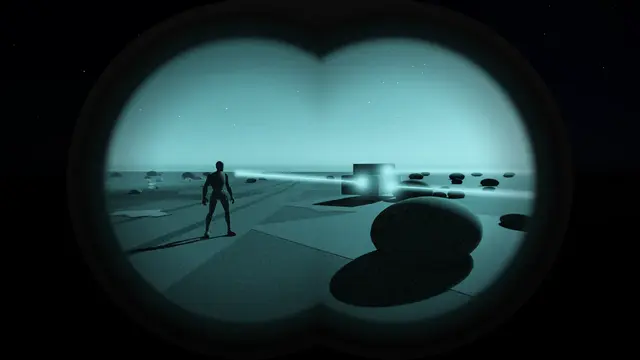
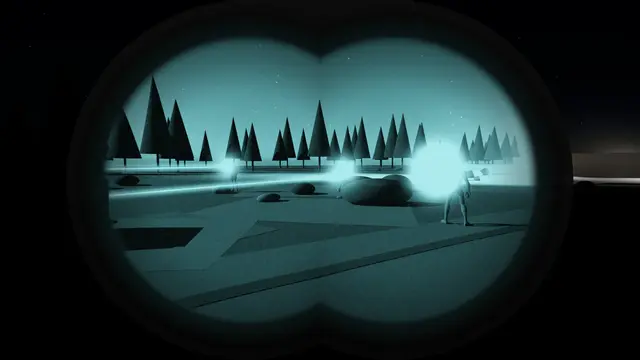
IR Lasers
 Night vision
Lased
 Night vision
Old And New Tubes
 Night vision
Gain By Hand
 Night vision
Swing In
 Night vision
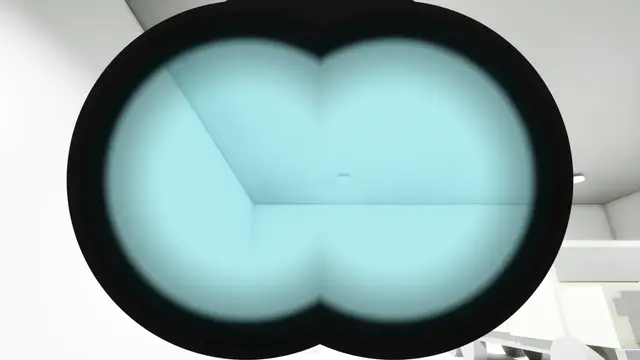
Power
 Night vision
Auto Shutoff
 Night vision
Overwatch
What it simulates#
Each part of a real goggle is there, and each has its settings. Inside the tube goes through them one at a time.
The light that's really there.
The tubes amplify the scene's light from before exposure and tonemapping, so a dark yard stays dark to the eye and only the goggle brings it up.
Gain and auto-gating.
The gain holds the picture's brightness as the light changes. Look at a floodlight and it gates down within a few frames; look away and it climbs back, the grain rising with it.
Halos and bright light.
Every light blooms into a halo the size its tube gives it. A view burning out dims the tubes by how much of it is burning, not by one bright spot.
Grain, honeycomb and blemishes.
Grain that grows as the light falls, the fibre pattern of the plate in bright light, and blemishes that stay where they are in the tube.
The phosphor.
Green or white, as pale in the highlights and as deep in the blacks as you tune it, glowing on behind bright things as real phosphor does.
The eyepiece.
The round field, eye relief, the bare eye beside a monocular, and a panoramic's four tubes with the seams between them.
Focus.
A focus distance and an aperture, so near things blur on a goggle focused far, and the blur grows as the lens opens up.
Daylight.
Bright light washes the picture out, and the goggle switches itself off if it stays too bright.
Old tubes and new.
Old ones are grainy and weak in the dark, with wide halos, bent edges and blemishes. New ones are crisp, strong and clean.
A thermal clip-on.
A thermal imager in front of the objective, showing the outline of what's warm, a patrol view, or full thermal, in orange or any colour you pick.
Infrared.
Illuminators, aiming lasers and strobes that only the tubes see, and a goggle's own illuminator. A laser pointed at you blooms in the tube. Infrared shows them.
Putting one on#
Equip Night Vision puts a goggle on the player and gives back its handle. Pick the Type, and how it goes on with Animation: folded down from the helmet in an arc, as a real one is, swinging down and in towards the face as its eyepieces turn from the ground to the eyes; folded down with its tubes swung out, then swung in to the eyes; pulled straight down; or faded in. Toggle Night Vision does whichever it isn't, for one button, and Unequip Night Vision takes it off the way it came. The goggles shows every type on video.
While it's on, Gain Up, Gain Down and Set Night Vision Gain work the gain knob, Set Night Vision Auto Gain turns the automatic gain off or on, Set Night Vision Thermal Clip-On picks what the clip-on shows and Set Night Vision Thermal Clip-On Colour what colour it shows it in, Set Night Vision Illuminator lights the goggle's own infrared illuminator, and Set Night Vision Power switches it off and on.
Where next#
- Inside the tube: what a real image intensifier does at each stage, and how the plugin simulates it.
- The goggles: every goggle that comes with the plugin, filmed on the same walk.
- Infrared: illuminators, aiming lasers and strobes that only night vision sees.
- Night vision in your game: lighting a level for night vision, the keys a player needs, and thermal targets.