

Upgrading from 1.1
What to do when you move a project from 1.1 to 1.3, what loads by itself, the one menu item that converts your pawns, and what you'll notice is different.
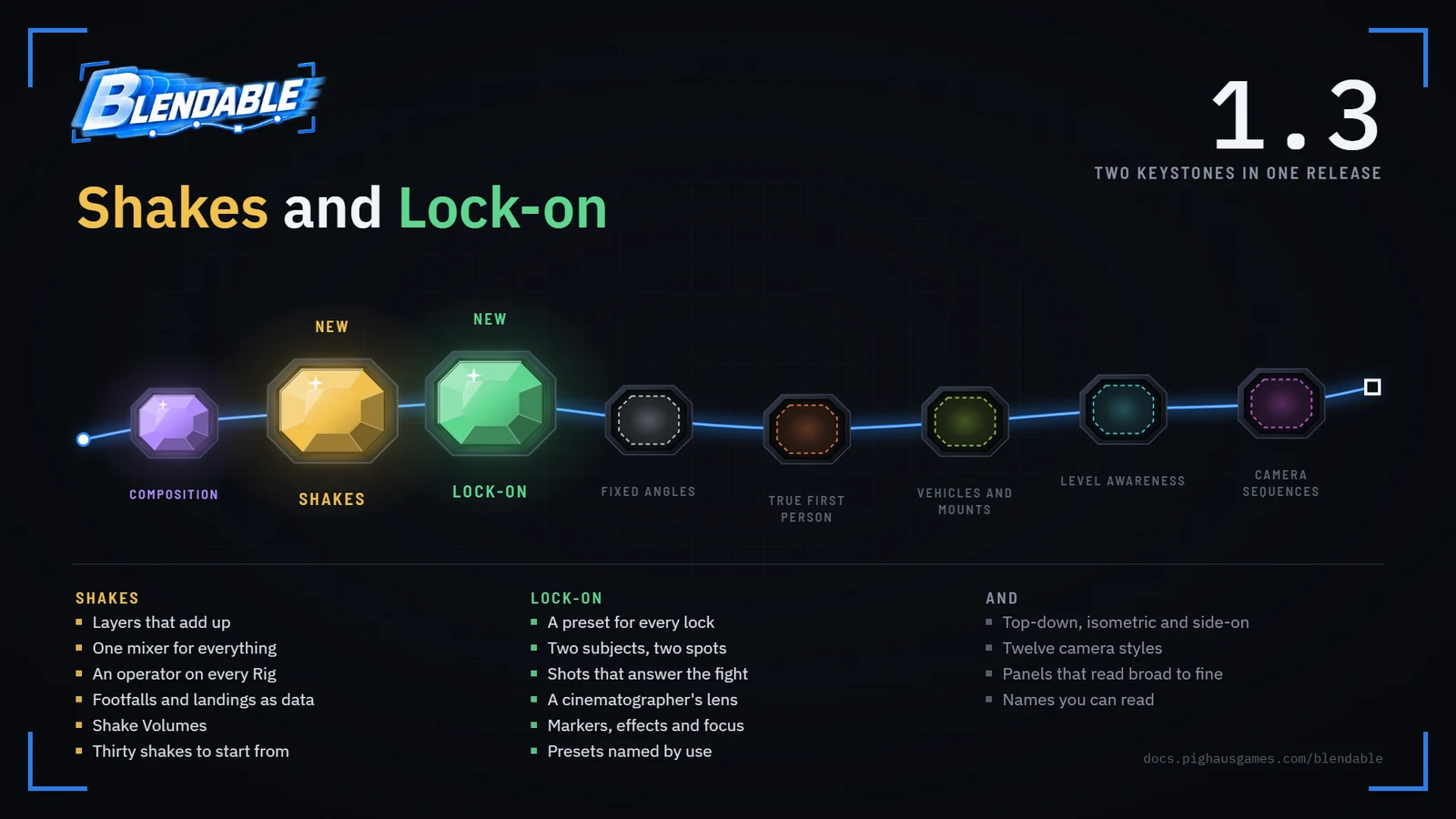
1.3 is the shake and lock-on update, and everything else since 1.1. There was never a 1.2 on its own: it grew into this. Most of the move happens by itself as your project loads, and the rest is one menu item and a save.
- 1
Back up the project.
1.3 saves assets in a newer format that 1.1 can't read, so the backup is your only way back.
- 2
Install 1.3.
Update Blendable in the Epic Games Launcher, or, if it's in your project's own
Pluginsfolder, close the editor and replace theBlendablefolder there. - 3
Open the project.
Everything loads as it was. 1.1's assets find their new names by themselves, Camera Effects loads as Blendable Shake and Camera Directors as Points Of Interest.
- 4
Convert your pawns.
Choose Tools → Blendable → Convert Camera Effects. It turns every Blueprint's 1.1 effects settings into shakes saved beside it, sets its Blendable Shake up to play them, and lists anything that didn't carry over exactly.
- 5
Read the list.
Most entries are information rather than problems. The one to act on is below.
- 6
Save everything.
File → Save All. Assets update as they load, every time, until they're saved in the new format.
- 7
Fix paths written as text.
A redirect can't reach a path typed into code or a Load Asset node. Renamed assets, below, has every old name and its new one.
Coming from 1.0? The same steps work. 1.1's own changes migrate on load too, and its notes are in the changelog.
What you'll notice#
Shakes#
- Everything reaches the screen by itself. Output Via Camera Modifier is gone; the camera owns the output, and there's no box to tick.
- A shake is a stack of layers. Shakes explains them. Your 1.1 shakes were converted to the size they actually showed at 60 fps, so nothing on screen changed size.
- The handheld lives on the Rig. Every Rig has a Handheld slot that blends with the shot. 1.1's ambient shake is Also Running, beside it. See handheld and body motion.
- Camera profiles are Body shakes. Everything a profile held, bob, sway, lean, landings, is a Body shake on the pawn now. The 1.1 profiles are in the plugin's
Legacyfolder. - Each shipped style brings its own shakes. So the shipped Rigs' Handheld Ambient Scale is back to 1.0, where 1.1 had turned your pawn's handheld up to 2 or more. Under the shipped Rigs, your Body shakes now play at the size you made them.
- Two nodes have new names. Set Shake Intensity is Set Shake Scale, and it eases instead of stepping. Play World Shake is Play Shake At. The old names still work and are marked deprecated.
- Footstep and foley audio have left Blendable. The classes still load, marked deprecated. On Footstep still fires with the foot, speed, surface and location, so play your own audio from there.
- Peek and the crouch correction moved to Blendable Shake, unchanged.
The camera#
- Other characters no longer push the camera in. In a fight, the camera used to duck in front of whoever crossed behind you. Characters are now left out of every check the camera makes. Tick Characters Block The Camera for the camera as it was.
- Panels read broad to fine. Every Blendable asset opens on what matters most, one line per feature with its switch. Only the panels moved: saved assets and Blueprints are untouched. See the panels.
- Two Subject Framing moved off the Rig, onto whatever asks the camera to frame a second subject. A Rig whose values you changed passes them on as it loads.
- The same setting reads the same everywhere. A point of interest's aim uses the lock-on's words, like Turns To Look and The Character Faces. Only the names changed.
Lock-on#
- Nothing changes until you choose a Lock-On Preset. The lock-on component's own Rig and point of interest preset are under Without A Preset now, and they frame the lock exactly as before for as long as no preset is set. See lock-on presets.
- Targeting has its own module, BlendableLockOn. Pawns keep their settings, Blueprints their nodes and events, and C++ that includes
BlendableLockOnComponent.hcompiles as before.
Names#
- Camera Directors are Points Of Interest. The component, the actor, the preset and the nodes all say so. Saved levels, presets and Blueprints load as they were, and C++ keeps the Director class names.
- Shipped content has readable names in a folder per style.
PCP_isPreset_,PCR_isRig_,PCD_isPointOfInterest_andSHK_isShake_, soPCR_SH_AimisRig_SurvivalHorror_Aim. Each style's folder underPresetsholds its preset, its Rigs, its shakes and its Lock-On Preset.
Renamed assets#
Every asset 1.1 shipped, and where it lives now in the plugin's content. References saved in your assets follow these by themselves; only a path written out as text needs the new one.
| 1.1 | 1.3 |
|---|---|
PCP_ThirdPerson | Presets/ThirdPerson/Preset_ThirdPerson |
PCP_ThirdPersonAlt | Presets/ThirdPerson/Preset_ThirdPersonAlt |
PCP_SurvivalHorror | Presets/SurvivalHorror/Preset_SurvivalHorror |
PCP_Immersive | Presets/SurvivalHorror/Preset_Immersive |
PCP_TightSqueeze | Presets/SurvivalHorror/Preset_TightSqueeze |
PCP_CinematicAction | Presets/Cinematic/Preset_CinematicAction |
PCP_CinematicExploration | Presets/Cinematic/Preset_CinematicExploration |
PCP_ActionRPG | Presets/ActionRPG/Preset_ActionRPG |
PCR_TPDefault | Presets/ThirdPerson/Rig_ThirdPerson_Default |
PCR_TPAlternate | Presets/ThirdPerson/Rig_ThirdPersonAlt_Default |
PCR_Aim | Presets/ThirdPerson/Rig_ThirdPerson_Aim |
PCR_FPS | Presets/ThirdPerson/Rig_ThirdPerson_FirstPerson |
PCR_Idle | Presets/ThirdPerson/Rig_ThirdPerson_Idle |
PCR_TPController | Presets/ThirdPerson/Rig_ThirdPerson_Gamepad |
PCR_Slide | Presets/ThirdPerson/Rig_ThirdPerson_Slide |
PCR_Ragdoll | Presets/ThirdPerson/Rig_ThirdPerson_Ragdoll |
PCR_LockOn | Presets/ThirdPerson/Rig_ThirdPerson_LockOn |
PCR_SH_Default | Presets/SurvivalHorror/Rig_SurvivalHorror_Default |
PCR_SH_Aim | Presets/SurvivalHorror/Rig_SurvivalHorror_Aim |
PCR_Immersive_Default | Presets/SurvivalHorror/Rig_Immersive_Default |
PCR_Tight | Presets/SurvivalHorror/Rig_TightSqueeze_Default |
PCR_CinematicAction_Default | Presets/Cinematic/Rig_CinematicAction_Default |
PCR_CA_Default | Presets/Cinematic/Rig_CinematicAction_Close |
PCR_CA_Aim | Presets/Cinematic/Rig_CinematicAction_Aim |
PCR_CA_LockOn | Presets/Cinematic/Rig_CinematicAction_LockOn |
PCR_CinematicExploration | Presets/Cinematic/Rig_CinematicExploration_Default |
PCR_ARPG_Default | Presets/ActionRPG/Rig_ActionRPG_Default |
PCR_ARPG_Aim | Presets/ActionRPG/Rig_ActionRPG_Aim |
PCR_ARPG_LockOn | Presets/ActionRPG/Rig_ActionRPG_LockOn |
PCD_LockOn | PointsOfInterest/PointOfInterest_LockOn |
PCD_LookAtDefault | PointsOfInterest/PointOfInterest_LookAt_Default |
PCD_LookAtBody | PointsOfInterest/PointOfInterest_LookAt_Body |
PCD_LookAtFocus | PointsOfInterest/PointOfInterest_LookAt_Focus |
PCD_LookAtFocusCCTV | PointsOfInterest/PointOfInterest_LookAt_FocusCCTV |
PCD_LookAtInfinite | PointsOfInterest/PointOfInterest_LookAt_Infinite |
DA_CameraProfile_Default | Legacy/Profile_Default |
DA_CameraProfile_Handheld | Legacy/Profile_Handheld |
SHK_DamageKick | Shakes/Impacts/Shake_Impact_DamageKick |
SHK_Landing_Heavy | Shakes/Impacts/Shake_Impact_HeavyLanding |
SHK_LedgeCatch | Shakes/Impacts/Shake_Impact_LedgeCatch |
SHK_VaultThrough | Shakes/Impacts/Shake_Impact_VaultThrough |
SHK_BlinkArrive | Shakes/States/Shake_State_BlinkArrive |
SHK_Burst | Shakes/States/Shake_State_Burst |
SHK_ChargeUp | Shakes/States/Shake_State_ChargeUp |
SHK_Electrocution | Shakes/States/Shake_State_Electrocution |
SHK_Gunshot_Heavy | Shakes/Weapons/Shake_Weapon_HeavyGunshot |
SHK_Gunshot_Light | Shakes/Weapons/Shake_Weapon_LightGunshot |
Known issues#
- A pawn placed in a level with its own 1.1 values isn't converted by the menu. The menu converts Blueprints. An instance that overrides the old settings converts itself each time it plays, which works but isn't saved. Reset those overrides on the instance and it uses its Blueprint's converted settings.
- Shakes played through Unreal's own shake system can't see the Blendable camera. Drivers that need it, such as camera speed, effort or the stride, read as standing still there. See shakes in the world.
The changelog has everything else, from the new presets to every fix.