

Overview
Over-the-shoulder action, survival horror, hack and slash, top-down, isometric or side-on, Blendable has a camera ready for the game you're making, and a lock-on for anything from a duel to a giant. Every shot, shake and lock-on is blended into one final camera, so nothing pops, nothing fights and you never need to touch C++.
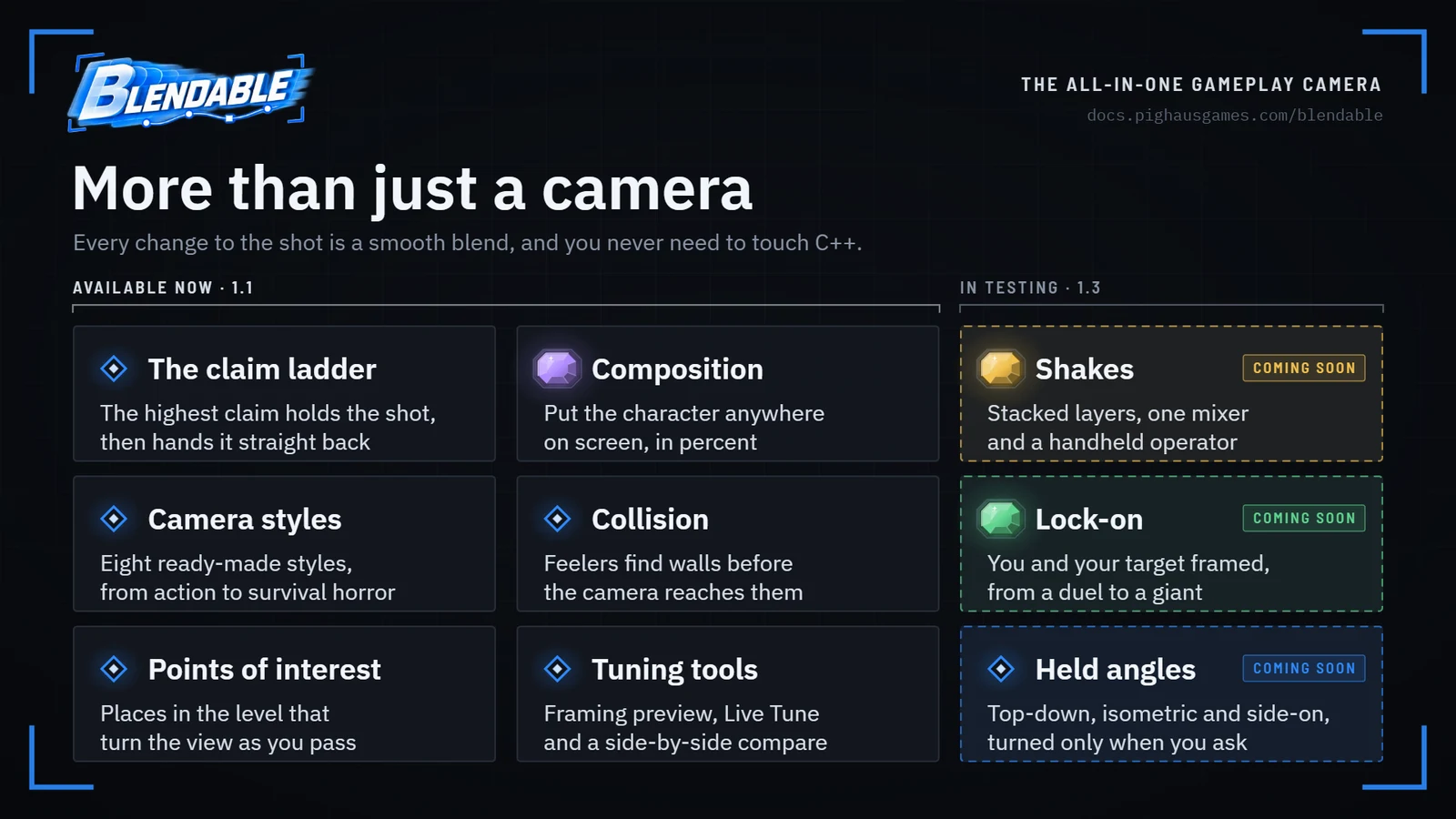
Blendable is a camera you drop onto your character: over the shoulder, top-down, isometric or side-on. You describe the shots you want as data, and the camera blends between them smoothly, whatever causes the change: aiming, walking into a new area, locking on, a cutscene handing back to gameplay.
Nothing cuts unless you ask it to. That's the whole idea, and everything else follows from it.
What you get#
One camera component.
It makes itself the view target. No spring arm, and nothing else with its own opinion about where the camera should be.
Rigs and Presets.
A Rig describes one shot: distance, lens, framing, how it follows, how it handles walls. A Preset is a set of Rigs for a whole style of game.
Composition.
Say where the character sits on screen, in percent, and what moves them as you play. The camera works out where it has to be.
Claims.
Aiming, volumes, lock-on and cutscenes all ask for the camera with a priority. The highest one holds the shot, and letting go hands it straight back.
Collision that looks ahead.
Feelers find walls before the camera reaches them, and a limit stops you looking down into a low ceiling.
Held angles.
Top-down, isometric and side-on cameras that keep their own angle, turned by a button or a stick when you want them turned.
Shakes.
The operator's breathing, the body's bob, hits and rumbles: layers you build once and play from anywhere, mixed so they never pile up, and scaled by the player's comfort settings.
Lock-on.
Frame you and your target on spots of your choosing and keep you both there through the fight, with markers, effects and transitions for each preset.
Points of interest and Sequencer.
Places in the level that turn the view, fixed angles and cutscenes that blend in and out of play rather than cutting.
Tools.
A framing preview on every Rig, a live graph on every shake, live tuning while you play, a side-by-side asset compare, and a readout of exactly what's holding the camera.
Three ideas to hold on to#
Everything is a blend. An instant cut and a two-second transition are the same thing with a different number. There's no separate "switch" that could behave differently.
A Rig is a shot; a Preset is a style. This is where most of your time goes. Twelve Presets ship with Blendable, from Third Person and Survival Horror to Top Down and Side Scroller, each with its own shakes and a Lock-On Preset to match. Start with Third Person, or choose the style nearest your game. The others show how far the same system stretches without writing any code.
Nothing sets the camera. Everything asks. Read the claim ladder early. It takes five minutes and it explains most surprises.
Requirements#
Unreal Engine 5.3 to 5.8. The code is the same on every version. On 5.8 the ready-made Rigs, Presets, shakes and lock-on presets come in the box; on older engines you build them from published values, which takes about ten minutes. Built and tested on Windows 64-bit. Uses Enhanced Input and Niagara, both part of the engine.
Go deeperWhy it was built this way
Blendable started with camera shakes. I wanted them to layer together properly, and the more I worked on it the more everything about the camera felt split up: movement and shakes were separate effects that spent most of their time fighting each other.
So the question became: why not take every value that affects the shot, blend them all, and hand the result to the camera once? That's Blendable. The camera's position is always the result of one final blend, taking in your Rigs, your points of interest and anything Sequencer is doing.
It's also what makes a true "oner" practical: one unbroken shot that runs from a cutscene into play and out again. Set your cinematic shots up as you normally would, let the gameplay camera take on the traits of the authored shot, then blend back out of it.
And because one system owns the shot from start to finish, two systems can never pull it in different directions. That's behind most "why did the camera just jump?" bugs in other setups.
Where next#
- Getting started: a working camera in three steps.
- Choosing a style: which of the twelve to start from.
- The claim ladder: the one idea everything else rests on.
- Composition: how you say where the character sits.
- Upgrading from 1.1: what changes when you move a project to 1.3.